ExpressBox 16 Basic| 30
3.2 Mac OS
For Mac OS X 10.4 or newer, the operating system will automatically recognize the OSS Expansion chassis.
3.2.1 Expansion Slot Utility
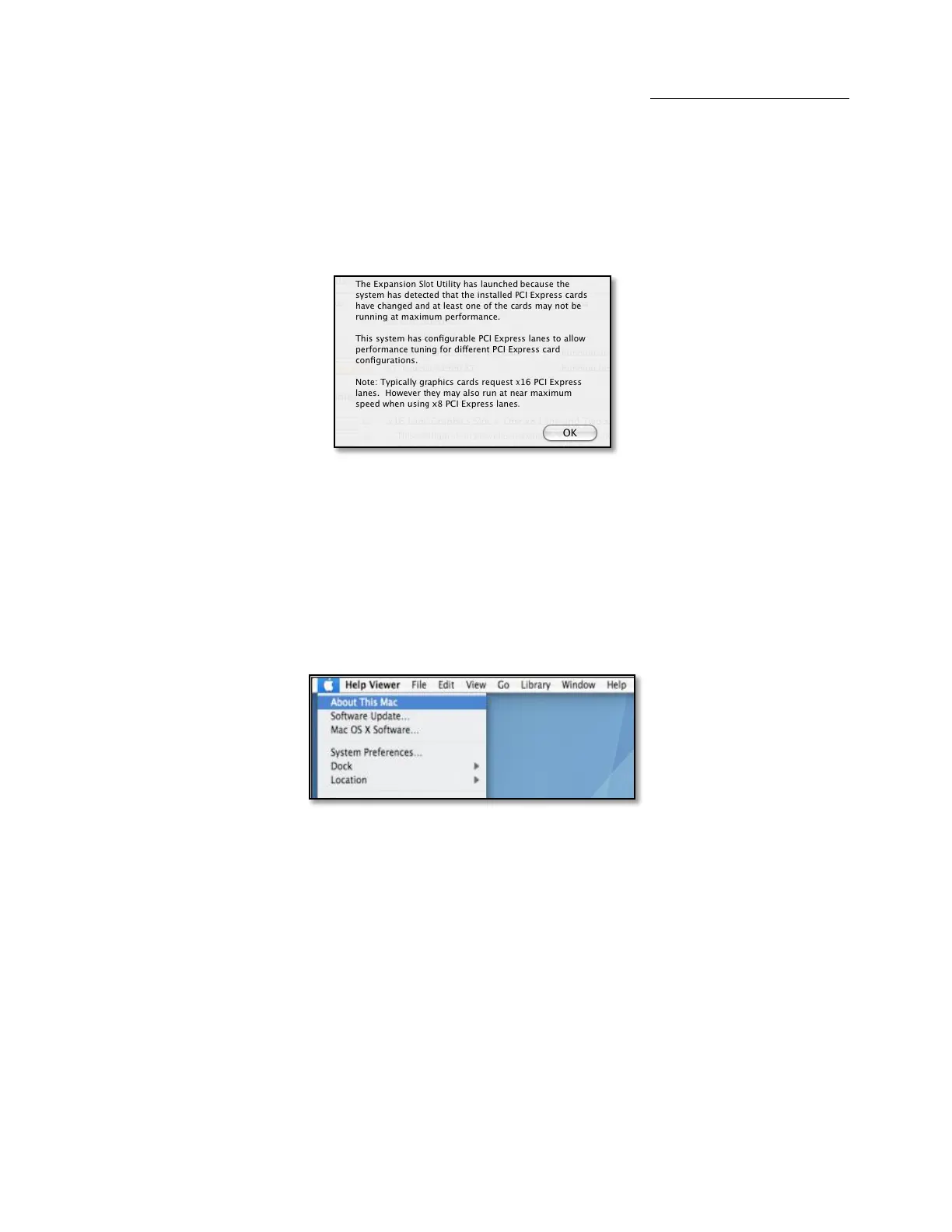
The following screen may be displayed the first time you turn on your computer with the OSS Expansion chassis installed.
Mac OS X is prompting you to choose a PCI Express profile that maximizes the performance of your attached devices. The OSS host interface
card can communicate up to a bandwidth of x16, x8, or x4 from and to the expansion chassis and devices. Again, you have to verify the
configuration of your card. For assistance, refer to Page 31 & 32. You should choose a profile that matches the configuration of all the cards
installed in your Mac.
3.2.2 Apple System Profiler
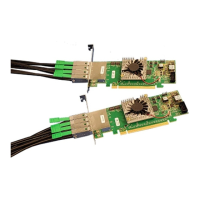
Select “About This Mac” under the Apple Icon
Then click the “More Info” button click on the Devices tab you should see a pci-bridge device listed under PCI as shown below:
Any cards you install in the expansion chassis will appear behind the pci-bridge device.


 To Next Page