ExpressBox 16 Basic| 24
2.6 Connect Cables
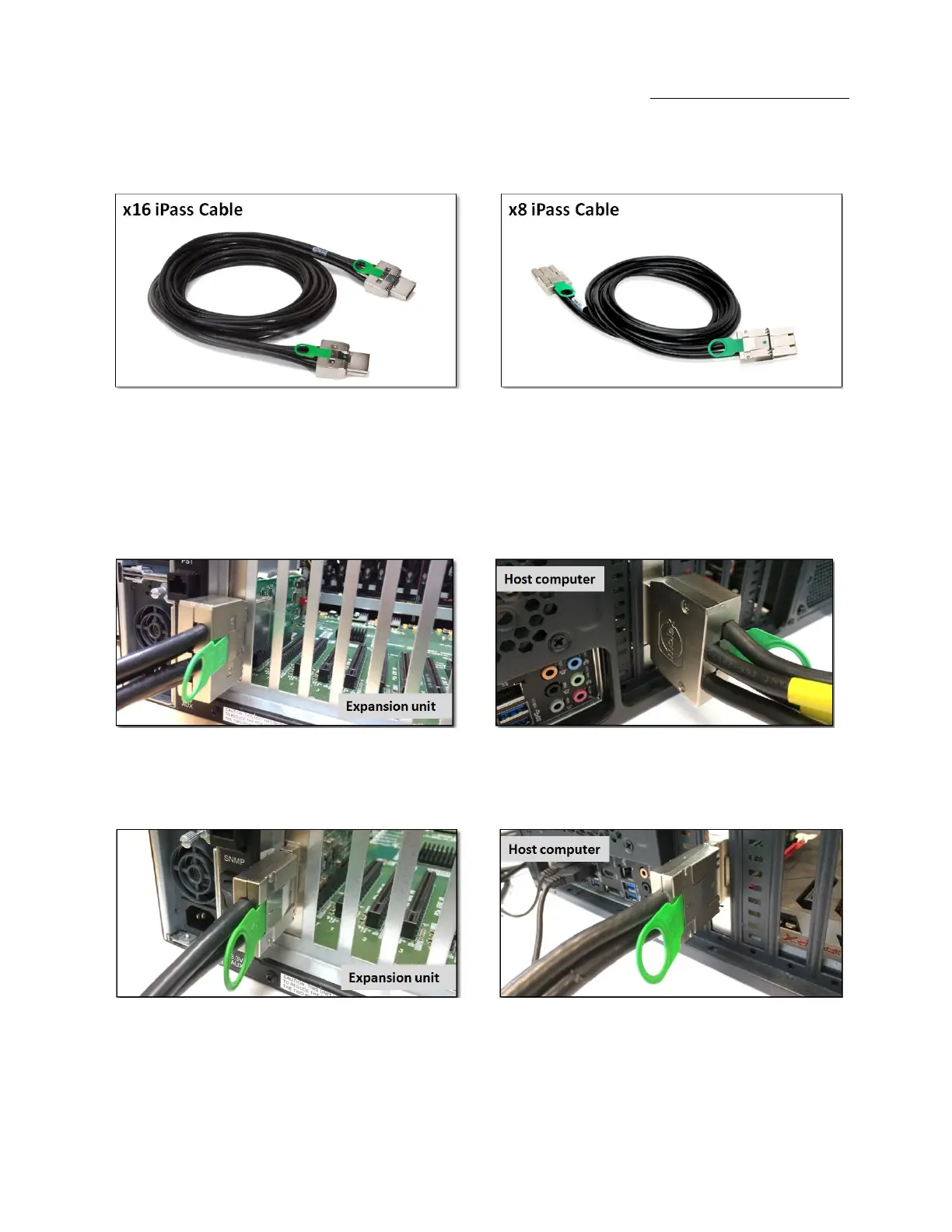
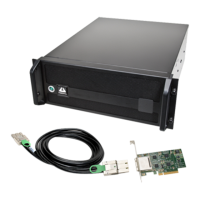
Depending on the interface cards, a x16 PCIe or x8 PCIe 3-meter iPass cable is included.
Carefully position the expansion chassis so that the expansion cable will conveniently reach from the host computer to the OSS Expansion
chassis. Cables attached to the expansion chassis must be securely fastened. When you hear a “click,” it is properly secured. If not securely
connected, the connectors may cause intermittent or lost connections.
2.6.1 Connecting x16 Cable
2.6.2 Connecting x8 Cable


 To Next Page