ExpressBox 16 Basic| 25
NOTE
If possible, plug all power cords from the expansion chassis and your host computer into a shared power strip, preferably one
that has surge and noise suppression circuitry built into it.
2.7 Connect Power Cables
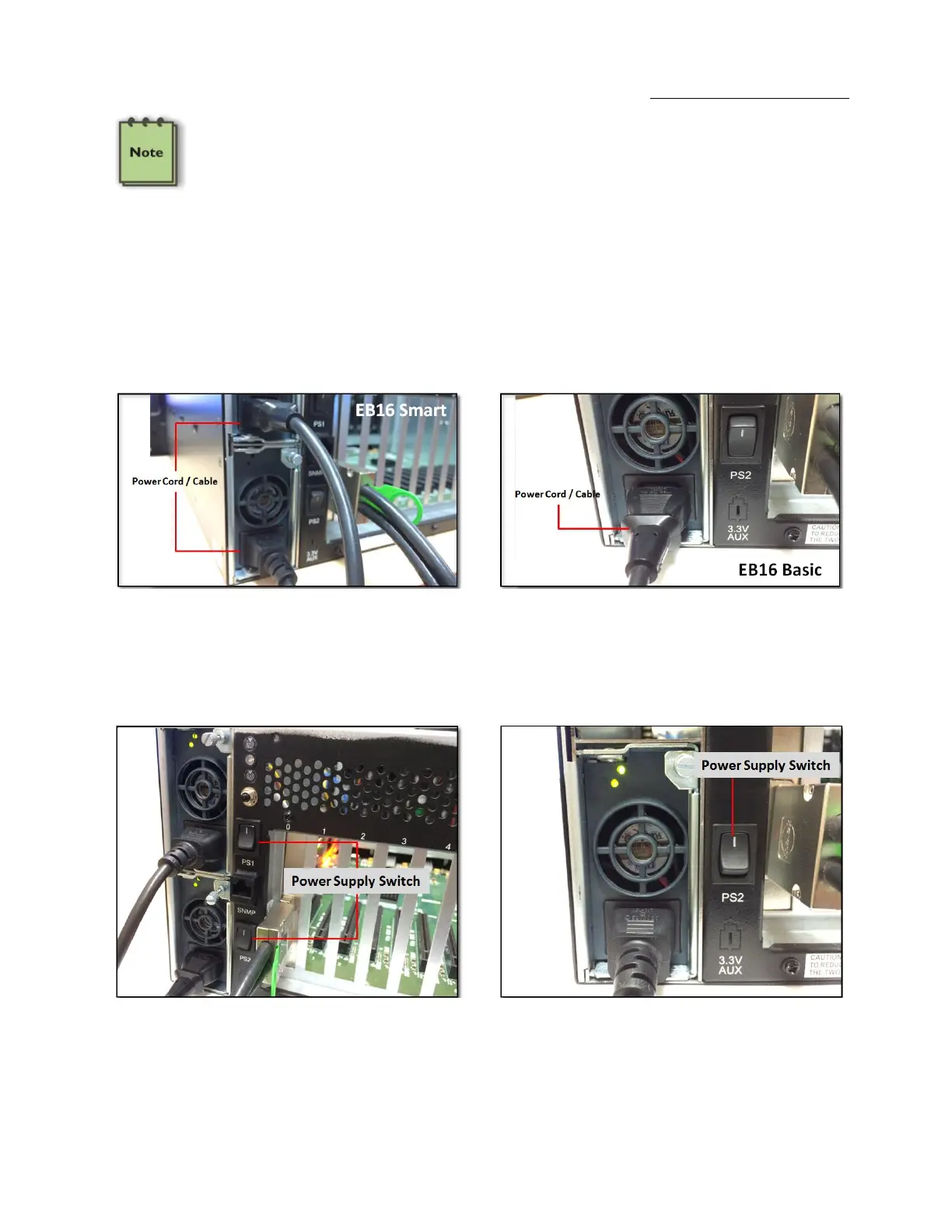
Connect the power cable to the power receptacle of the power supply located on the back of the unit. For EB16 Smart, you need two power
cables and one power cable for EB16 Basic.
EB16 SMART has two power supply modules. EB16 BASIC has one power supply module.
2.8 Power ON Expansion chassis
Turn on ALL power supply switches at the rear, then power on the chassis using the green power switch on the front.


 To Next Page