ExpressBox 16 Basic| 49
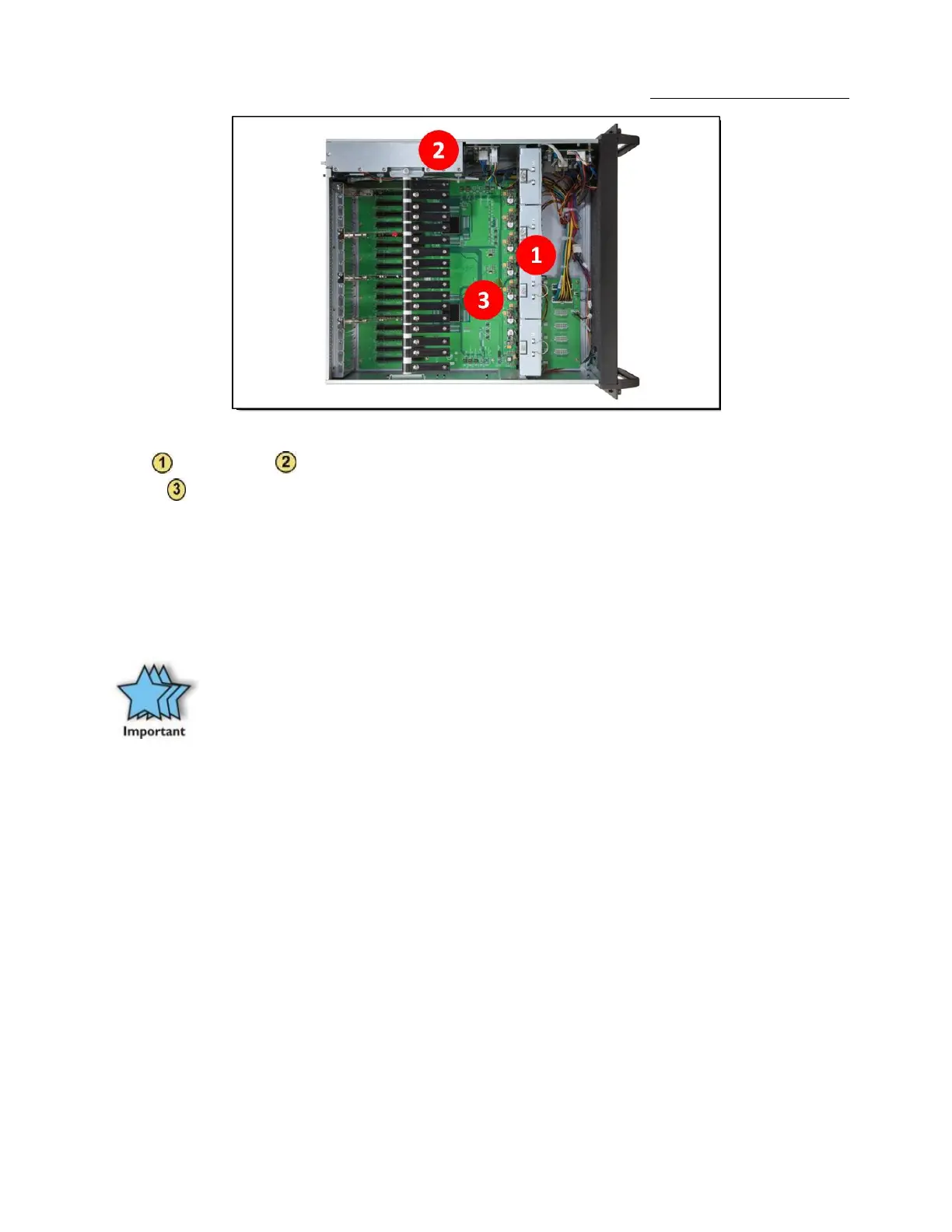
Be sure to keep the can of compressed air about six inches from the parts being sprayed with air. Pay particular attention to the fans in the
chassis and power supply because they are critical to air movement and to keeping your chassis cool. Also spray the slots on the
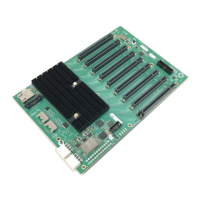
backplane .
Next, you can use anti-static wipes to wipe down any open areas inside and outside of the chassis to remove any remaining dust or dirt. If you
have dust or dirt remaining in any “hard to reach area”, such as corners of a fan blade, you can use the cotton swabs, dipped in the isopropyl
(alcohol), to gently rub the area clean.
Lastly, if the chassis was extremely dirty, you can remove any installed 3rd Party cards and wipe the slots with a soft bristle brush (like a
toothbrush), dipped in the isopropyl (alcohol), to gently clean each slot. When finished, blow the slots with compressed air from about six
inches away until dry.
IMPORTANT
If your chassis is extremely dirty and you would like professional help with getting it clean, you can contact OSS Support for
instructions and costs on shipping the chassis back for cleaning.
Finally, clean the air filter following the instructions later in this chapter. When finished, replace the cover and turn on power to the system.


 To Next Page