Ottobock | 19B600
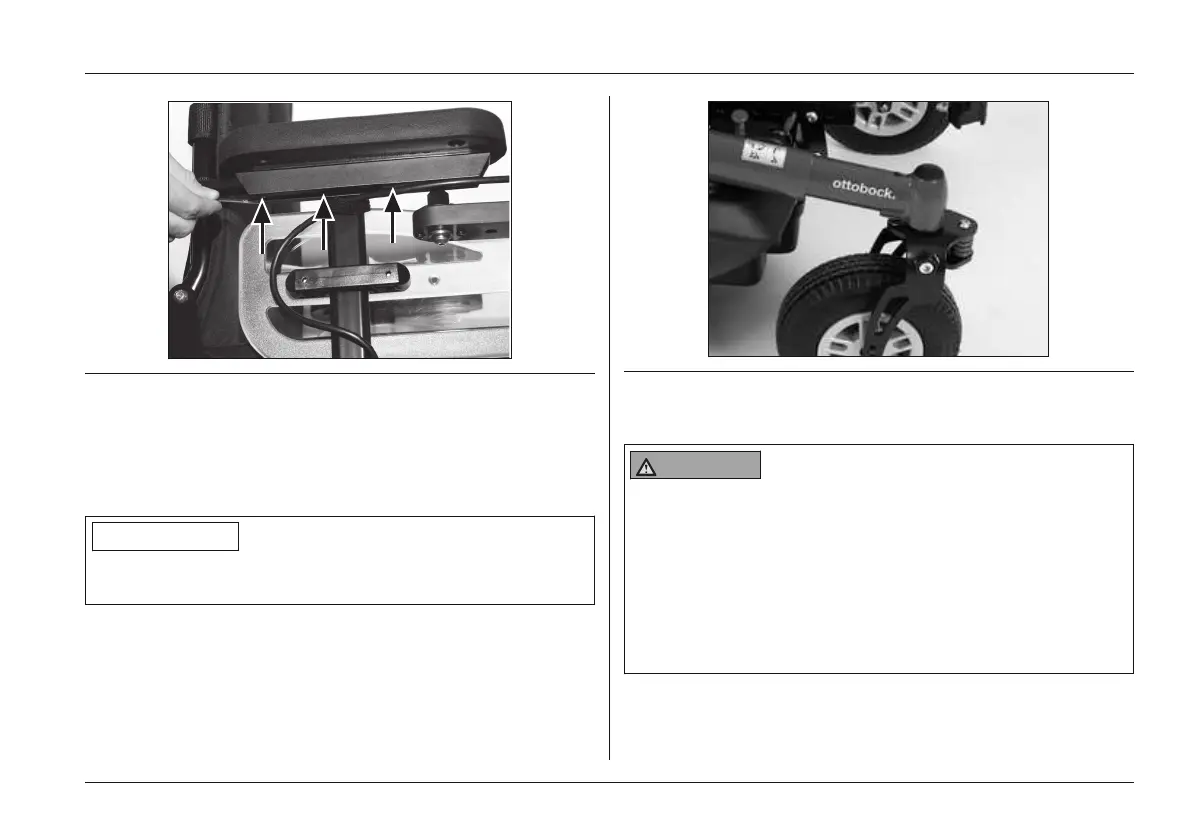
Fig. 8 Adjusting the control panel
Changing the control panel side
By default, the control panel is mounted on the side spe
cified in the order. It can also be mounted on the other side
later on if the user so desires.
INFORMATION
The control panel mounting side may only be changed by
authorised personnel.
5.3.7 Adjusting the telescoping front frame
The telescoping front frame of the power wheelchair allows
the wheelbase to be adapted to the respective seat (see
Fig.9). Because this adjustment involves the displacement
of the centre of gravity, it may only be carried out by quali
fied personnel.
Fig. 9 Telescoping front frame
5.3.8 Changing control unit parameters
WARNING
Incorrect configuration settings
Falling, tipping over, collision due to programming errors
► Programming may only be performed by qualified per
sonnel trained by the manufacturer. The manufacturer
of the product and the control unit manufacturer are
not liable in case of damage caused by programming
which was not performed properly and/or which was
not adjusted properly according to the user's abilities.
Preparation for Use















 To Next Page