34 | Ottobock B600
Activating the drive-away lock
► While the control unit is turned on, press and hold the
mode button for at least 5 seconds.
→ A short beep confirms that the drive-away lock was
activated.
INFORMATION: If keypress beeps are activated,
then the drive-away lock is only active after the
second beep.
→ The control unit turns itself off.
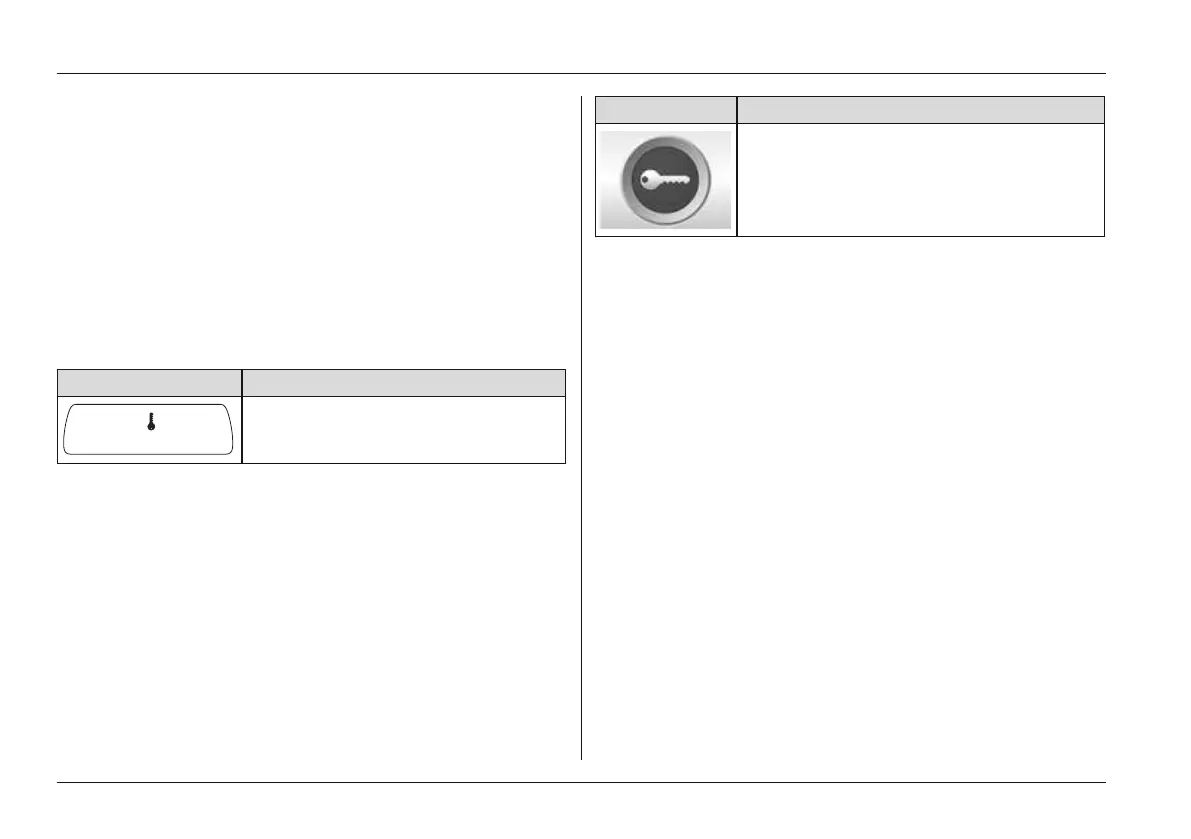
→ The key symbol on the LCD display indicates that the
drive-away lock is activated:
Display Information
Drive-away lock
Activation via separate LCD monitor
If a special control is used, then the drive-away lock is activ
ated via the separate LCD monitor.
1) Select Settings Menu > Additional functions Sub
menu (see Page54).
2) Activate the function by moving the joystick (see
Page54).
→ A beep confirms that the function was activated.
→ The control unit turns itself off.
→ The key symbol on the separate LCD monitor indicates
that the drive-away lock is activated:
Display Information
Drive-away lock
Deactivating the drive-away lock
1) Push the [On/Off] button on the control panel.
→ The control unit is turned on. The LCD screen indic
ates that the drive-away lock is activated.
2) Push the joystick all the way forward until a beep
sounds.
3) Push the joystick all the way back until a beep sounds.
4) Release the joystick.
→ A long beep confirms that the driving function is
enabled.
→ The battery indicator and speed level are shown on the
LCD screen.
→ The drive-away lock is deactivated and driving is
enabled.
Deactivation via separate LCD Monitor
1) An information screen is shown on the LCD monitor
after the power wheelchair is switched on (see previous
table).
2) The deactivation process is the same as described
under “Deactivation via control panel”.
Usage















 To Next Page