Ottobock | 27B600
• After brief operation the battery indicator shows the
exact battery status.
• A charge of 100% corresponds to seven segments on
the battery symbol.
• As the remaining battery capacity decreases, the LCD
segments turn off one by one.
• If only one blinking segment is shown on the LCD dis
play, then the battery is in a low voltage state. Because
further use will result in battery damage, the warning
signal is also shown on the LCD display. The battery
must be charged immediately.
• If all seven segments on the LCD display are flashing,
this means that the battery is in an overvoltage state.
Because further use will result in battery damage, the
warning signal is also shown on the LCD display.
Please continue to drive at low speed only.
• The charging process is indicated by the battery seg
ments lighting up one after the other. The driving func
tion is blocked when the battery is charging.
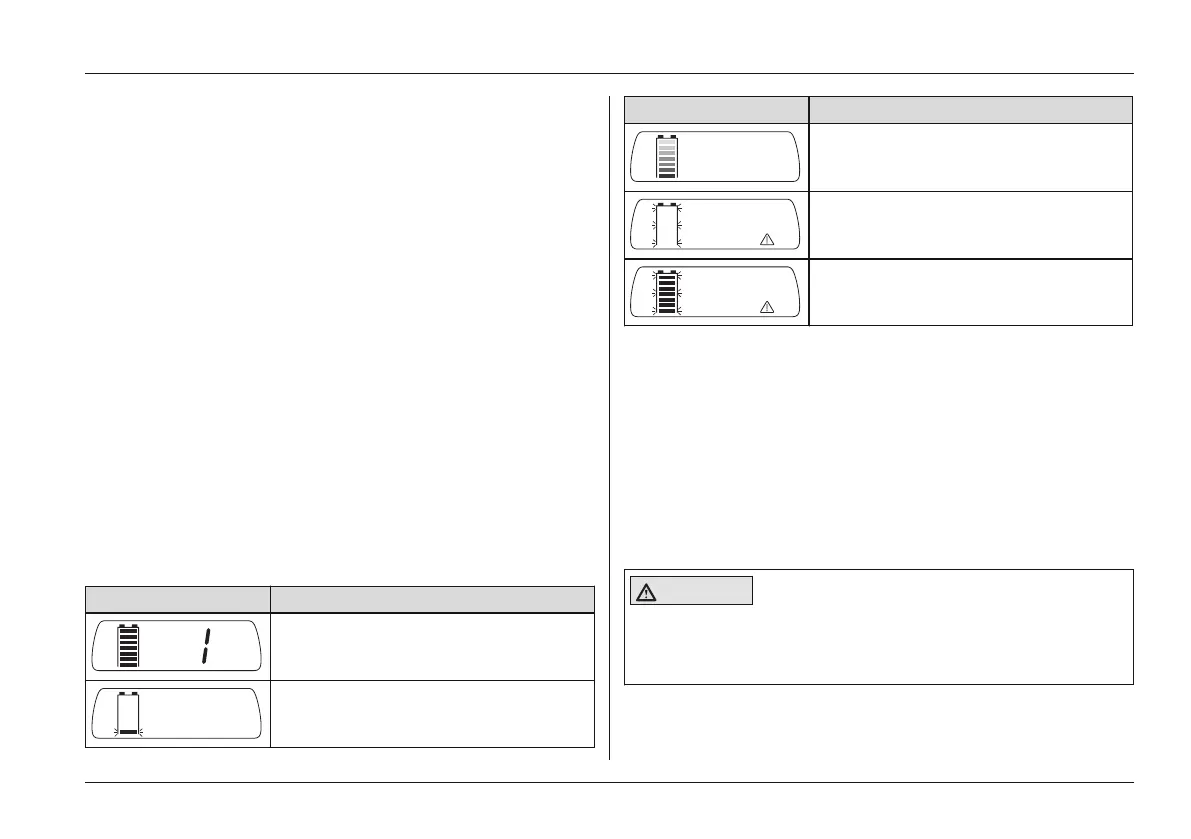
Battery indicator on the control panel
Display Information
Full battery capacity (right: selected
speed level)
Low battery capacity
Display Information
Charging process with drive-away
lock
Battery undervoltage with warning
symbol
Battery overvoltage with warning
symbol
Further LCD display functions
Further LCD display symbols are described in the following
sections:
• See section 'Usage' > 'Drive-Away Lock'
• See section 'Usage' > 'Seat Functions'
• See section 'Maintenance/Repair' > 'Troubleshooting'
6.5 Driving Functions
6.5.1 Safety Instructions
CAUTION
Lack of driving experience
Risk of tipping, falling
► Practise using the product on level, open ground first.
Usage















 To Next Page