Ottobock | 47B600
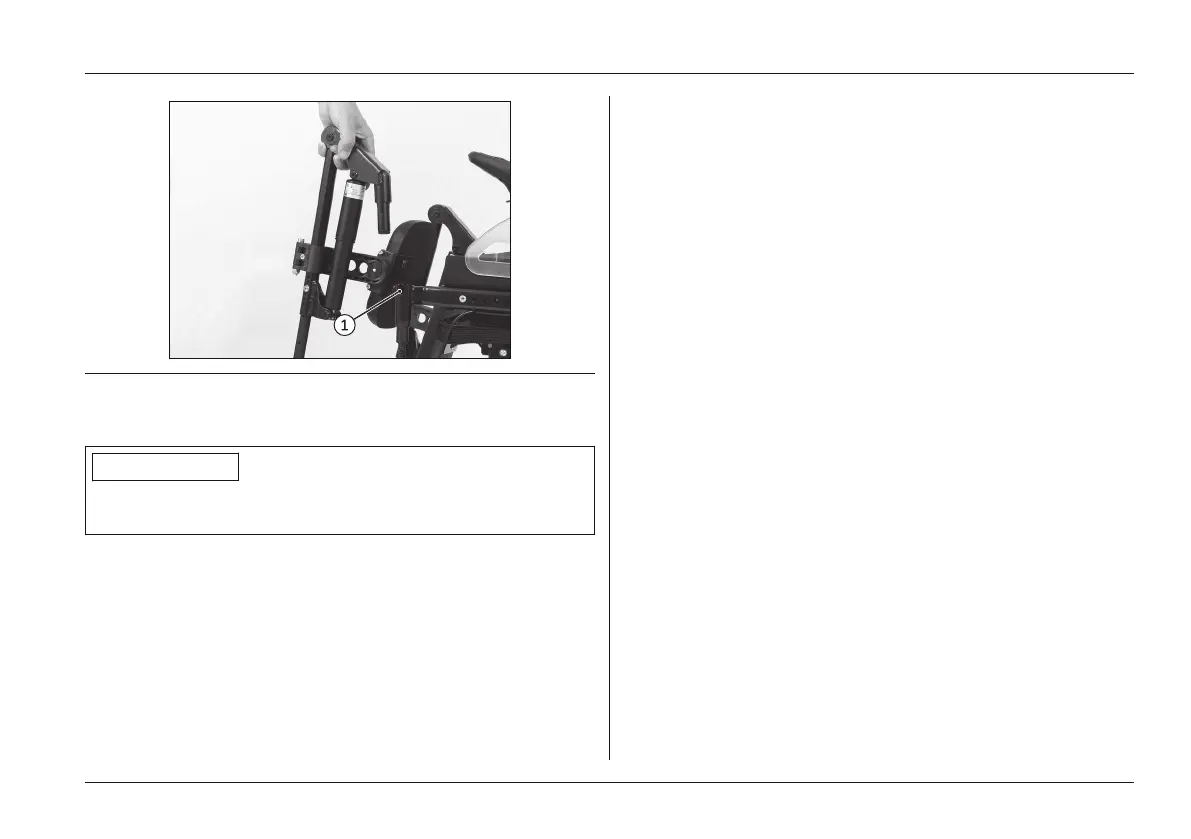
Fig. 26 Removing the footrest
6.8.6 Controlling power seat functions
INFORMATION
To operate the seat functions with installed LCD monitor:
see Page54.
• Holding the [Mode] button (approx. 2 seconds; see
Fig.14) activates control of the first power seat function,
e.g. the power back angle adjustment or seat tilt.
• The LCD display indicates the currently selected seat
function (see following chapter "Joystick and Display
Functions").
• To switch between the various seat functions, press the
[Mode] button briefly or move the joystick to the right.
• Once a seat function is selected, it is activated by mov
ing the joystick forward or backward.
• The electric motor moves the seat function as long as
the joystick is deflected, and stops at the end positions.
• Holding the [Mode] button again (approx. 2 seconds;
see Fig.14) deactivates the seat function in the selected
position. The driving function is available again, and the
speed level indicator is lit.
Usage















 To Next Page