106
Instruments and controls
While setting the cruise control, the current setting is shown in both the master display
and the speedometer display. The indications in the master display disappear after a
short delay.
Disabled functions can be recognised from the speedometer display:
– ACC switched off: No truck and road visible.
– PCC switched off: No negative value visible on the right side of the set vehicle
speed.
NOTE: DSC remains active as long as cruise control or the variable speed
limiter is active.
NOTE: The same maximum and minimum settings for the advanced
vehicle speed settings while at standstill apply. It is possible to change the
settings while driving.
CAUTION: Observe road safety when changing the advanced vehicle
speed settings while driving.
Engine Speed Control while driving
For special applications (for example: garbage truck) the engine speed must be set
while driving. With the standard steering wheel switch functions this is not possible
(Engine Speed Control is only available at standstill).
To activate this function the Engine Speed Control while driving switch is used.
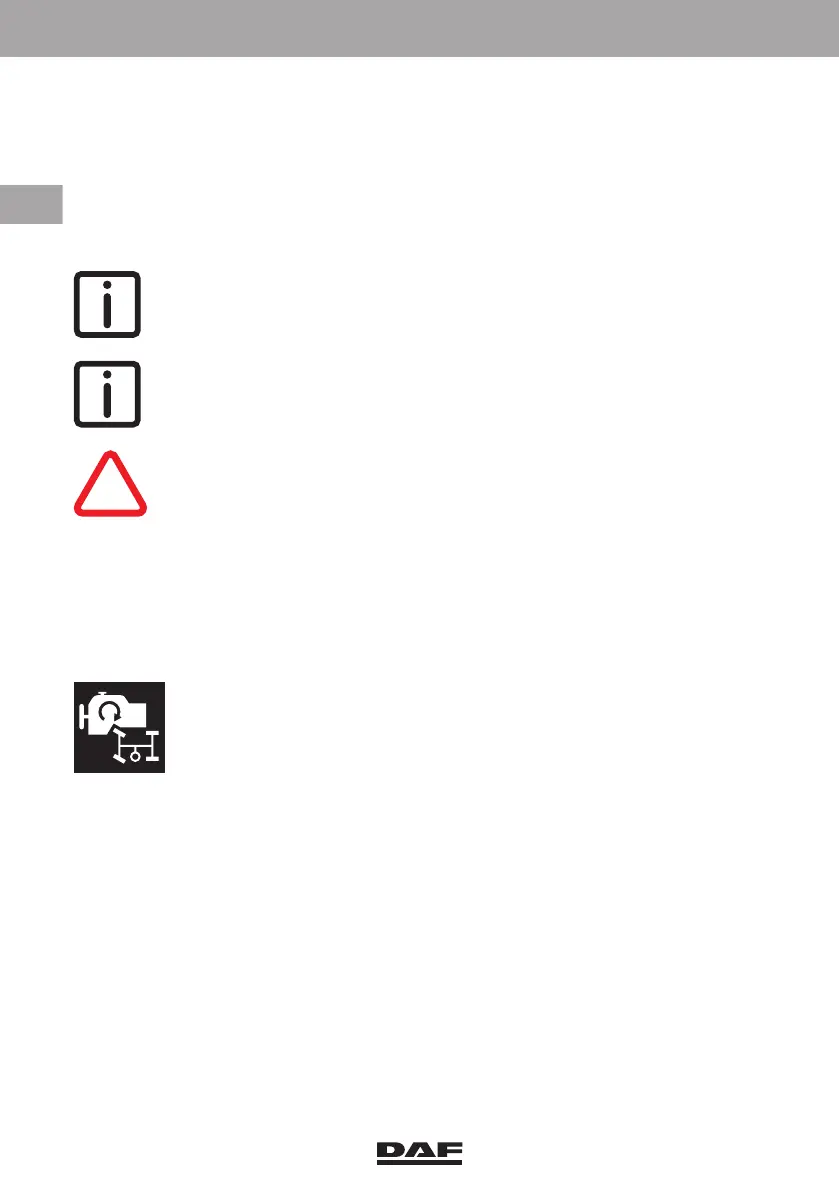
Engine Speed Control while driving switch
Use this switch to set the engine speed to a fixed RPM setting while
driving. This enables the use of the PTO while driving
A green indicator light in the switch indicates that the function is
activated.
See section 'PTO (Power Take Off)' in chapter 'Driving'.
DW63246305.book Page 106 Friday, March 22, 2019 4:54 PM






 To Next Page