137
Master display
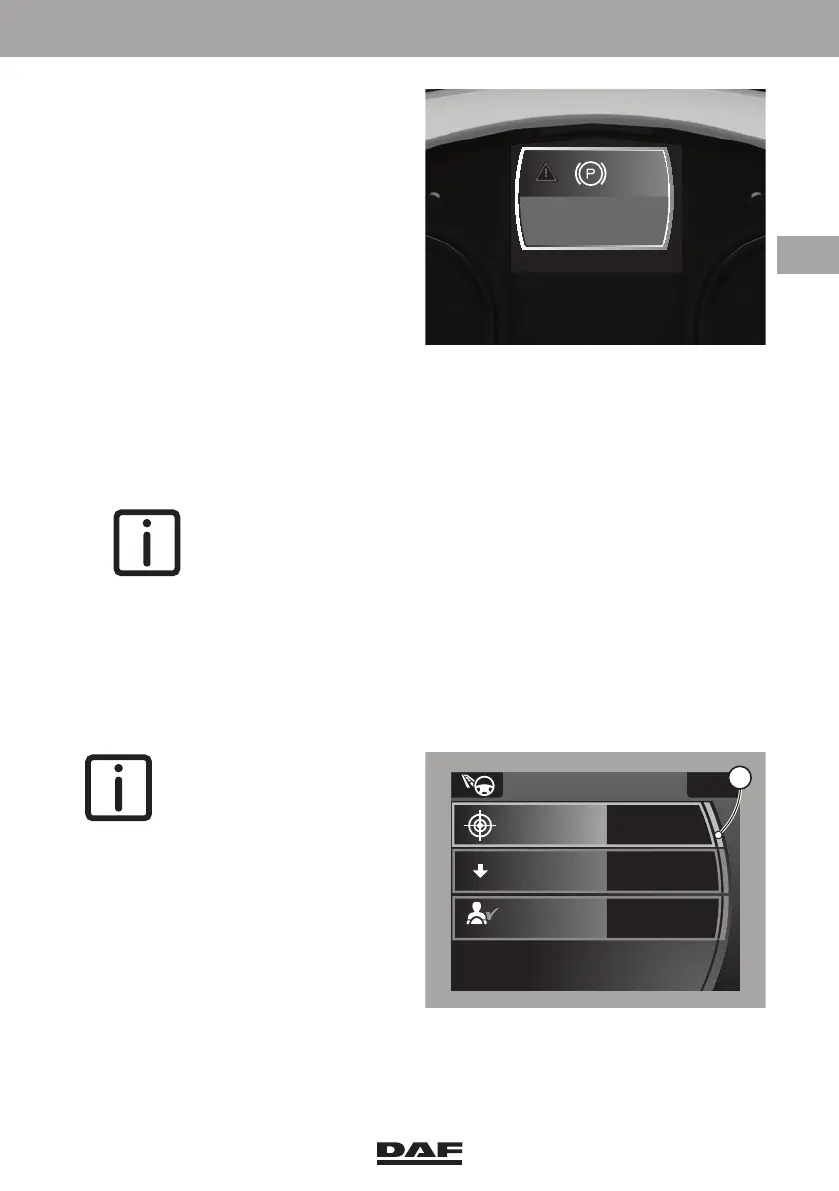
Depending on the displayed
information, the outline colour of the
screen is;
– Red (danger).
These messages show information that requires immediate action by the driver and
they cannot be suppressed.
– Yellow (warning).
These messages show information that requires action as soon as possible and
they can be suppressed.
NOTE: A number of warnings within this group of suppressible warnings
appear with a grey outline colour.
They are not less urgent but using this background colour their
appearance is less obstructive.
– Grey (information).
These messages show information about settings and the values of these settings.
They also show information about the status (engaged or disengaged) of systems.
– Green (Driver Performance Assistant).
These messages show information about the driver performance. See section
'Driver Performance Assistant (DPA) in chapter 'Driving'.
NOTE: If additional
information on the settings is
available or the settings can
be adapted, an extra marker
(1) is added to the right of the
selected topic.
D001664
park brake not applied
D001665-2
ECO settings
Fuel target
Coaching
30.0
1/100km
--,-
%
Reset economic
driving
ECO
0
On
AUTO
1
DW63246305.book Page 137 Friday, March 22, 2019 4:54 PM






 To Next Page