11. Help
96
For assistance, please contact an authorized Panasonic dealer.
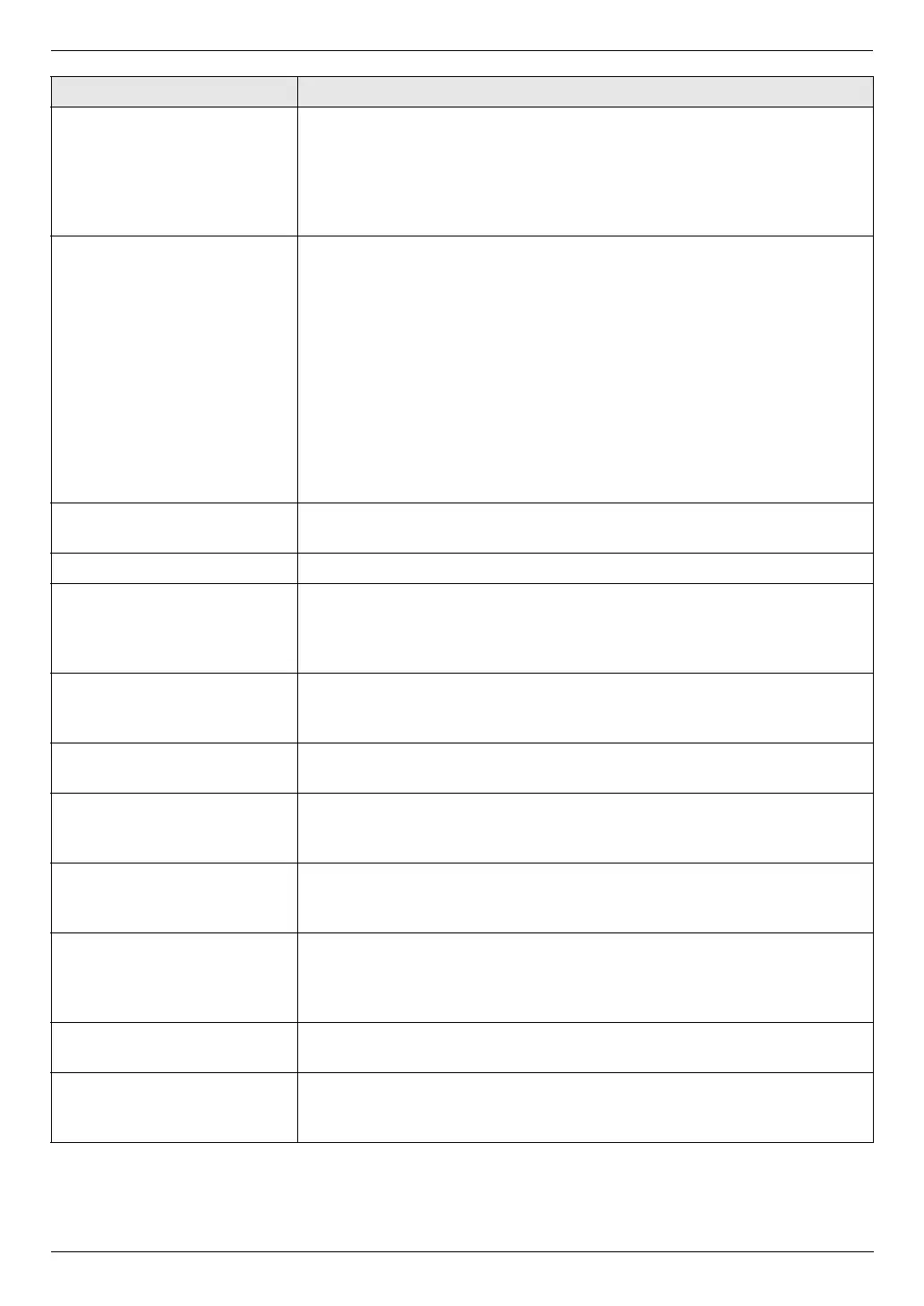
When an extension telephone
is connected, I cannot receive
documents by pressing
{*}{#}{9}.
L You must set remote fax activation to ON (feature #434 on page 64)
beforehand.
L Press {*}{#}{9} firmly.
L You may have changed the remote fax activation code from {*}{#}{9}
(default setting). Verify the remote fax activation code (feature #434 on page
64).
I cannot hear a dial tone. L The telephone line cord is connected to the [EXT] jack on the unit. Connect
to the [LINE] jack (page 18).
L If you use a splitter/coupler to connect the unit, remove the splitter/coupler
and connect the unit to the wall jack directly. If the unit operates properly,
check the splitter/coupler.
L Disconnect the unit from the telephone line and connect a known working
telephone. If the working telephone operates properly, contact our service
personnel to have the unit repaired. If the working telephone does not
operate properly, contact your telephone company.
L The power cord or telephone line cord is not connected. Check the
connections (page 18).
L If you connected the unit through a computer modem, connect the unit
directly to a telephone line jack.
I cannot make calls. L The dialing mode setting may be wrong. Change the setting (feature #120
on page 19).
The unit does not ring. L The ringer volume is turned OFF. Adjust it (page 22).
The other party complains
they only hear a fax tone and
cannot talk.
L FAX ONLY mode is set (page 50). Tell the other party the number is only
used for faxes.
L If you use a Distinctive Ring service, make sure you have set the same ring
pattern assigned by the telephone company (page 58).
The {Redial} or {Pause}
button does not function
properly.
L If this button is pressed during dialing, a pause will be inserted. If pressed
immediately after a dial tone is obtained, the last number dialed will be
redialed.
The receiving mode does not
function properly.
L Distinctive Ring is set (feature #430 on page 58).
Whenever I try to retrieve my
voice mail messages, I am
interrupted by the fax tone.
L You are probably entering {*}{#}{9}. This is the default setting for the fax
activation code. If you use a voice mail service, turn the fax activation
feature OFF or reprogram the activation code (feature #434 on page 64).
I cannot receive a fax
document on the computer.
L Make sure the following features are set beforehand.
– PC fax reception (feature #442 on page 65)
– Computer setting for the PC fax reception (feature #443 on page 24)
I cannot display a received
fax document.
L You must set the fax preview mode to ON (feature #448 on page 65)
beforehand.
L You cannot display a received fax document during printing, copying or
scanning. Try again after printing, copying or scanning.
I cannot erase a received fax
document.
L View or print a received fax document before erasing (page 51).
Received fax documents do
not print automatically.
L Feature #448 is activated and the received fax documents are saved into
the memory of the unit. View the received documents on the display (page
51).
Problem Cause & Solution












 To Next Page