Initial Programming
31
For fax advantage assistance, call 1-800-435-7329.
Setting your fax number
1
Press {
{{
{
MENU
}
}}
}.
SYSTEM SET UP
PRESS NAVI.[( )]
2
Press {
{{
{<
<<
<}
}}
} or {
{{
{>
>>
>}
}}
} until the following is
displayed.
YOUR FAX NO.
PRESS SET
3
Press {
{{
{
SET
}
}}
}.
NO.=
4
Enter your fax number, up to 20 digits,
using the dial keypad.
Example: NO.=1234567
5
Press {
{{
{
SET
}
}}
}.
L The next feature will be displayed.
6
Press {
{{
{
MENU
}
}}
}.
Note:
L You can enter your fax number by pressing
{
{{
{+
++
+}
}}
} or {
{{
{-
--
-}
}}
} in step 4. In this case, press {
{{
{>
>>
>}
}}
}
to move the cursor.
L The {
{{
{*
**
*}
}}
} button replaces the digit with a “+”
and the {
{{
{#
##
#}
}}
} button replaces it with a space.
Example: +234 5678
Press {
{{
{*
**
*}
}}
}{
{{
{
2
}
}}
}{
{{
{
3
}
}}
}{
{{
{
4
}
}}
}{
{{
{#
##
#}
}}
}{
{{
{
5
}
}}
}{
{{
{
6
}
}}
}{
{{
{
7
}
}}
}{
{{
{
8
}
}}
}.
L To enter a hyphen in a telephone number,
press {
{{
{
FLASH
}
}}
}.
To correct a mistake
Press {
{{
{<
<<
<}
}}
} or {
{{
{>
>>
>}
}}
} to move the cursor to the
incorrect number, and make the correction.
To delete a number
Press {
{{
{<
<<
<}
}}
} or {
{{
{>
>>
>}
}}
} to move the cursor to the
number you want to delete and press {
{{
{
STOP
}
}}
}.
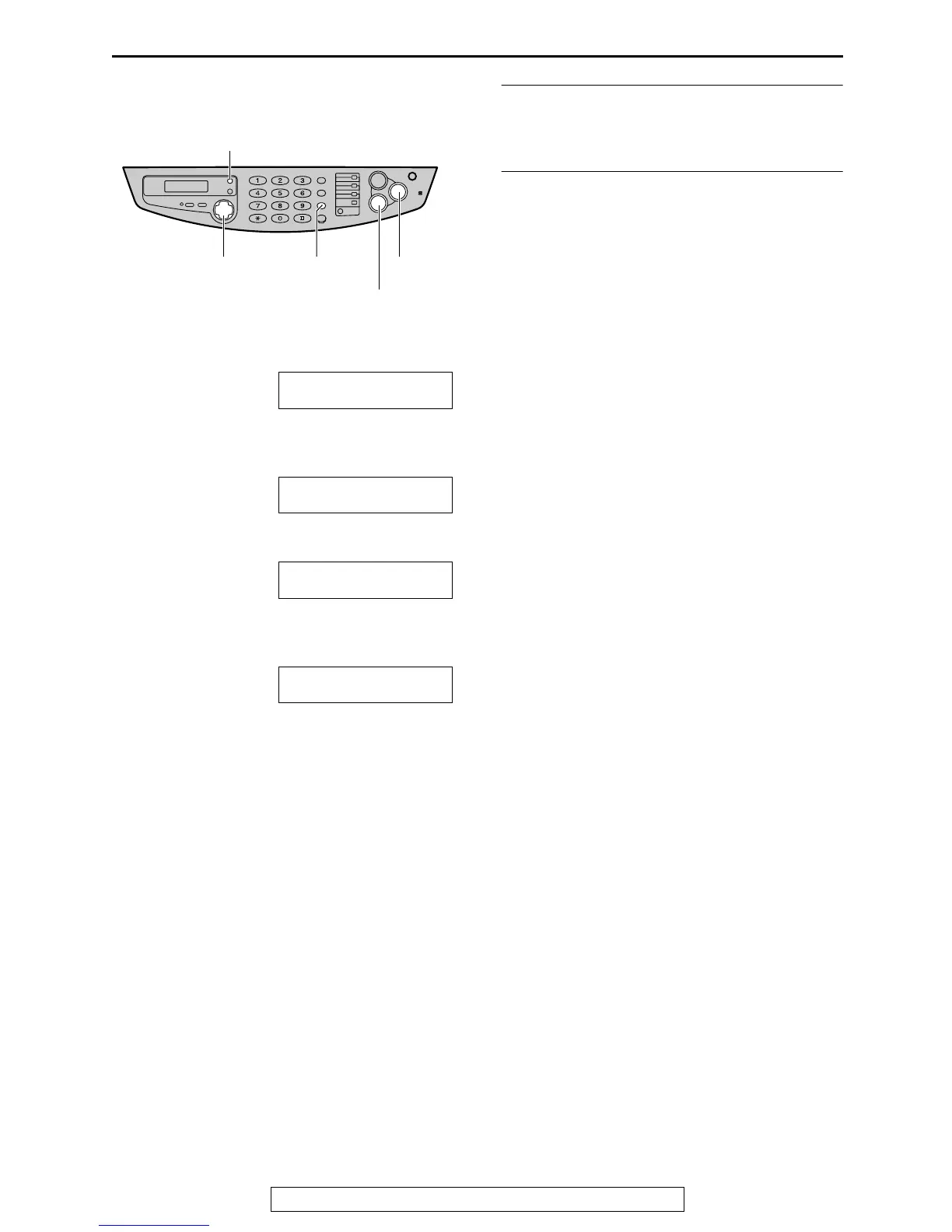
{FLASH}
{STOP}
{MENU}
{SET}
{<} {>} {+} {-}
(Hyphen)
(Delete)











 To Next Page