Playing Back Recordings
Playback on the EVF or LCD Monitor is
one half of normal speed.
Before you begin...
• Connect Palmcorder to power source.
• Insert tape recorded in SP mode.
• Set POWER to VCR.
12
1
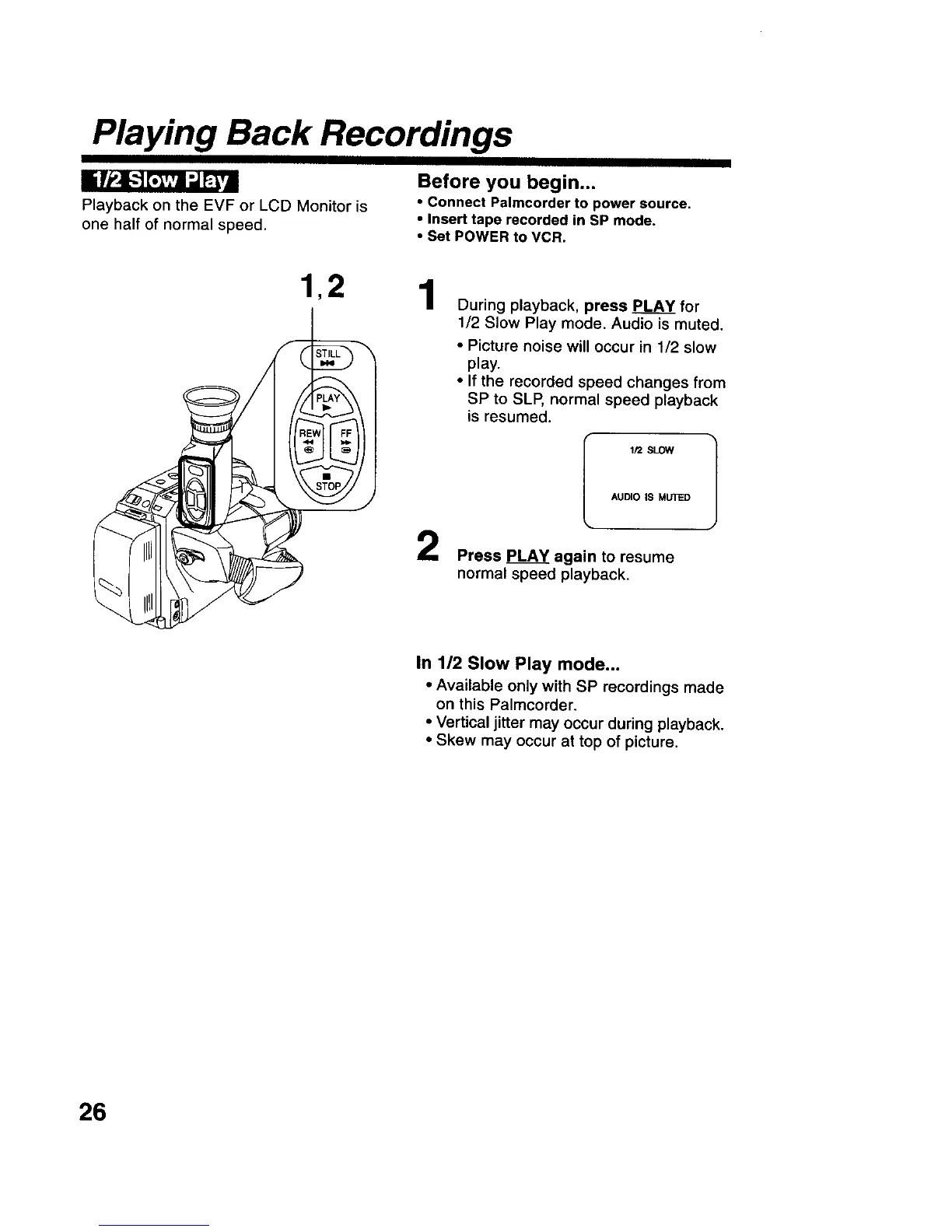
During playback, press PLAY for
1/2 Slow Play mode. Audio is muted.
• Picture noise will occur in 1/2 slow
play.
• If the recorded speed changes from
SP to SLP, normal speed playback
is resumed.
_t2 SLOW
AUDIO IS MUTED
Press PLAY again to resume
normal speed playback.
In 1/2 Slow Play mode...
• Available only with SP recordings made
on this Palmcorder.
• Vertical jitter may occur during playback.
• Skew may occur at top of picture.
26











 To Next Page