EasyManua.ls Logo

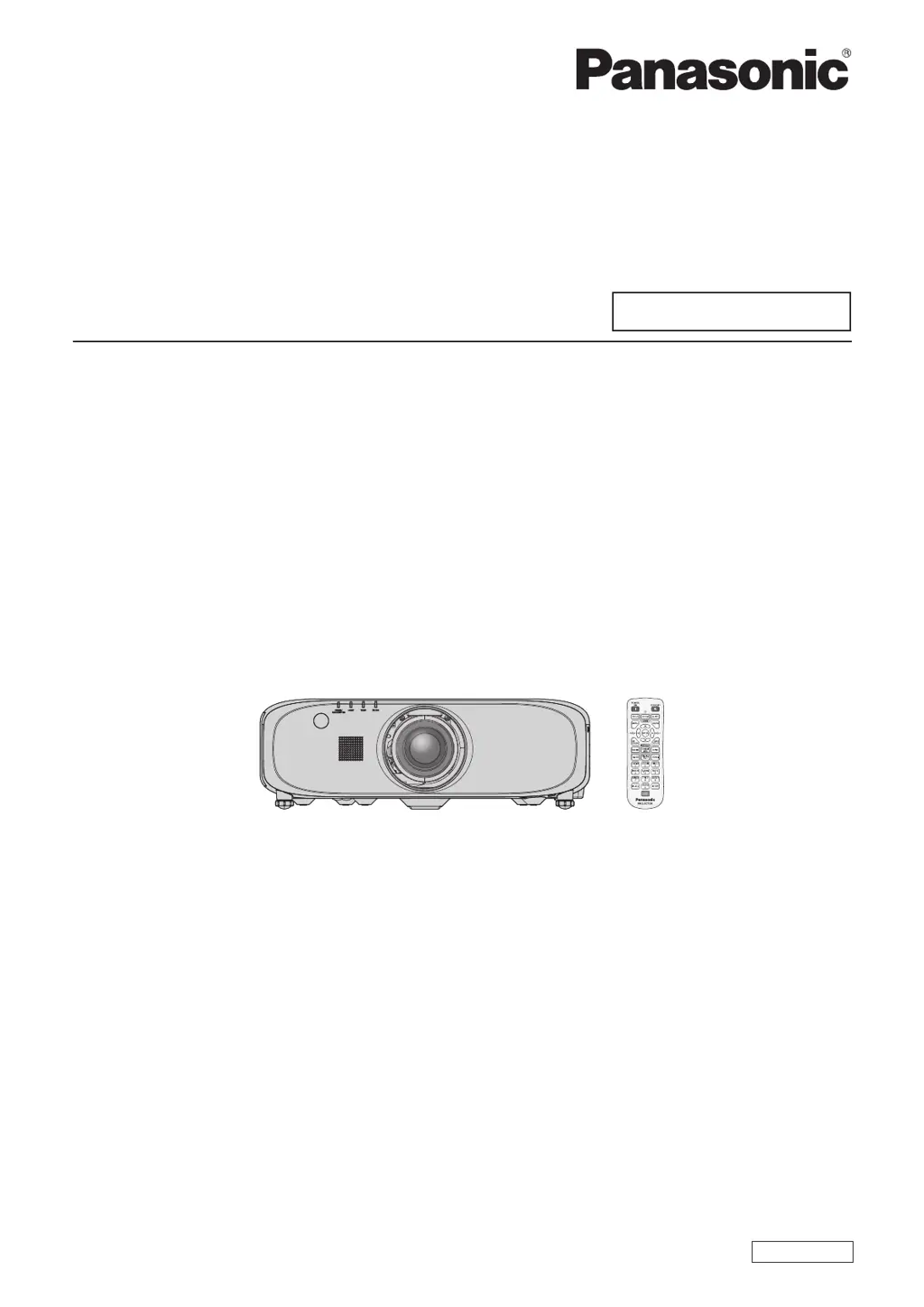
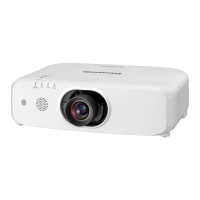
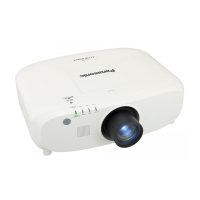
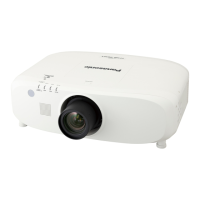
Panasonic PT-EW640 - User Manual

Panasonic PT-EW640
155 pages
Print Icon
To Next Page IconTo Next Page
Loading...
Thank you for purchasing this Panasonic product.

z
Without L : The standard zoom lens supplied With L : The lens sold separately
Before operating this product, please read the instructions carefully and save this manual
for future use.
Before using this product, be sure to read  (
x
pages 2 to 11).
TQBJ0687
LCD Projector
Commercial Use
Operating Instructions
Functional Manual
ENGLISH
Model No.
PT-EZ580
PT-EW640
PT-EX610
PT-EW540
PT-EX510

Table of Contents

Other manuals for Panasonic PT-EW640

Questions and Answers

  • M
    Michael Horton DVMSep 10, 2025
    Why Panasonic PT-EW640 color is pale or grayish?
    • C
      Catherine MitchellSep 10, 2025
      If the color on your Panasonic Projector appears pale or grayish, check that [COLOR] or [TINT] are adjusted correctly. Also, verify that the external device connected to the projector is adjusted correctly. Finally, inspect the RGB cable for any damage.
  • K
    Kenneth WhiteSep 12, 2025
    Why Panasonic PT-EW640 audio is not output from the built-in speaker?
    • T
      Troy GarciaSep 12, 2025
      If audio is not coming from the built-in speaker of your Panasonic Projector, verify that [BUILT-IN SP] in [AUDIO SETTING] is not set to [OFF]. Also, confirm that the audio input selection in [AUDIO SETTING] is set correctly.
  • R
    reynoldstravisSep 14, 2025
    How to fix image does not display correctly on Panasonic Projector?
    • J
      Joseph StevensSep 14, 2025
      If the image does not display correctly on your Panasonic Projector, verify that the [SYSTEM SELECTOR] selection is set correctly. Check if there is a problem with the video tape or other image sources. Also, ensure that a signal which is not compatible with the projector is not being input.
  • B
    Brenda GarciaSep 16, 2025
    Why Panasonic PT-EW640 Projector buttons on the control panel do not operate?
    • A
      andrewsmithSep 16, 2025
      If the buttons on the control panel of your Panasonic Projector do not operate, check if the [CONTROL PANEL] setting in [CONTROL DEVICE SETUP] is set to [DISABLE]. Also, verify whether the terminal is being used for contact control.

Panasonic PT-EW640 Specifications

General IconGeneral
Matrix size0.75 \
Native aspect ratio16:10
Projection distance1.02 - 10.16 m
Horizontal scan range26 - 80 kHz
Projection technologyLCD
Contrast ratio (typical)5000:1
Screen size compatibility40 - 400 \
Projector native resolutionWXGA (1280x800)
Keystone correction, vertical40 °
Keystone correction, horizontal30 °
Horizontal synchronization (max)91 kHz
Horizontal synchronization (min)15 kHz
Throw ratio1.7 - 2.8:1
Focal length range26.9 - 45.4 mm
Aperture range (F-F)1.7 - 2.3
Lamp typeUHM
Lamp power335 W
Lamps quantity1 lamp(s)
Light source typeLamp
Service life of light source4000 h
Service life of light source (economic mode)4500 h
Full HDNo
HD-ReadyYes
Analog signal format systemNTSC, NTSC 4.43, NTSC M, PAL, PAL 60, PAL N, SECAM
Supported graphics resolutions1280 x 800 (WXGA)
HDMI connector typeFull-size
Serial interface typeRS-232
USB 2.0 ports quantity0
VGA (D-Sub) ports quantity3
Ethernet LAN data rates10, 100 Mbit/s
Noise level35 dB
Noise level (economic mode)29 dB
RMS rated power10 W
PlacementDesktop, Ceiling
Product typeLarge venue projector
Product colorWhite
Cable lock slot typeKensington
Power sourceAC
AC input voltage100 - 240 V
Power consumption (standby)0.3 W
Power consumption (typical)495 W
Operating temperature (T-T)0 - 45 °C
Operating relative humidity (H-H)10 - 80 %
Remote control typeIR
Weight and Dimensions IconWeight and Dimensions
Weight10600 g

Related product manuals