EasyManua.ls Logo

Panasonic SC-CH7 - Easy Play Function

Panasonic SC-CH7
61 pages
Print Icon
To Next Page IconTo Next Page
To Previous Page IconTo Previous Page
Loading...
Easy
Play
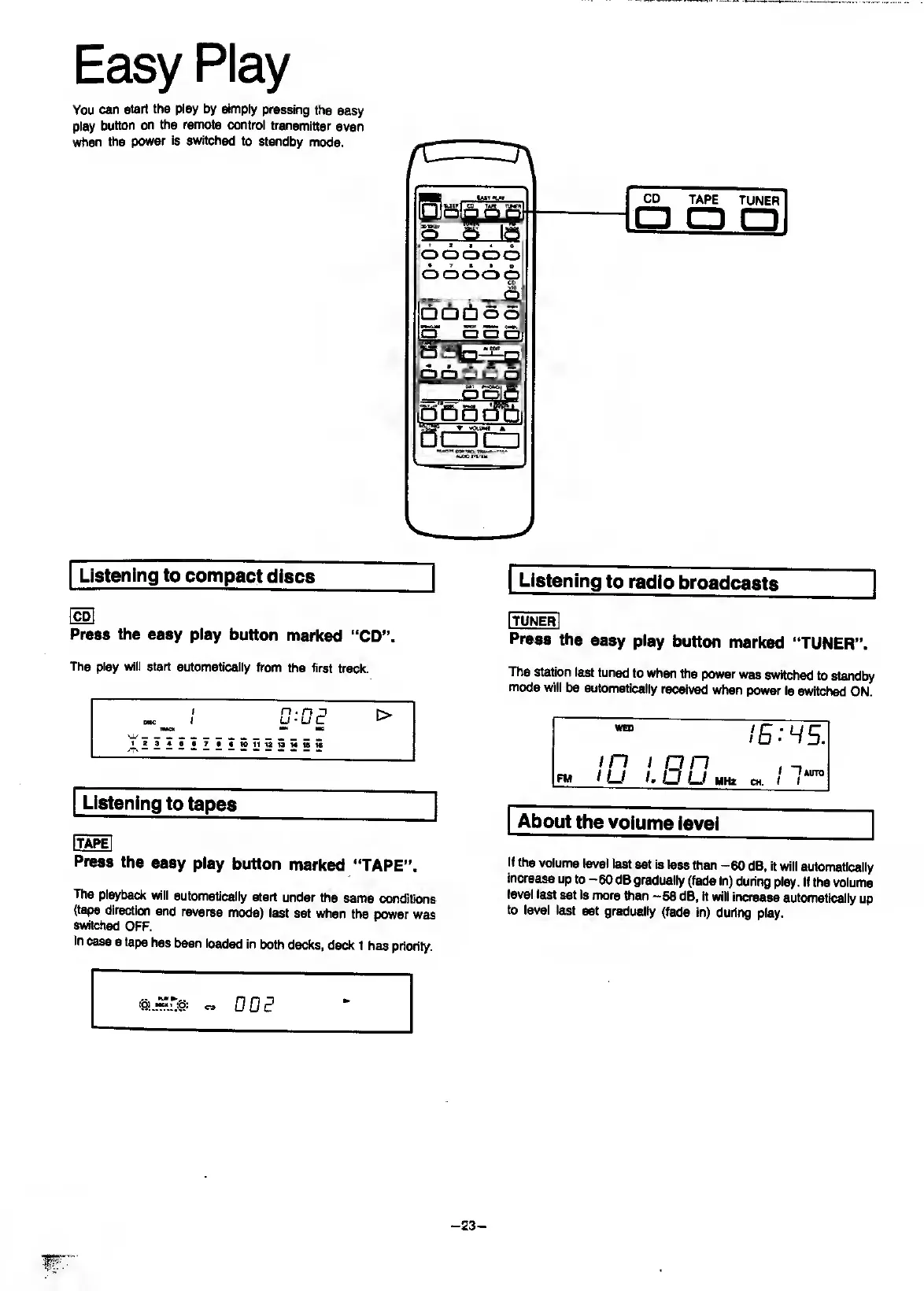
You
can
start
the
play
by
simply
pressing
the
easy
play
button
on
the
remote
control
transmitter
even
when
the
power
is
switched
to
standby
mode.
Listening
to
compact
discs
Ho]
Press
the
easy
play
button
marked
“CD”.
The
play
will
start
automatically
from
the
first
track.
/
n.
n
n
nc
I
U’UC
^
WMCK
HW
HC
^
I
Listening
to
tapes
_
[ta^
Press
the
easy
play
button
marked
“TAPE”.
The
playback
will
automatically
start
under
the
same
conditions
(tape
direction
and
reverse
mode)
last
set
when
the
power
was
switched
OFF.
In
case
a
tape
has
been
loaded
in
both
decks,
deck
1
has
priority.
Listening
to
radio
broadcasts
(tuner
I
Press
the
easy
play
button
marked
“TUNER”.
The
station
last
tuned
to
when
the
power
was
switched
to
standby
mode
will
be
automatically
received
when
power
is
switched
ON.
WED
in
I
on
!
lum
CH.
1
1
FM
/
LJ
/.
o
U
MHz
About
the
volume
level
If
the
volume
level
last
set
Is
less
than
-60
dB,
it
will
automatically
increase
up
to
-60
dB
gradually
(fade
in)
during
play.
If
the
volume
level
last
set
is
more
than
-58
dB,
It
will
increase
automatically
up
to
level
last
set
gradually
(fade
in)
during
play.
'SI.
00
^
-
23
-

Related product manuals