EasyManua.ls Logo

Panasonic SC-CH7 - Producing a Live Performance Sound

Panasonic SC-CH7
61 pages
Print Icon
To Next Page IconTo Next Page
To Previous Page IconTo Previous Page
Loading...
Producing
a
“Live”
Performance
Sound
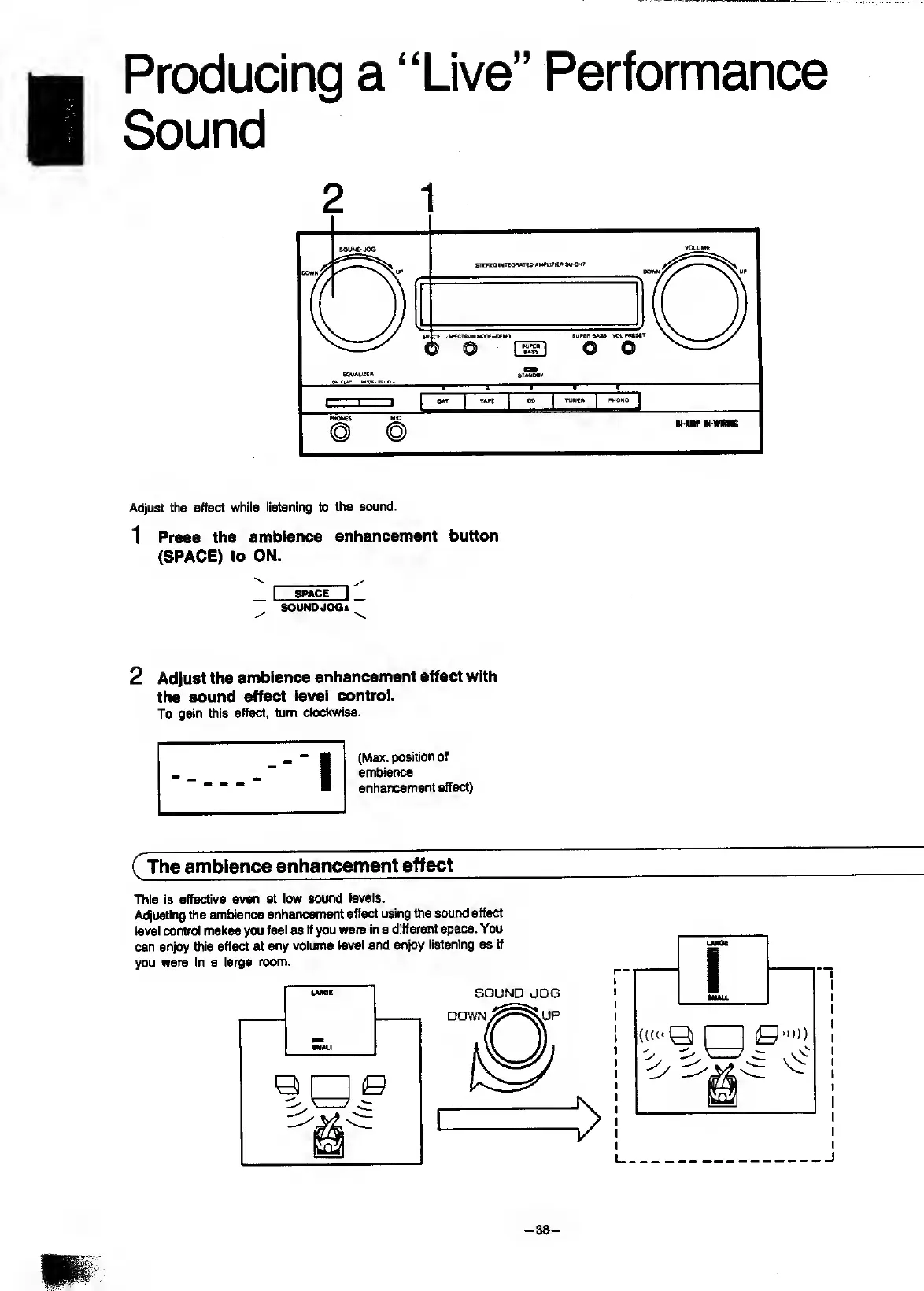
Adjust
the
effect
while
Ii8tenir>g
to
the
sound.
1
Press
the
ambience
enhancement
button
(SPACE)
to
ON.
•v.
/
_
I
SPACE
I
_
SOUNOJOOt
2
Adjust
the
ambience
enhancement
effect
with
the
sound
effect
level
control.
To
gain
this
effect,
turn
clod(wise.
(Max.
position
ambience
enhancement
effect)
(
The
ambience
enhancement
effect
This
is
effective
even
at
low
sound
levels.
Adjusting
the
ambience
enhancement
effect
using
tiie
sound
effect
level
control
makes
you
feel
as
if
you
were
in
a
different
space.
You
can
enjoy
this
effect
at
any
volume
level
and
enjoy
listening
as
If
you
were
in
a
large
room.
UME
SOUND
JOG
-
38
-

Related product manuals