O-46
Assignment
1 4 5 6 732
1 4 5 6 732
Changing Date and Time ................................................................
You can set the date and time for the system from administrator’s phone. The date and time assigned are
displayed on the LCD on all extensions.
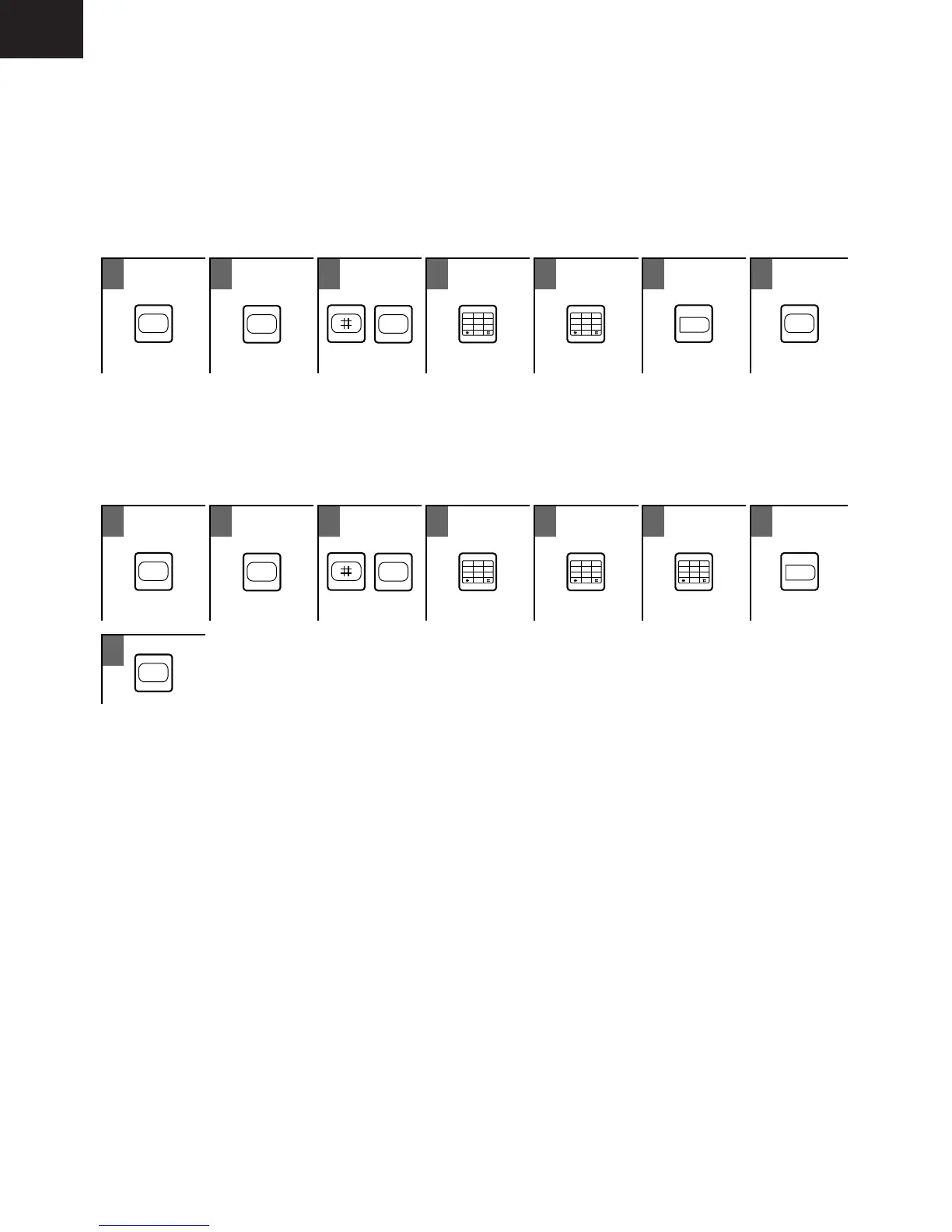
• To set the Time
ON
/
OFF
MEMORY
4
1
3
4
6
5
2
0
7
9
8
1
3
4
6
5
2
0
7
9
8
HOLD
ON
/
OFF
Hour (00-23) Minute (00-59) To store
To Enter the Time
Enter the time as HHMM (HH=hour, MM=minute), using a 24-hour system.
For example, for 5:33PM, enter 1733.
• To set the Date
ON
/
OFF
MEMORY
3
1
3
4
6
5
2
0
7
9
8
1
3
4
6
5
2
0
7
9
8
1
3
4
6
5
2
0
7
9
8
HOLD
Day (01-31) Month (01-12) Year (00-99) To store
ON
/
OFF
To Enter the Date
Enter the date as DDMMYY (DD=date, MM=month, YY=year).
For example, for September 10,1996, enter 100996.
8










 To Next Page