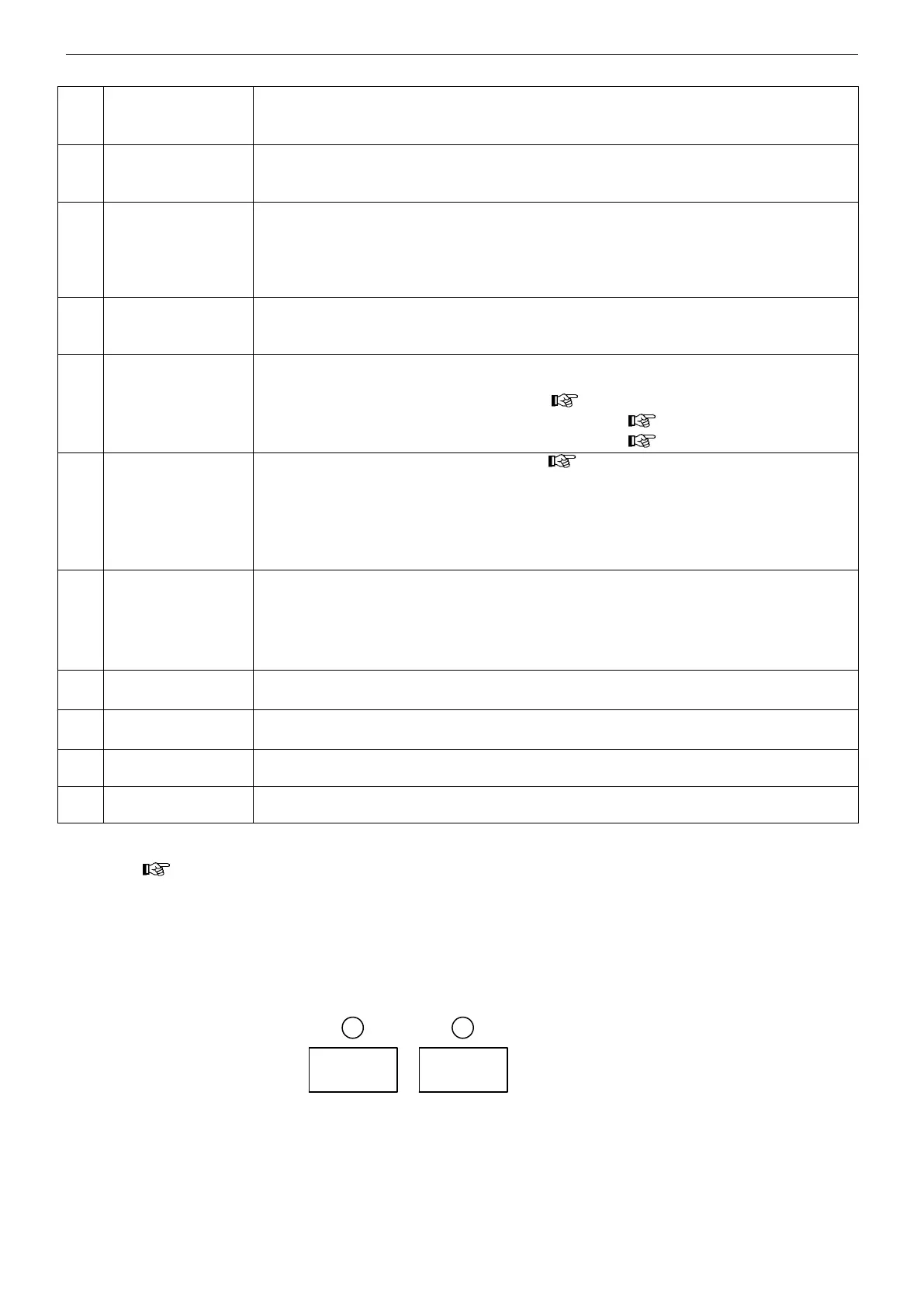
Names and functions
17
manual wire
feeding button
●
The function is used to feed welding wire into the liner before welding by holding
this key.
・ manual wire feeding speed is decided by the welding current.
●
To switch the setting among“ initial ”, “ Weld ”, “ crater ” current.
・ For crater OFF, it can not be switched. Only the setting for “ Weld ” current can be
selected.
●
It is to check shield gas and adjust flow rate.
・Normally, the indicator lamp is off. The lamp is on while checking gas.
・To perform the gas check, press this button and then release, then the gas valve of
the wire feeder is turned ON and then turned OFF in 20 seconds.
Press this button once again to terminate the gas check immediately.
●
During stand-by, long press button for 1 second to lock the panel. Then all buttons
on the panel expect
○
3
○
6
○
8
○
9
○
10
can NOT be operated but the wire feeder
potentiometer can be adjusted.
●
Weld: welding condition setting for
○
2
~
○
7
,
○
9
and
○
13
~
○
16
,
○
8
○
10
for wire feeding
check, gas check for welding,
○
11
for panel lock
・ F. Adj: fine adjustment on F. Adj menu ( Section 5.4).
・ Call: To call the welding condition being recorded ( Section 5.4).
・ Record: To record the present welding conditions ( Section 5.4).
●
For welding control method selection, ( Chapter 8 )
・ crater OFF: regular welding.
・ crater ON: regular welding ~ crater welding.
・ initial ON: initial welding ~regular welding ~ crater welding.
・ spot welding: The welding lasts certain seconds according to the spot welding time
being set. The welding stops automatically when the spot welding time is up.
●
To select the welding method
・ Standard: No pulse during welding.
・ OP1: Reserve.
・ root welding: NO pulse root welding ※1.
・ Deepen: NO pulse deep penetration ※1.
●
select the material to be welded
・ OP1 and OP2 are reserved for special design.
●
select welding wire diameter to be used
・ OP1 reserved for special design.
fuse (8A)
wire feeding motor
●
protection on the wire feeding motor
Note: be sure to turn off the power source switch before replacing the fuse.
●
switch the power source ON and OFF
※1 【 Deepen 】 function is an optional software package. The test welding can last for 3 hours after setting P
menu ( Section 5.4). If you desire to continue this function, please contact the Distributor to activate the
function.
Note:
1. The welding material, welding wire diameter being set in (○
15
)~(○
16
)should be in line with the actual operational
conditions.
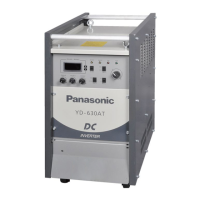
2.If there is no welding data in welding material, welding wire diameter , it shows “--- ---”, as shown in the picture
below.



 To Next Page