P550c Operation Manual
Contents
www.pearpoint.com | 15
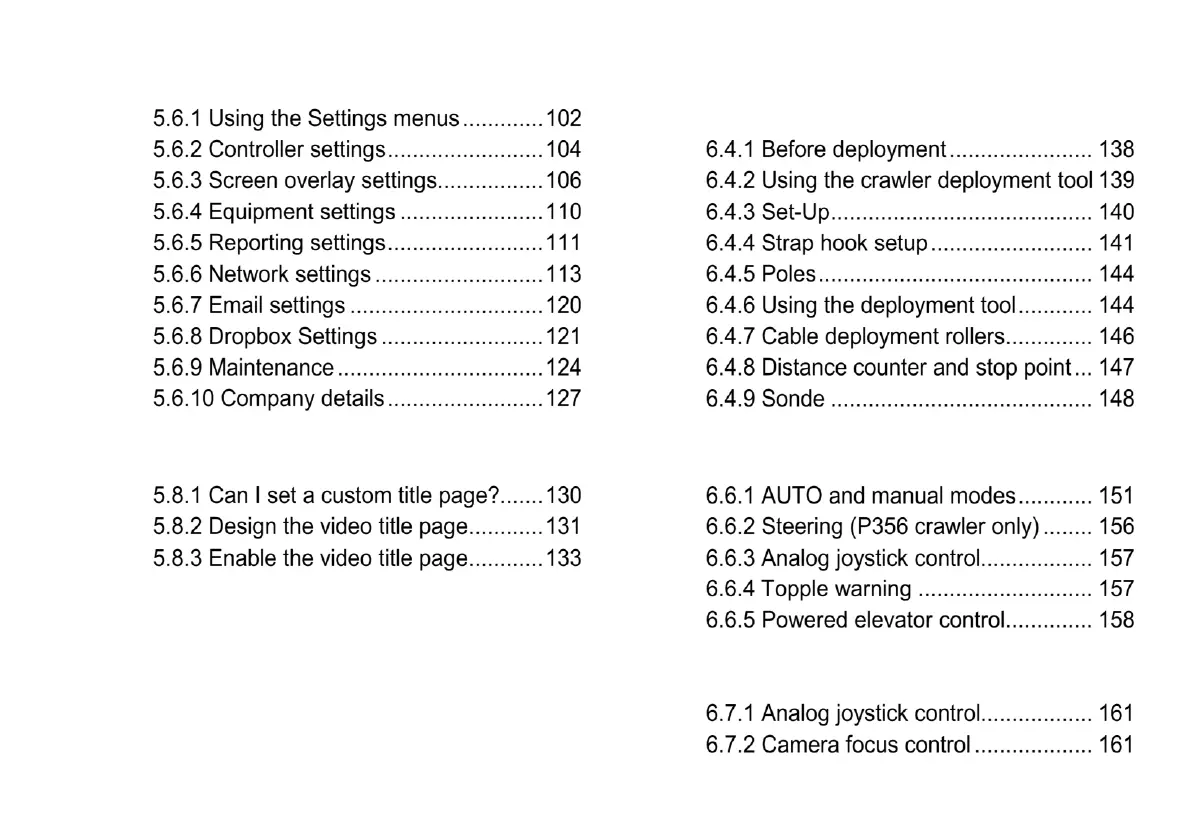
5.7 Import a company logo .......................... 128
5.8 Set up a video title page ........................ 129
6 Operating the system .................................... 135
6.1 Before you begin ................................... 135
6.2 Confirming the system equipment ......... 136
6.3 Emergency stop .................................... 137
6.4 Crawler Deployment ............................. 137
6.5 System stop .......................................... 149
6.6 Driving the crawlers .............................. 150
6.7 Camera control (lights, focus, pan, rotate,
zoom) ................................................ 160



 To Next Page