- 37 -
5 Operation
1
5
2
6
3
7
9
4
8
10
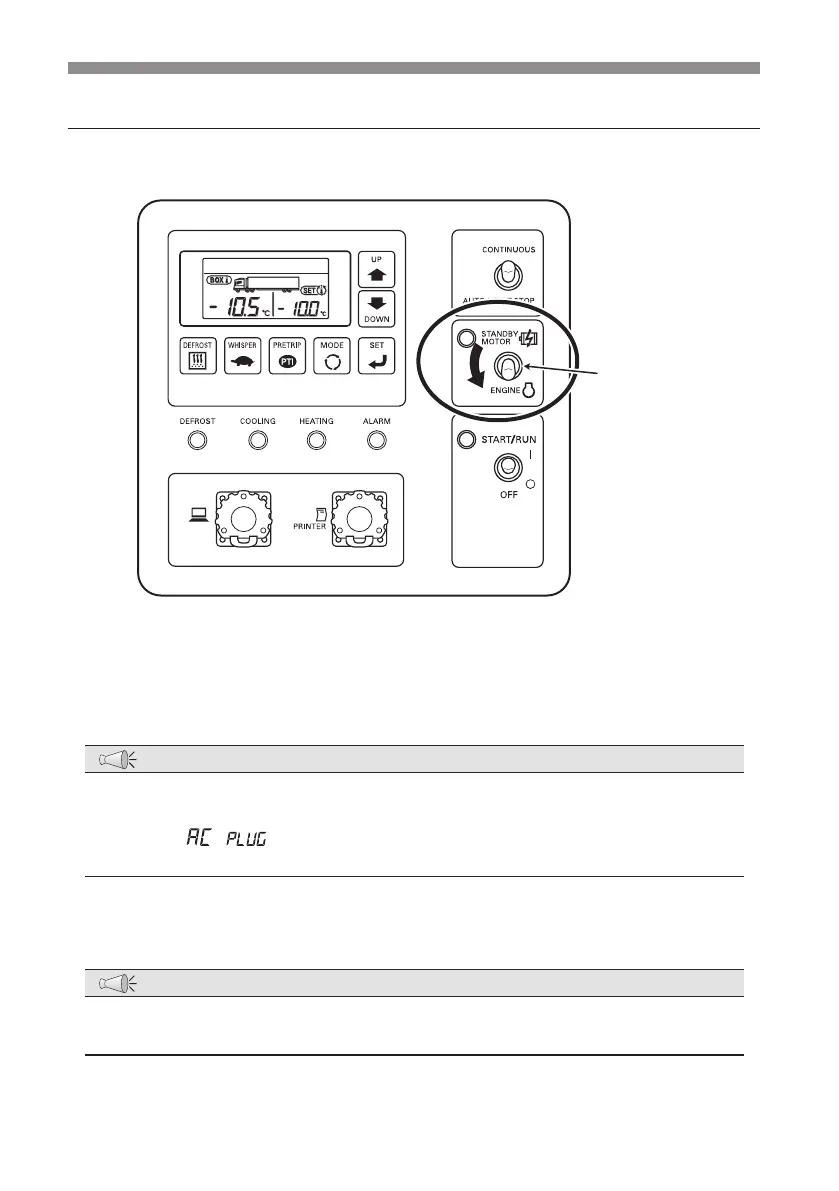
Switching the drive
Operating with the sub-engine
Drive selector
switch
1
Make sure that the refrigeration unit is not connected to the commercial
power supply.
NOTE
●
When the refrigeration unit is connected to the commercial power supply, the
sub-engine can not drive even if the drive selector switch is set to "ENGINE".
As the "
" starts to blink in the digital display area, turn off the
commercial power supply.
2
Set the "Drive selector switch" to "ENGINE".
NOTE
●
During the sub-engine drive, the sub-engine revolution speed is switched
automatically to the high or low speed depending on the load.


 To Next Page