- 53 -
5 Operation
1
5
2
6
3
7
9
4
8
10
Starting the operation
1
Press the [MODE] switch when the refrigeration unit is stopped.
The controller becomes activated and the display changes to the "Normal
display screen".
NOTE
●
Go to the procedure 2 while the refrigeration unit is operating.
2
Press the [PRETRIP] switch.
If this switch is pressed during the operation, the refrigeration unit stops once.
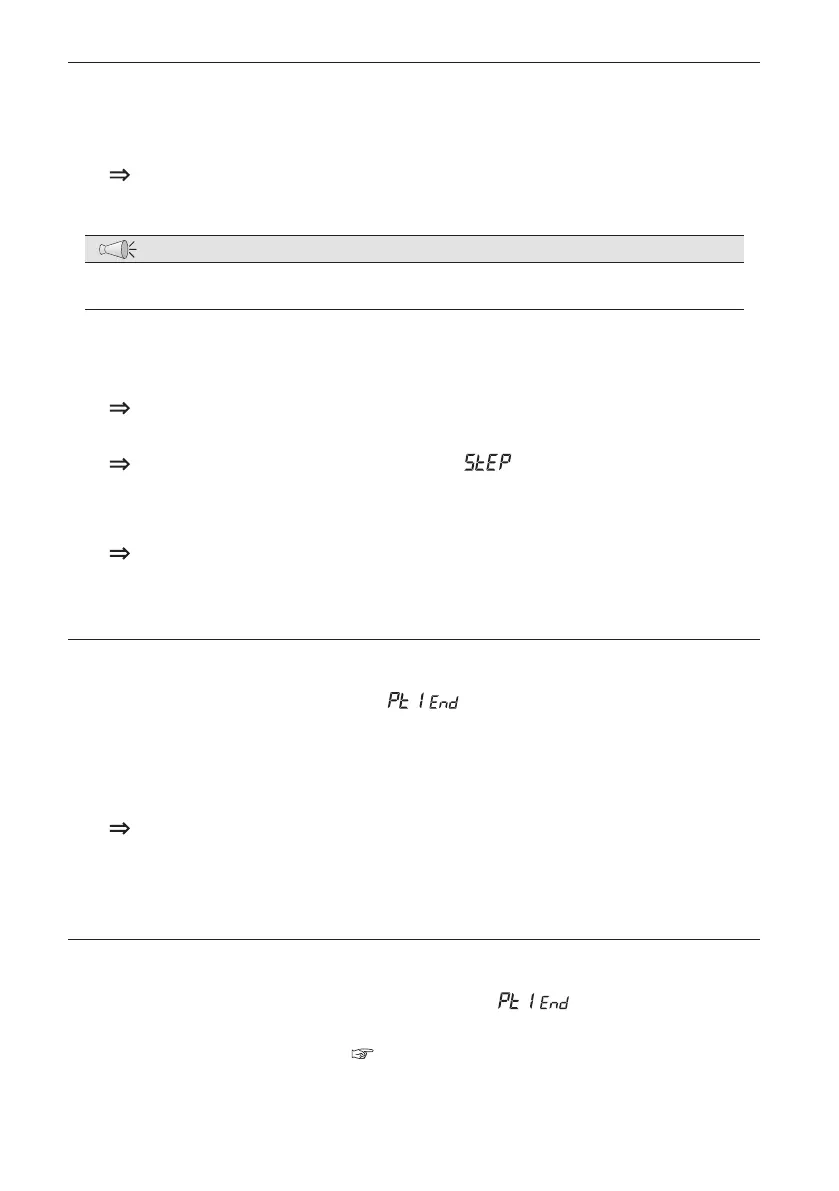
The self diagnosis operation starts and "
" is displayed in the digital
display area. (
: Figures from 01 to 24 will be displayed.)
When the diagnosis is completed, the sub-engine stops and the result of
diagnosis will be displayed.
Finishing the operation when no defects are detected
1
When no defects are detected, " " will be displayed in the digital
display area.
2
Press the [PRETRIP] switch, or set the "Operation switch" to "OFF".
The controller will stop.
Perform the same operation when stopping the operation during the inspection.
When abnormal conditions are detected
The corresponding codes for the abnormality and " " will be alternately
displayed in the digital display area and the "Alarm indicator lamp (Red)" will light
or blink. Check the alarm code (
Refer to pages from 76 to 78) and perform
proper treatment or contact your nearest dealer.


 To Next Page