- 44 -
5 Operation
1
5
2
6
3
7
9
4
8
10
Setting temperature
1
Start to operate the refrigeration unit. ( Refer to page 41.)
2
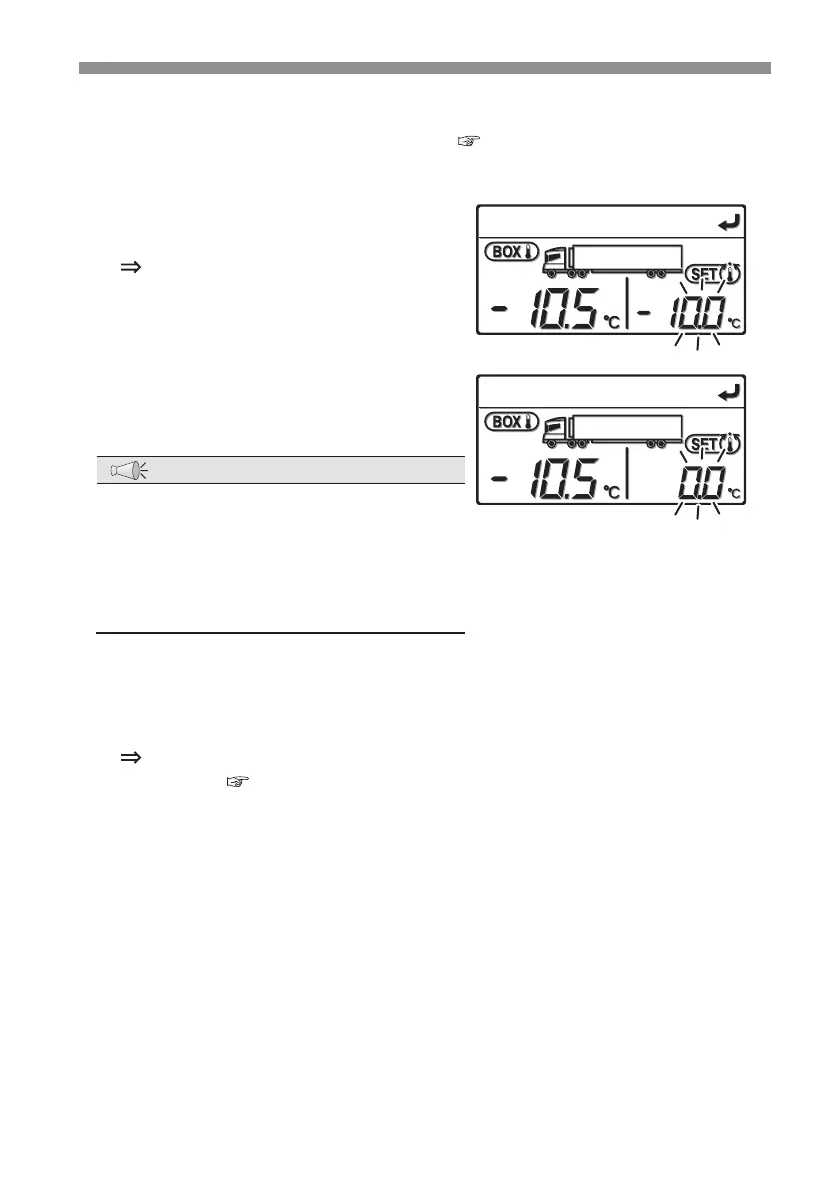
Press the [UP] or [DOWN] switch.
The current setting temperature
displayed in the right side of the digital
display area started to blink.
3
Press the [UP] or [DOWN] switch to set
the temperature.
NOTE
●
Each press on the [UP] switch increases
the value by 0.5 while each press on the
[DOWN] switch decreases the value by
0.5.
Keeping pressing either switch changes
the value continuously.
4
Press the [SET] switch.
The setting is completed and the screen returns to the "Normal display
screen". (
Refer to page 22.)



 To Next Page