- 72 -
9 For emergency
1
5
2
6
3
7
9
4
8
10
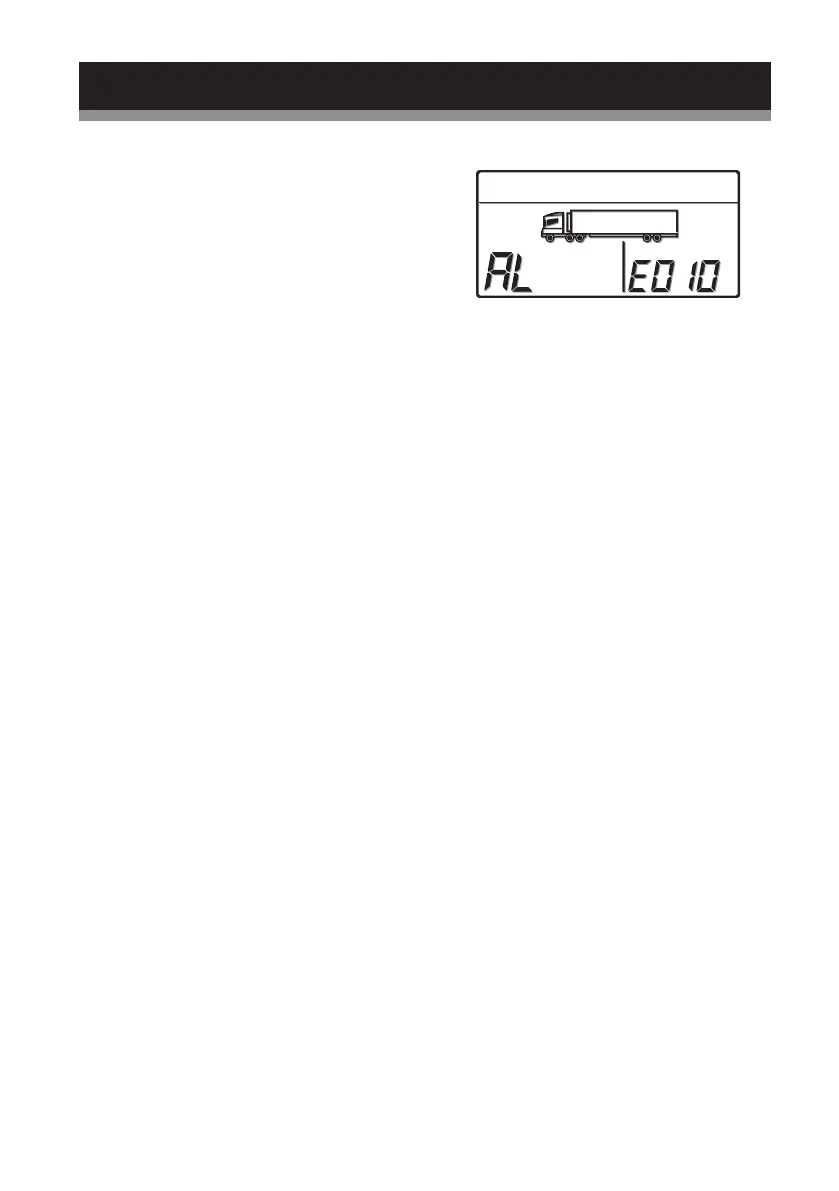
Error display
●
When any error occurs, the error lamp
(red) lights or blinks.
●
Check the error code displayed in the
digital display area.
When no error codes are displayed in the
digital display area, switch the screen to
the "Current error display" manually in
the following procedure, and check the
contents.



 To Next Page