Installing Drivers for 6000 Boards
3.2.3.3 PenMount Rotating Function
For Windows 2000 and XP 32bit, PenMount Windows Universal Driver
supports several display rotating software packages and auto-detects rotate
function (0°, 90°, 180°, 270°). The display rotating software package supported
in Windows 2000, XP 32bit, Vista 32/64bit are:
1. Portrait’s Pivot Screen Rotation Software
2. ATI Display Driver Rotate Function
3. nVidia Display Driver Rotate Function
4. SMI Display Driver Rotate Function
5. Intel Display Driver Rotate Function
Configure Rotate Function in Windows XP 64bit
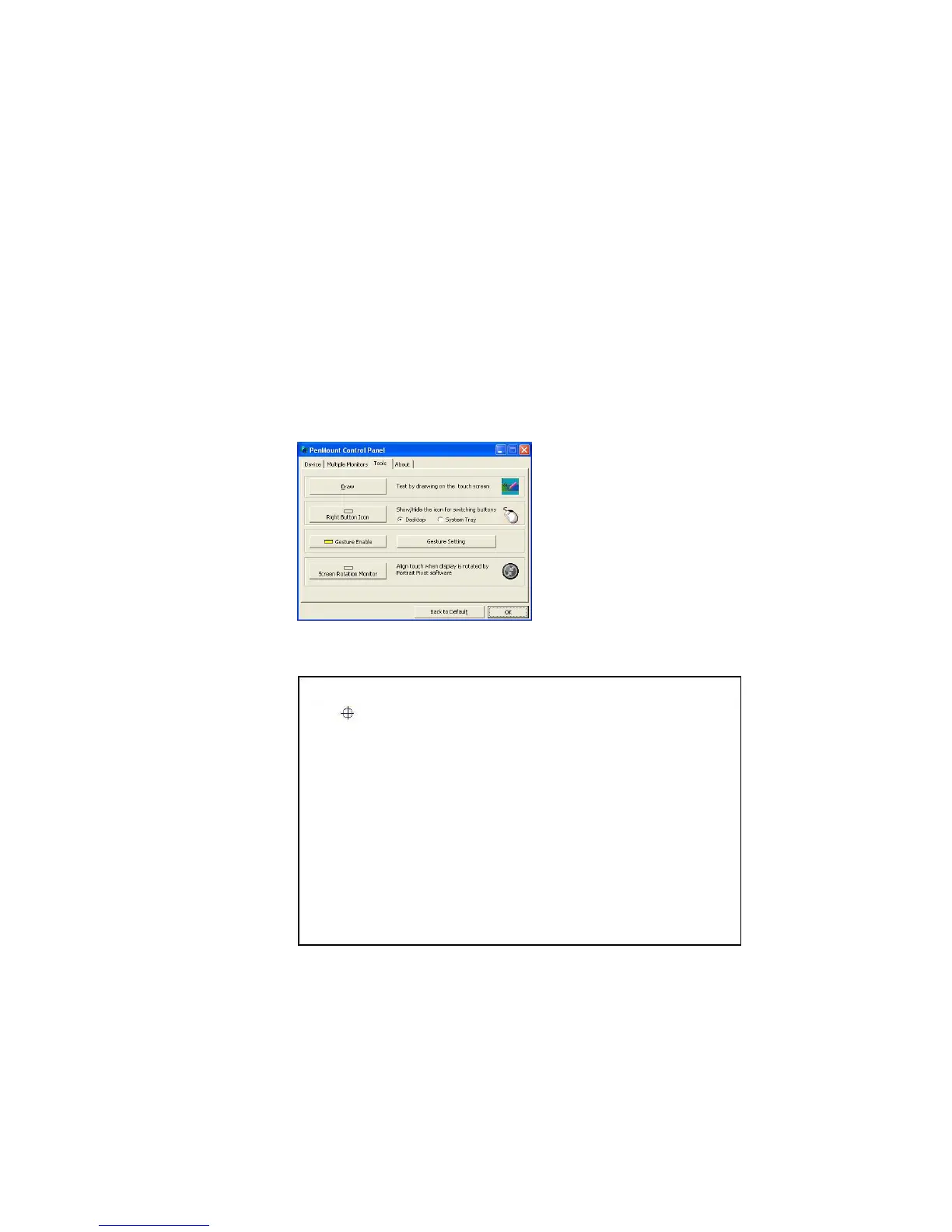
1. There is a “Screen Rotation Monitor” button that appears only in the
PenMount driver utilities for Windows XP 64bit system.
2. On enabling “Screen Rotation Monitor”, you will see a screen like below:
3. Choose rotate function (0°, 90°, 180°, 270°) in the 3
rd
party software. The
calibration screen will appear automatically. Touch this point and rotation
is mapped.
NOTE: Rotate function is disabled if you use Monitor Mapping.



 To Next Page