17
Chapter 3. Install Drivers for 6000 Boards
This chapter describes how to install drivers and other software that enables your PenMount 6000
control boards to work with various operating systems.
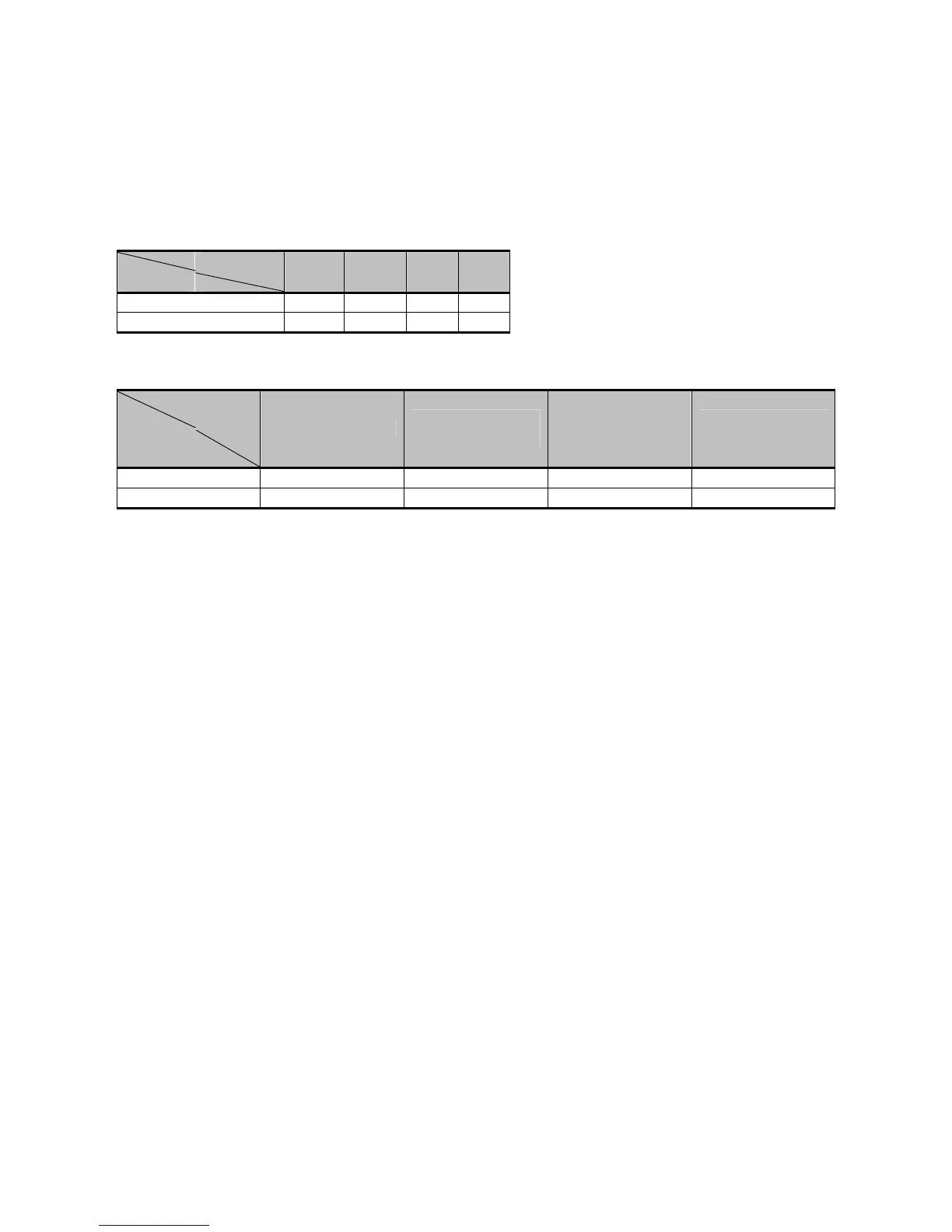
PenMount 6000 boards support the following connections:
PenMount
Interface
6200x 6202B 6300 6500
RS-232
USB
RS-232 driver and USB driver for PenMount 6000 boards support the following operating systems:
O.S.
Driver
DOS
2000/XP/2003/
VISTA/7
Linux
(Kernel 2.6 &
X-Windows
Mode)
Win CE
(4.2/5.0/6.0)
RS-232 Driver
USB Driver
3.1. Install PenMount DOS Driver
Before installing DOS driver, you must have DOS system installed and running on your
computer. You must also have PenMount Serial Interface either 6200x, 6202x or 6500
control boards installed.
3.1.1. Install PenMount DOS Driver
PenMount DOS Driver version 2.10 diskette contains the following files:
INSTALL.EXE -- PenMount installation program
PM2.EXE -- PenMount Utility, to configure or test the PenMount
touchscreen
PMOUSE.EXE -- Driver loader, to load or unload driver.
PMTSR.COM -- PenMount DOS Driver
PMOUSE.CFG -- The configuration file for PenMount DOS driver
README.TXT -- The file you're reading now.
PMINIT.BAT -- Reload DOS driver batch file
PMUNLOAD.BAT -- Unload DOS driver batch file
PMTEST.EXE -- PenMount driver test utility to verify PenMount driver
working.
MOUSETST.COM -- Mouse Test utility
If you have an older version of PenMount DOS Driver installed in your system,
remove it first. PenMount 6000 control board has an optional cable for 9-pin
D-sub connector. And whenever RS-232 port is used, be sure to plug the
control board into the COM port of PC (e.g. COM1, COM2, COM3 or COM4)
before installing driver.



 To Next Page