Chapter 4 Driver Software Functions
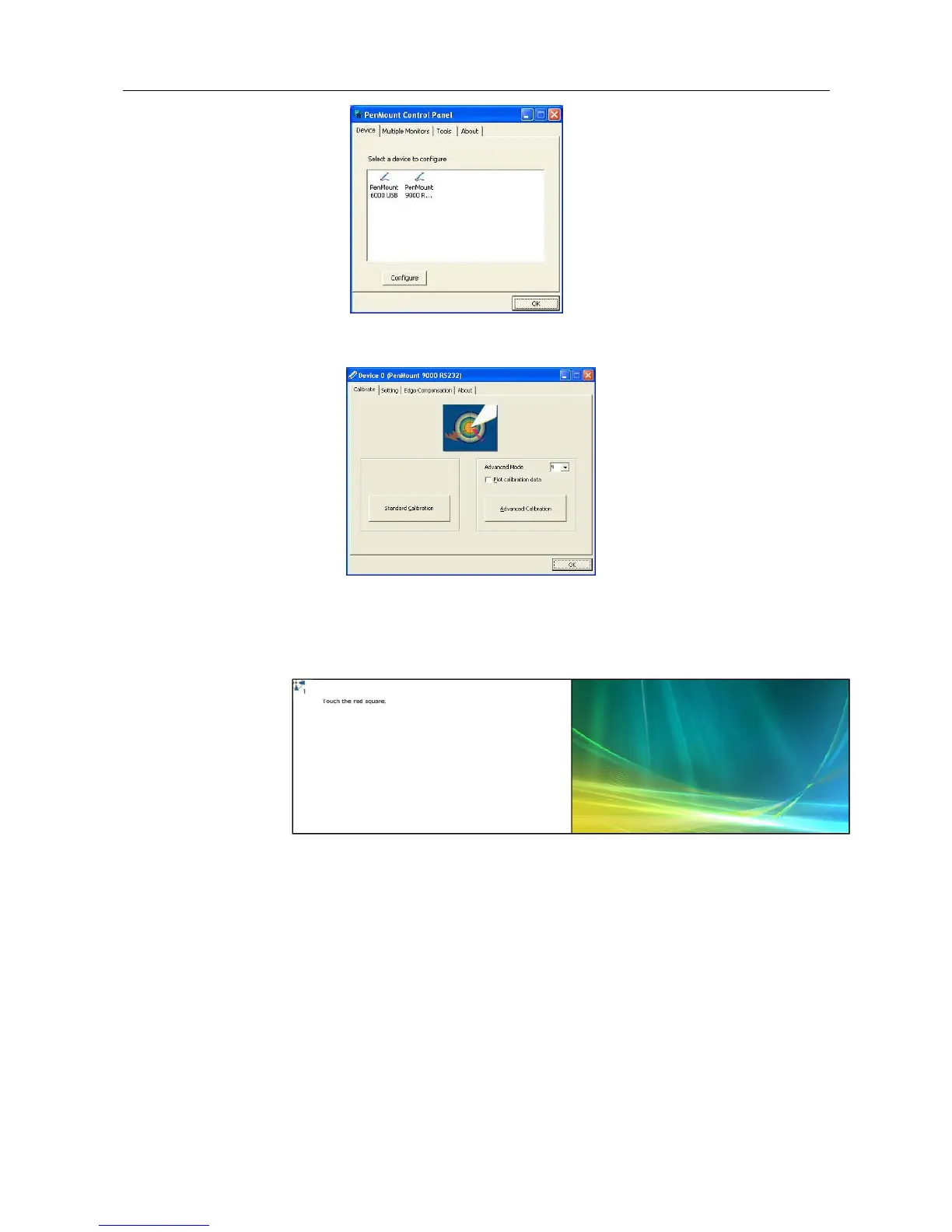
4-2. Press each device & start to do Standard Calibration, for instance,
device 0.
4-3. After you press device 0, one of screens will show calibration map.
Please follow the points to calibrate it. When you completed one
device, please do others with the same way.
4.4. Multiple Devices
Multiple Devices function is designed to let you use two or more monitors to display the
same image. Software that supports this function includes the PenMount Windows
Universal Driver (for 2000/XP/2003/VISTA/7) only. This driver for PenMount 6000 can
support up to sixteen control boards.
4.4.1. Compare Functions
The difference between the Multiple Monitors function and the Multiple
Devices function are illustrated below.



 To Next Page