Driver Software Functions
43
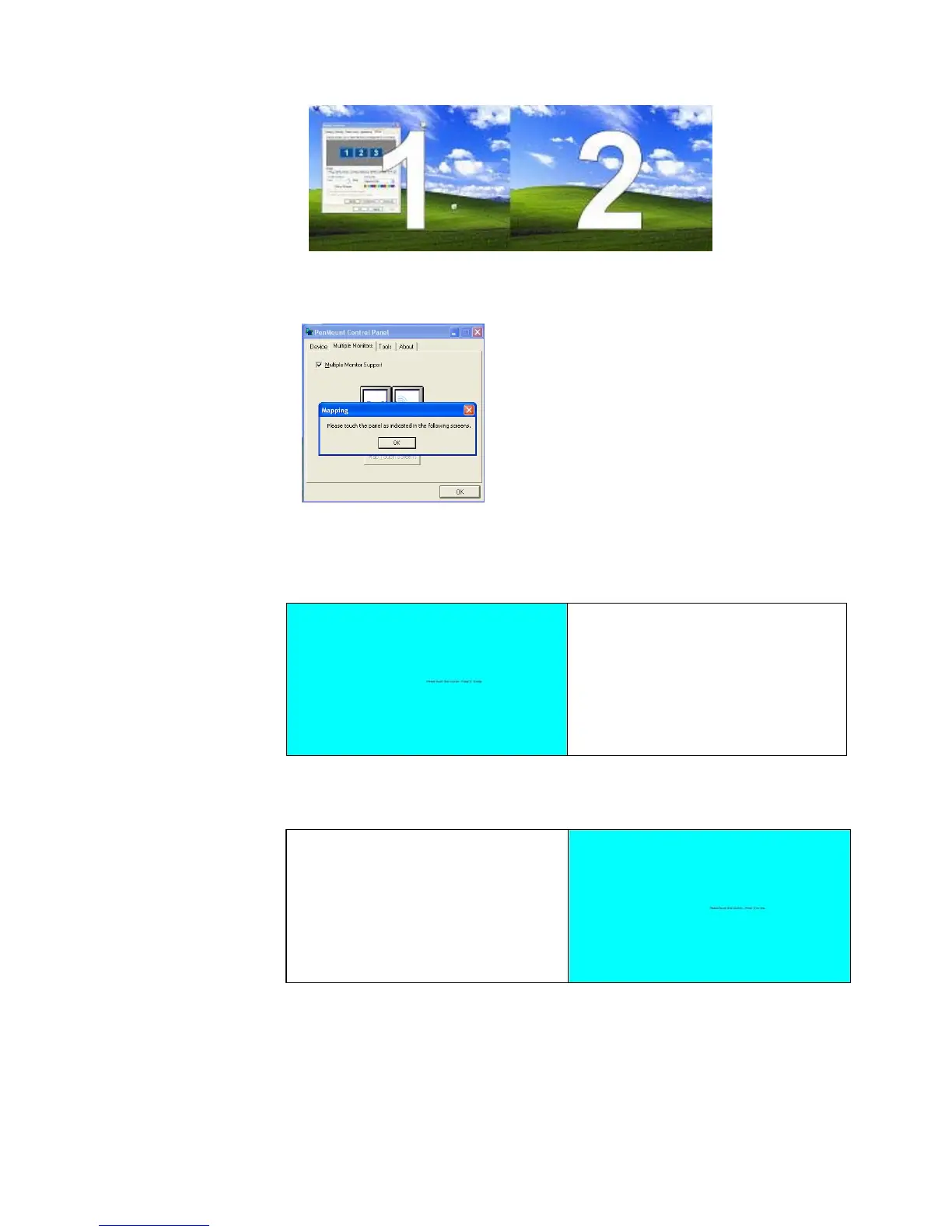
2. In PenMount
Control Panel
, under
Multiple Monitors
tag, click “
Map
Touchscreens
” then click “
OK
”.
3. Please follow the message show the display to match the controller and
touchscreen.
3-1. Please click “S” to skip if the monitor without use touchscreen.
3-2. When screen jump to Screen 2, please touch it. If screen 2 has
no touch function, press “S” to skip it.
4. Before proceeding to calibrate, you have to finish the procedure of “
Map
touchscreens
”.
4-1. Please do the calibration for each device in sequence.



 To Next Page