39
Chapter 4. Driver Software Functions
This chapter will guide you to the special software functions that configure and adjust the PenMount
control boards and touchscreen hardware. Please note that not all of the functions are available for
every driver. See the following table for drivers’ software functions and their availability for specific
interface and systems:
Software Function DOS 2000/XP/2003 VISTA/7 WinCE Linux
Standard Calibration ● ● ● ● ●
Advanced Calibration ● ● ● ●
Multiple Monitors ●
Multi Device ● ●
Rotation ●
Operation Mode ●
Drawing mode ● ● ● ●
Beep Sound ● ● ●
Beep sound adjustable ●
Wake up function ● ●
Showing linearity ● ●
Right button ● ● ●
Hide cursor ●
Double click area and
speed adjustable
●
About ● ●
Edge Compensation ● ●
Refresh ● ●
Remark:
With PenMount Windows Universal V2.2.0.283 and later versions, since the touchscreen is automatically
installed as a digitizer device in Windows Vista/7, the functions which are built within Windows Vista / 7
such as rotation, multi-monitors, flicks, and context menu function (which launches a context menu by
user’s long-pressing on touchscreen rather than clicking the right-mouse button or pressing the
application key on the keyboard) will be supported.
The following content in this chapter deals mainly with PenMount Windows Universal Driver (for
2000/XP/2003/VISTA/7). For this driver, the function of Tools should be made known to you first.
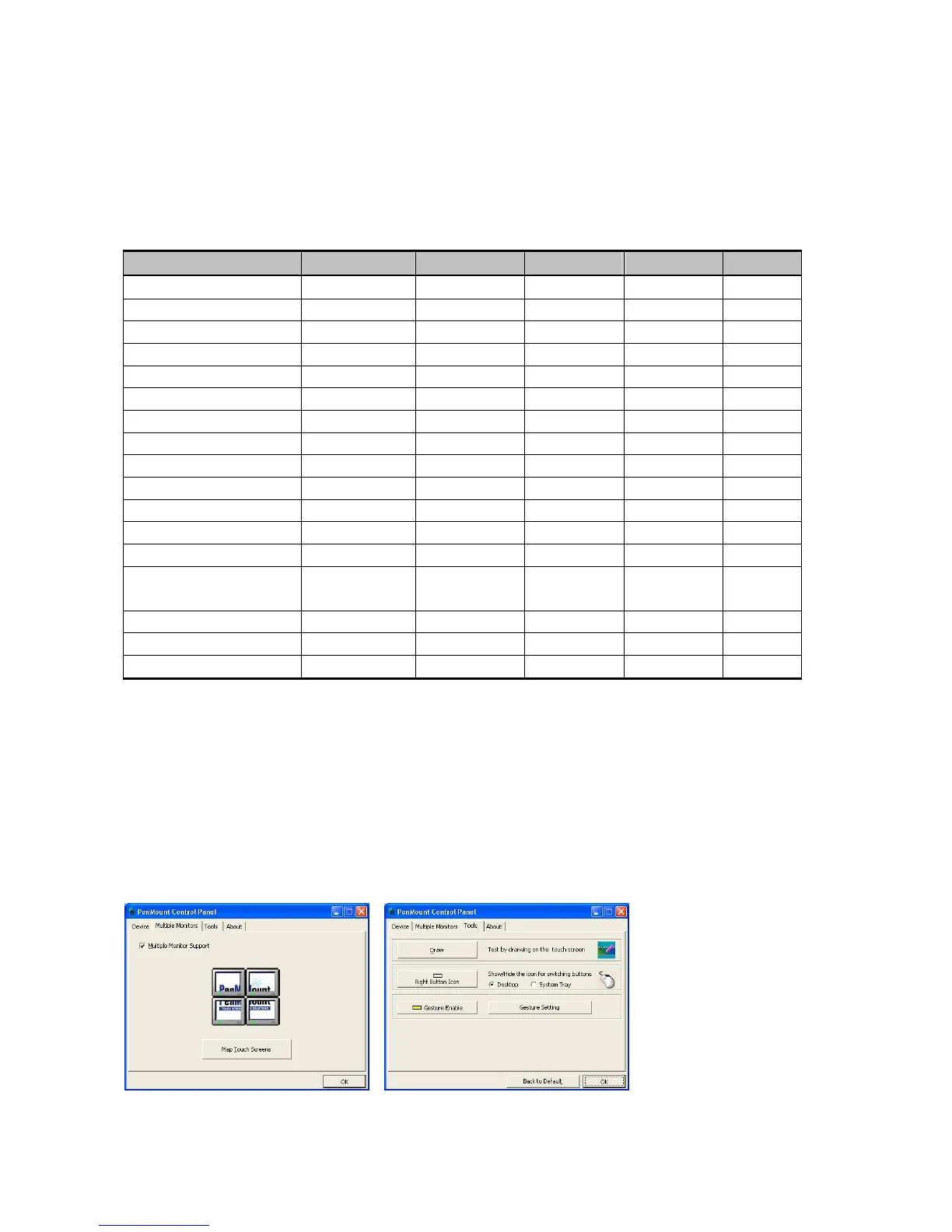
When you click the PenMount icon in the notification area and select “Control Panel” from the
menu, “PenMount Control Panel” with the four tags “Device”, “Multiple-Monitors”, “Tools”,
“About” will appear as the screenshot below:



 To Next Page