Chapter 3 Installing Drivers for 6000 Boards
25
3.2.2. Install PenMount Driver in Windows Vista / 7
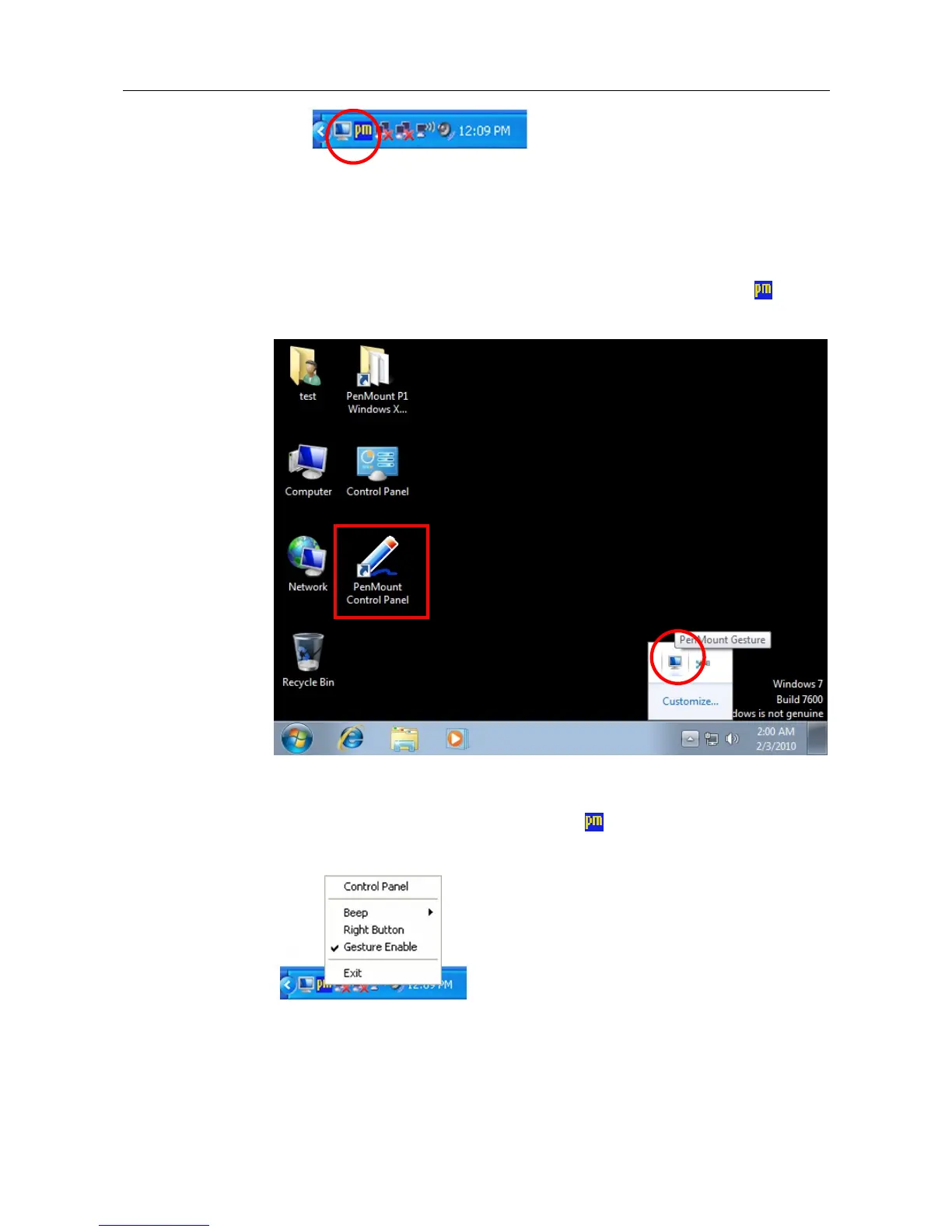
To install PenMount driver in Windows Vista / 7 is similar to in Windows XP.
However, for PenMont Windows Universal V2.2.0.283 and later versions, in
Windows XP, PenMount driver is automatically installed as a mouse device
while in Vista/7 as a digitizer device. You will see the difference that a
PenMount Control Panel icon shows up on the desktop without a
icon in
the notification area. See the screenshot below:
3.2.3. Configure Touchscreen In Windows XP
Right-click on the PenMount Monitor icon
in the notification area and
select Control Panel from the menu.



 To Next Page