Installing Drivers for 6000 Boards
Plot Calibration
Data
Check this function to have touch panel
linearity comparison graph appear when
you finish Advanced Calibration. The
black lines reflect the ideal linearity
assumed by PenMount’s application
program while the blue lines show the
approximate linearity calculated by
PenMount’s application program as the
result of user’s execution of Advance
Calibration.
Turn off EEPROM
storage
This function disables the write-in of
calibration data in
Controller. This function is enabled by
default.
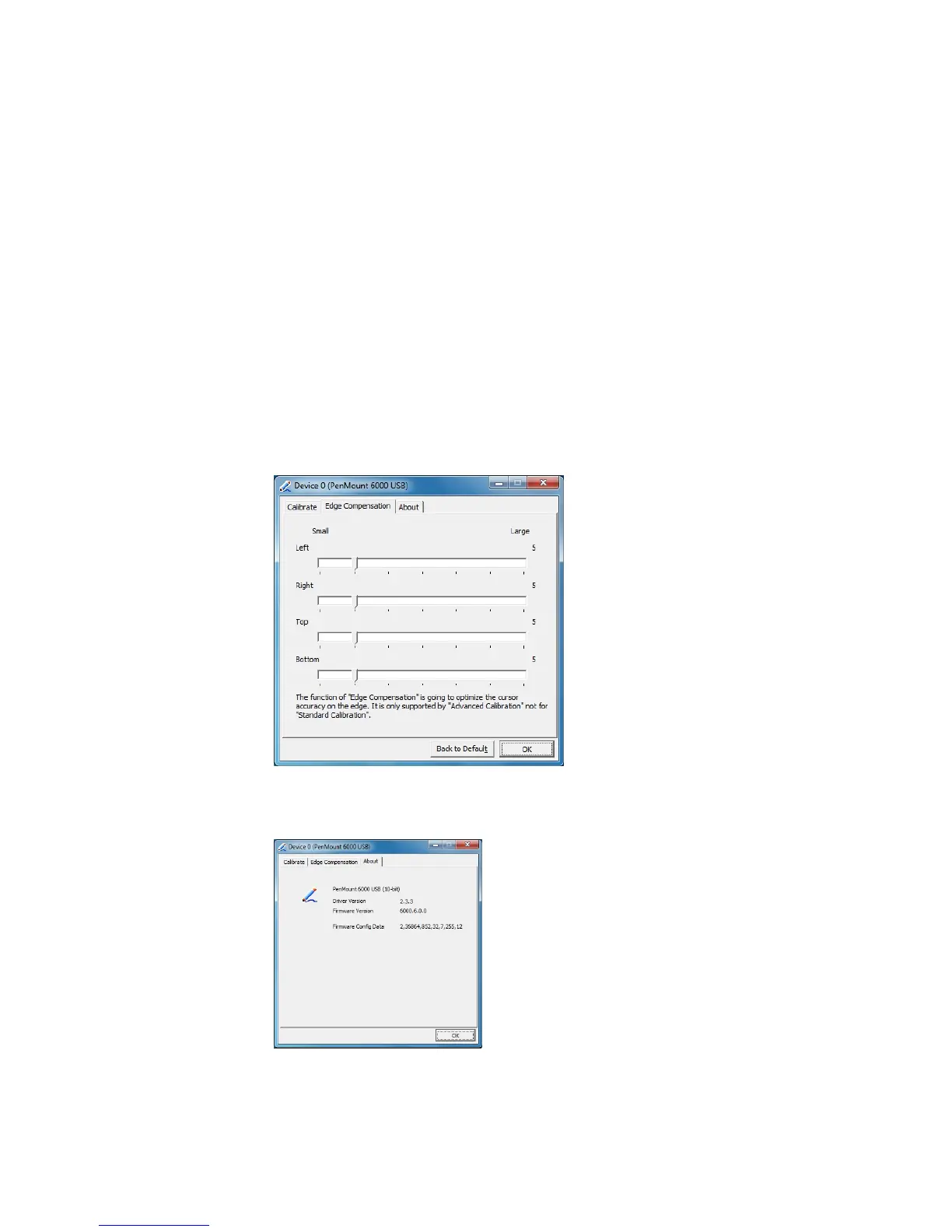
Edge Compensation
This page is the edge compensation settings for the advanced calibration. You
can adjust the settings from 0 to 30 for accommodating the difference of each
touch panel.
About
This panel displays information about the PenMount controller and driver
version



 To Next Page