Driver Software Functions
47
Touch the screen with your
finger or a stylus and the
drawing screen registers touch
activity such left, right, up,
down, pen up, and pen down.
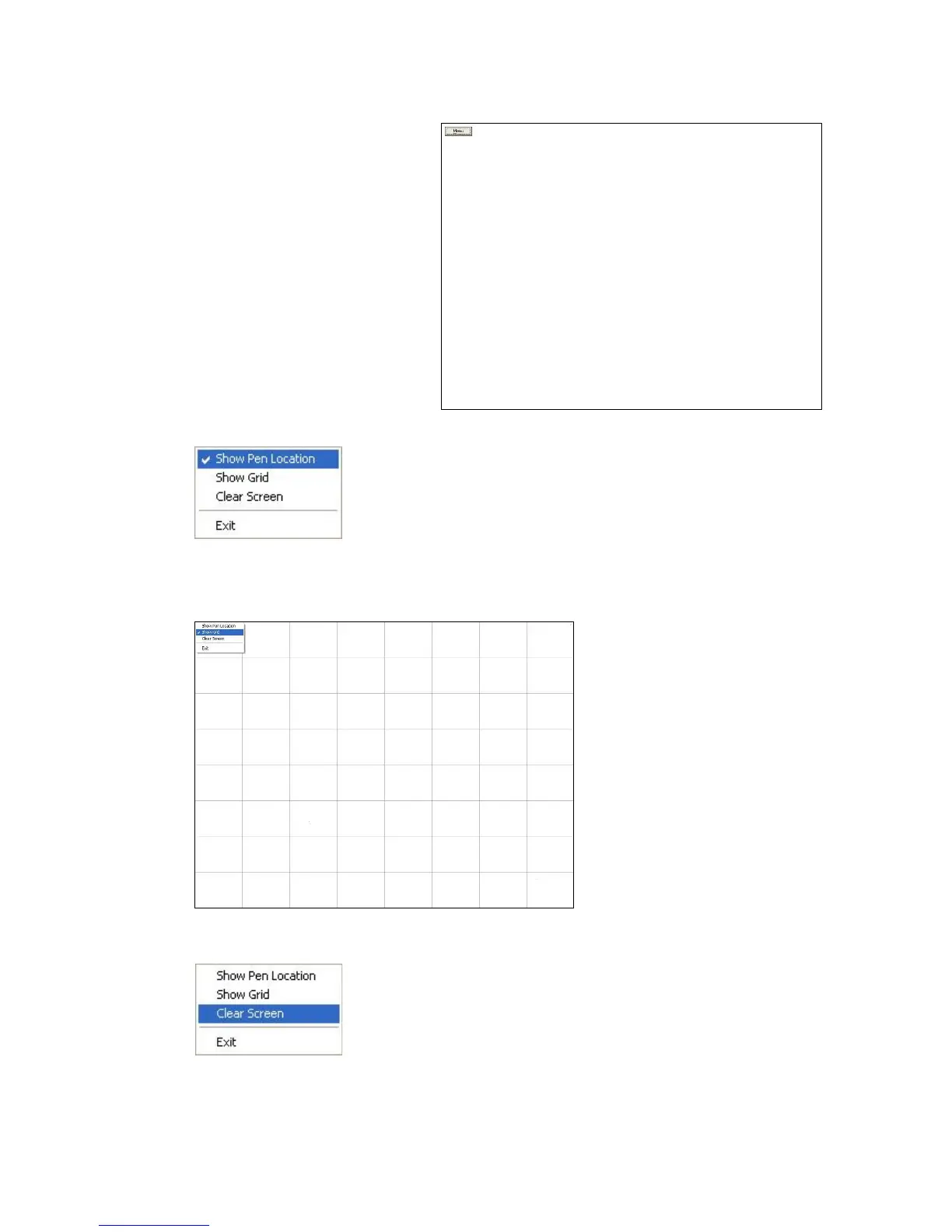
Click Menu button for more functions.
Show Pen Location is to show the locations where pen comes down and lifted up on the
monitor.
Show Grid is to show grid on the entire monitor. This is for linearity test.
Select Clear Screen to clear drawing.



 To Next Page