98
Shooting Functions
4
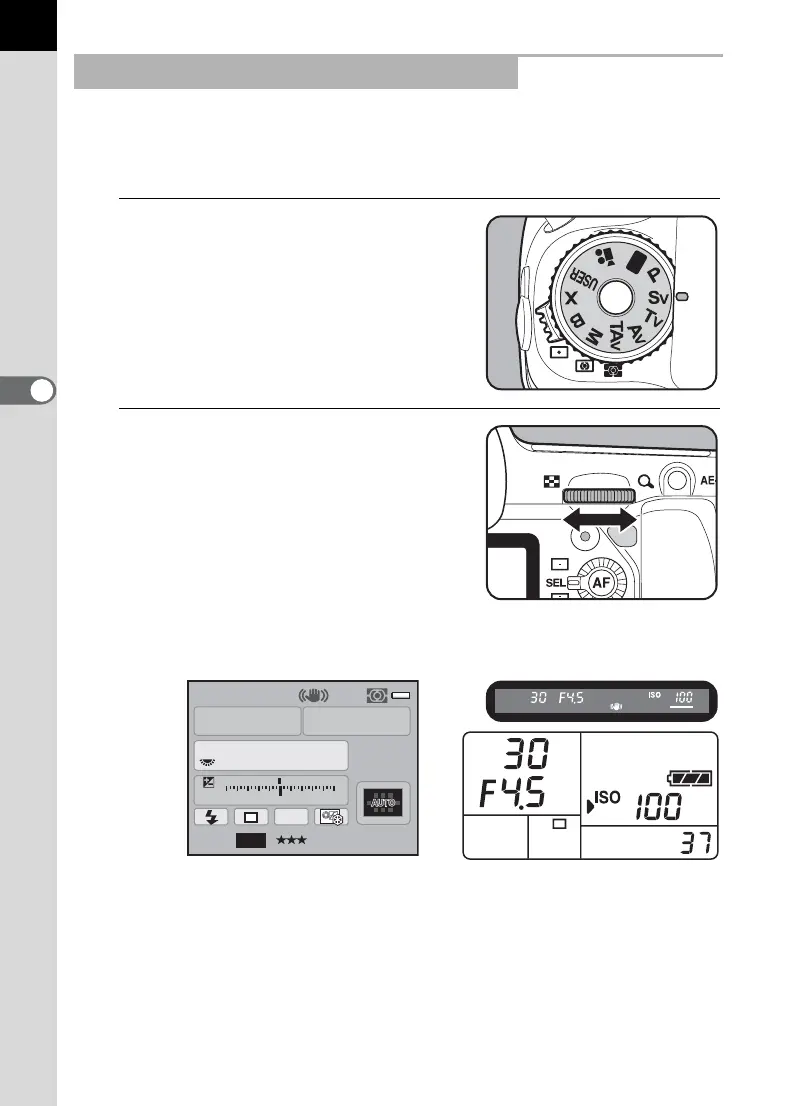
You can set the sensitivity to suit the brightness of the subject.
The shutter speed and aperture are automatically set according to the
selected sensitivity to obtain the appropriate exposure.
1
Set the mode dial to K.
2
Turn the rear e-dial (S) to
adjust the sensitivity.
The shutter speed, aperture value and sensitivity are displayed on the
status screen and LCD panel and in the viewfinder.
Using the K (Sensitivity Priority) Mode
AF.S
1/
ISO
30
100
4.5
F
11223344+5
-
5
AWB
JPEG
14M
[
37
]
Sv



 To Next Page