91
Playback/Erasing
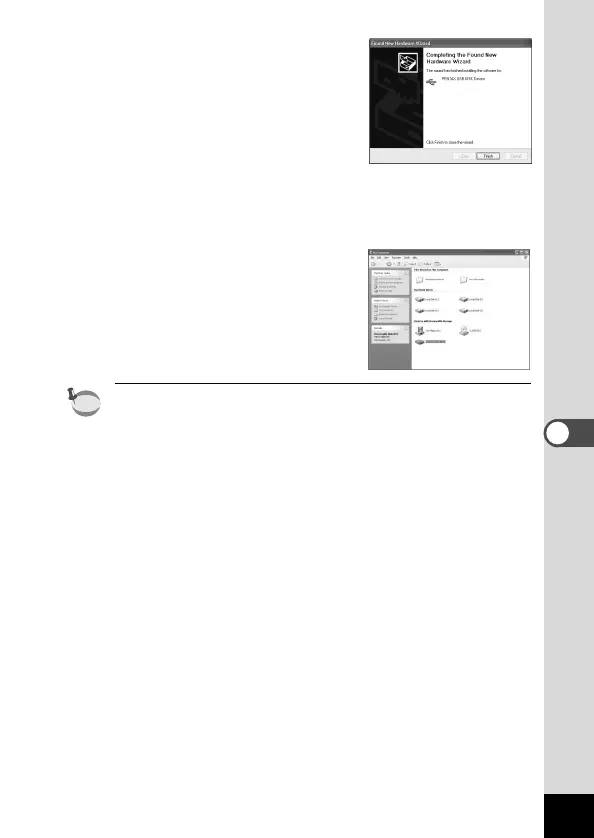
n When [The software has been
successfully installed] message
appears, click [Finish].
Installation is completed and the
[Wizard] screen is closed.
If the screen for choosing an auto-
matic Windows operation is dis-
played, click [Cancel].
m Click [My Computer] from [Start]
menu.
After installing the software, make
sure that a Removable Disk
(Camera) has been added to [My
Computer].
In the case of Windows XP, if the CF card has a volume label
attached, the content of the volume label will be displayed instead
of [Removable Disk]. If the CF card is new and has not been for-
matted, the manufacturer and capacity of the card will be dis-
played.











 To Next Page