EasyManua.ls Logo

Pepperl+Fuchs UC-18GS Series - User Manual

Pepperl+Fuchs UC-18GS Series
68 pages
Print Icon
To Next Page IconTo Next Page
Loading...
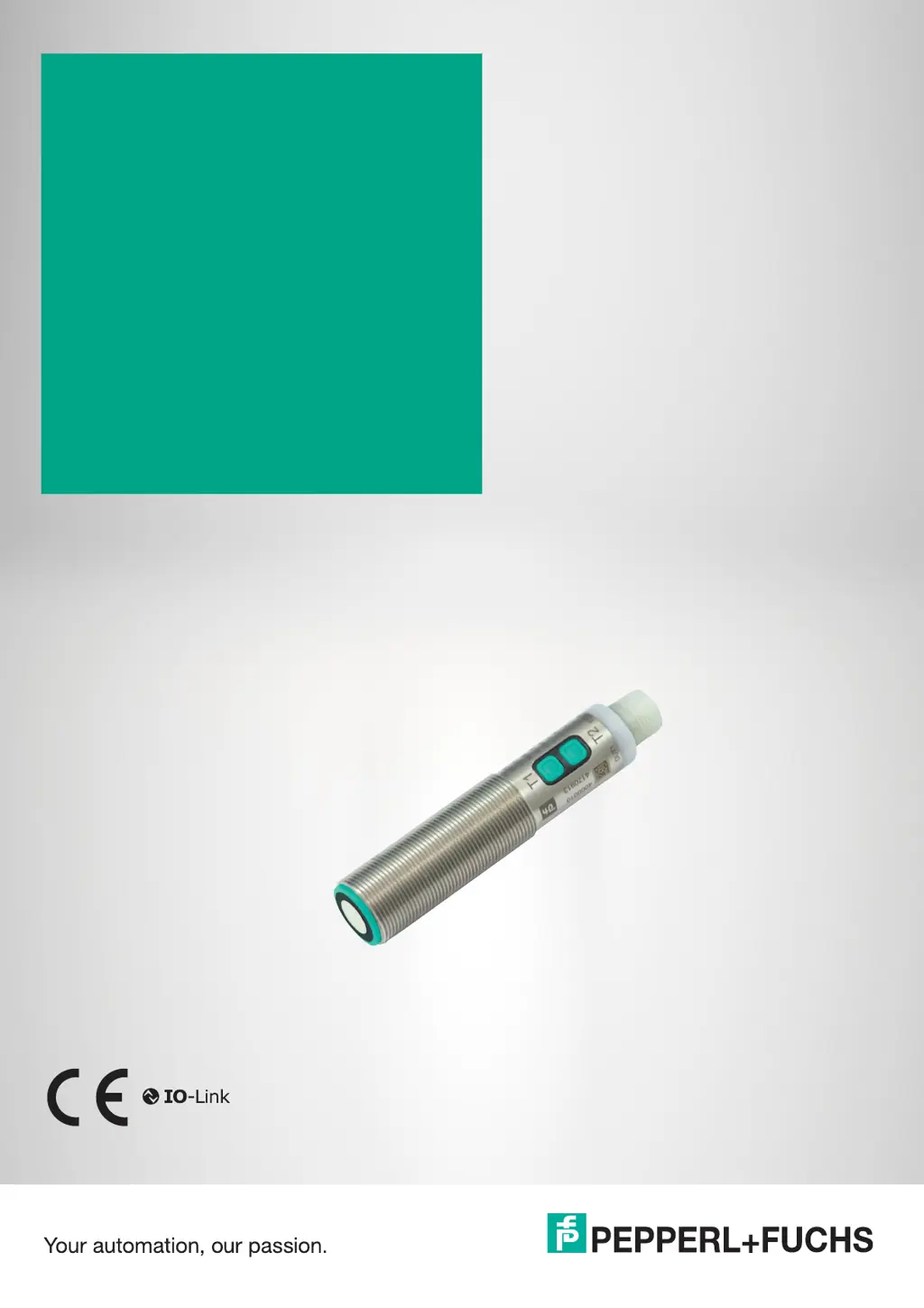
UC***-18GS series
Configuring
Ultrasonic Sensors
with IO-Link Interface
Manual

Table of Contents

Other manuals for Pepperl+Fuchs UC-18GS Series

Questions and Answers

  • S
    Shannon OconnellAug 11, 2025
    What to do if the green LED is not lit up on my Pepperl+Fuchs UC-18GS?
    • A
      Amber AllenAug 11, 2025
      If the green LED on your Pepperl+Fuchs accessory isn't lit, here's what you should check: * First, ensure the power supply is on. If it's off due to maintenance or installation, switch it back on. * Next, verify the plug is securely connected to the sensor and the cap nut is tightened. * Inspect the wiring in the splitter or switch cabinet for any errors and correct them. * Finally, check the supply cable to the sensor for damage and replace it if necessary.
  • C
    Carol CastroAug 21, 2025
    Why is there no IO-Link connection to my Pepperl+Fuchs UC-18GS Accessories device?
    • C
      cindyrussellAug 21, 2025
      If you're experiencing a lack of IO-Link connection with your Pepperl+Fuchs device, consider the following: First, ensure the communication port on the sensor is properly connected to the IO-Link master. Second, check the power supply. If it is off due to maintenance or installation work, turn it on.
  • R
    Ryan WattsAug 31, 2025
    What to do if the target object is not detected by my Pepperl+Fuchs UC-18GS Accessories, even though the sensor is OK?
    • P
      paulbarrettAug 31, 2025
      If your Pepperl+Fuchs accessory sensor isn't detecting the target object, even though the sensor itself seems to be working correctly, it might be due to an obstruction near the sensor. Ensure that the sensor is correctly aligned. Also, check the sensor configuration and adjust the sound beam width if needed.

Pepperl+Fuchs UC-18GS Series Specifications

General IconGeneral
BrandPepperl+Fuchs
ModelUC-18GS Series
CategoryAccessories
LanguageEnglish

Related product manuals