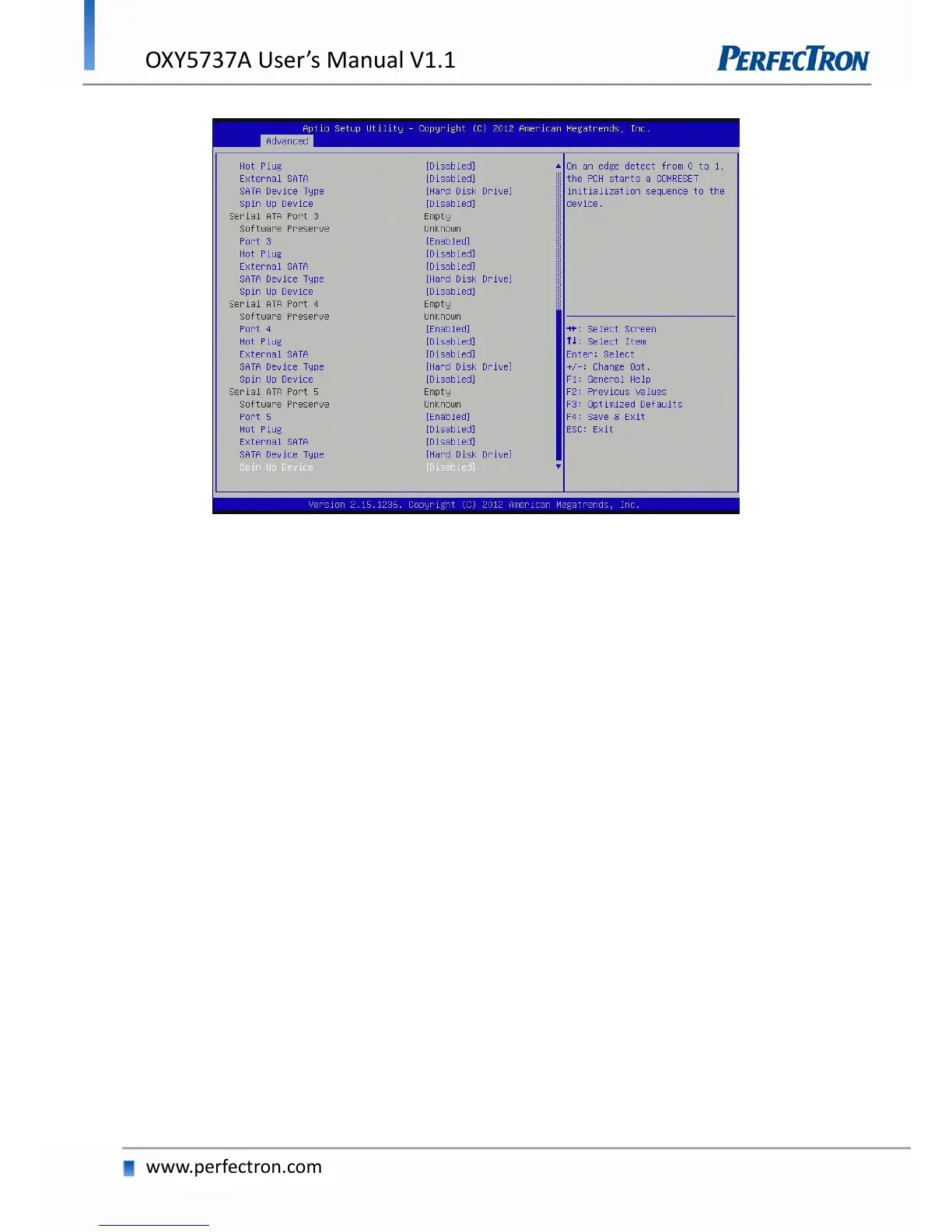
SATA Controller(s)
Enable or disable SATA device.
SATA Mode Selection
Determines how SATA controller(s) operate. The options are: IDE, AHCI, RAID
SATA Test Selection
Enable or disable Test Mode
Aggressive LPM Support
Enable PCH to aggressively enter link power state.
SATA Controller Speed
Indicates the maximum speed the SATA controllers can support. The options are default, Gen1, Gen2, Gen3.


 To Next Page