MDES BIOS Status Code
Enable/Disable MDES BIOS Status Code.
Firmware Update Configuration
Configure Management Engine Technology Parameters.
Me FW Image Re-Flash: Enable/Disable Me FW Image Re-Flash function.
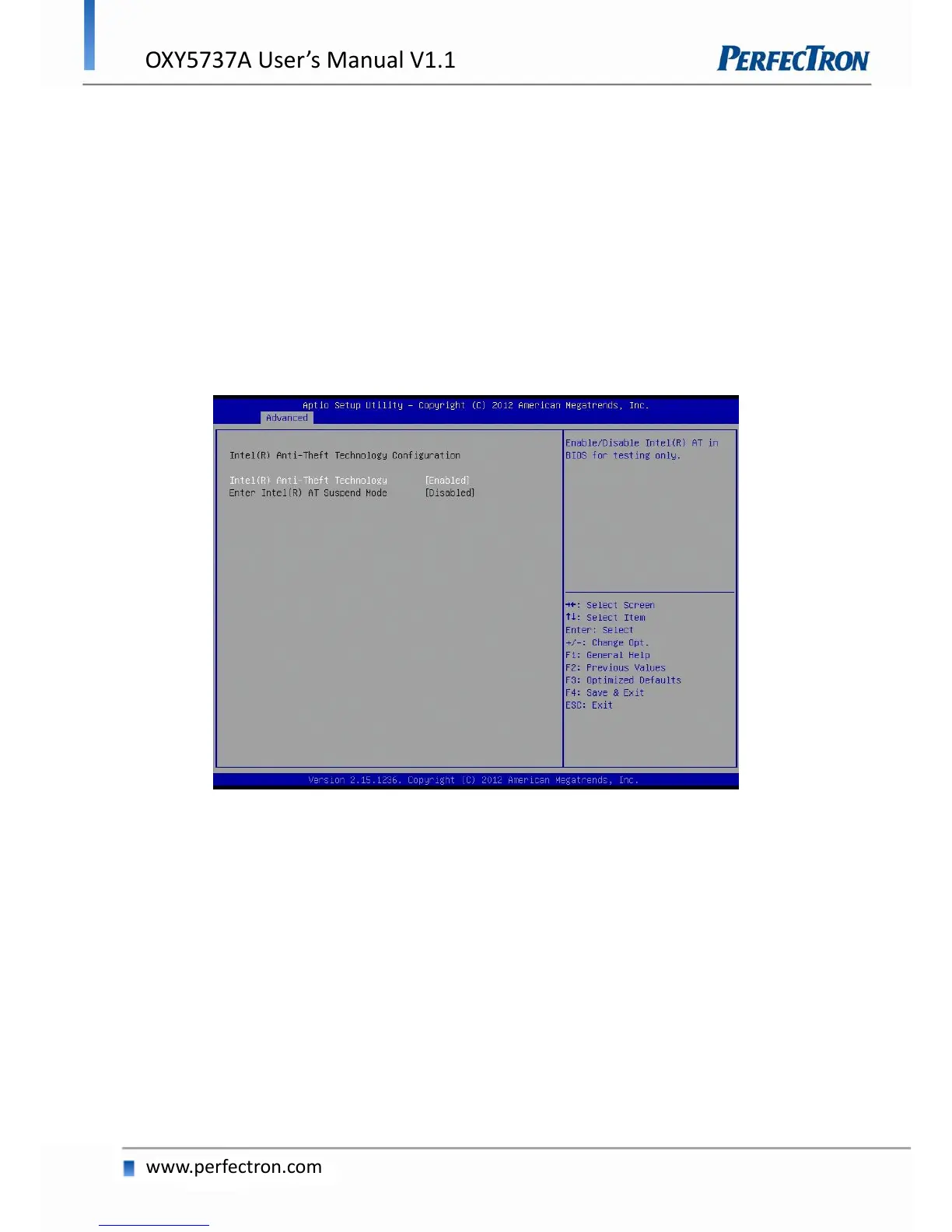
4.4.7 Intel Anti-Theft Technology Configuration
Disabling Intel AT allow user to login to platform. This is strictly for testing only. This does not disable Intel
AT services in ME.
Intel Anti-Theft Technology
Enable/Disable Intel AT in BIOS for testing. On
Enter Intel AT Suspend Mode
Only Disabled


 To Next Page