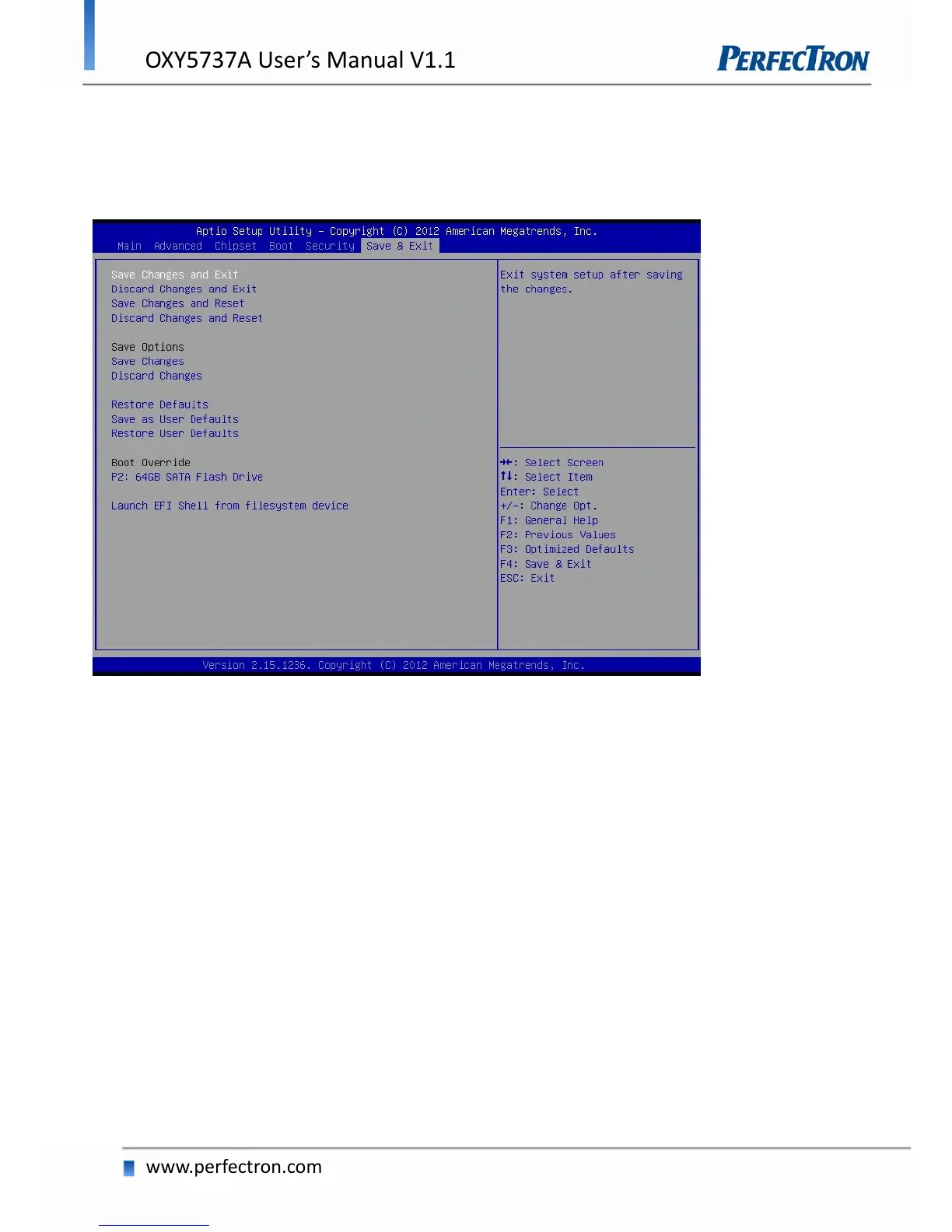
4.8 Save and Exit
This screen provides functions for handling changes made to the BIOS settings and the
exiting of the Setup program.
Save Changes and Exit
Exit system setup after saving the changes.
Discard Changes and Exit
Exit system setup without saving any changes.
Save Changes and Reset
Reset the system after saving the changes.
Discard Changes and Reset
Reset system setup without saving any changes.
Save Options
Save Changes: Save Changes done so far to any of the setup options.
Discard Changes: Discard Changes done so far to any of the setup options.


 To Next Page