USB hardware delays and time-outs:
USB transfer time-out: The time-out value for Control, Bulk, and Interrupt transfers. The options are 1
sec, 5 sec, 10 sec, 20 sec.
Device reset time-out: USB mass storage device Start Unit command time-out. The options are 10 sec,
20 sec, 30 sec, 40 sec.
Device power-up delay: Maximum time the device will take before it properly reports itself to the
Host Controller. ‘Auto’ uses default value: for a Hub port the delay is taken from Hub descriptor. The
options are Auto, manual.
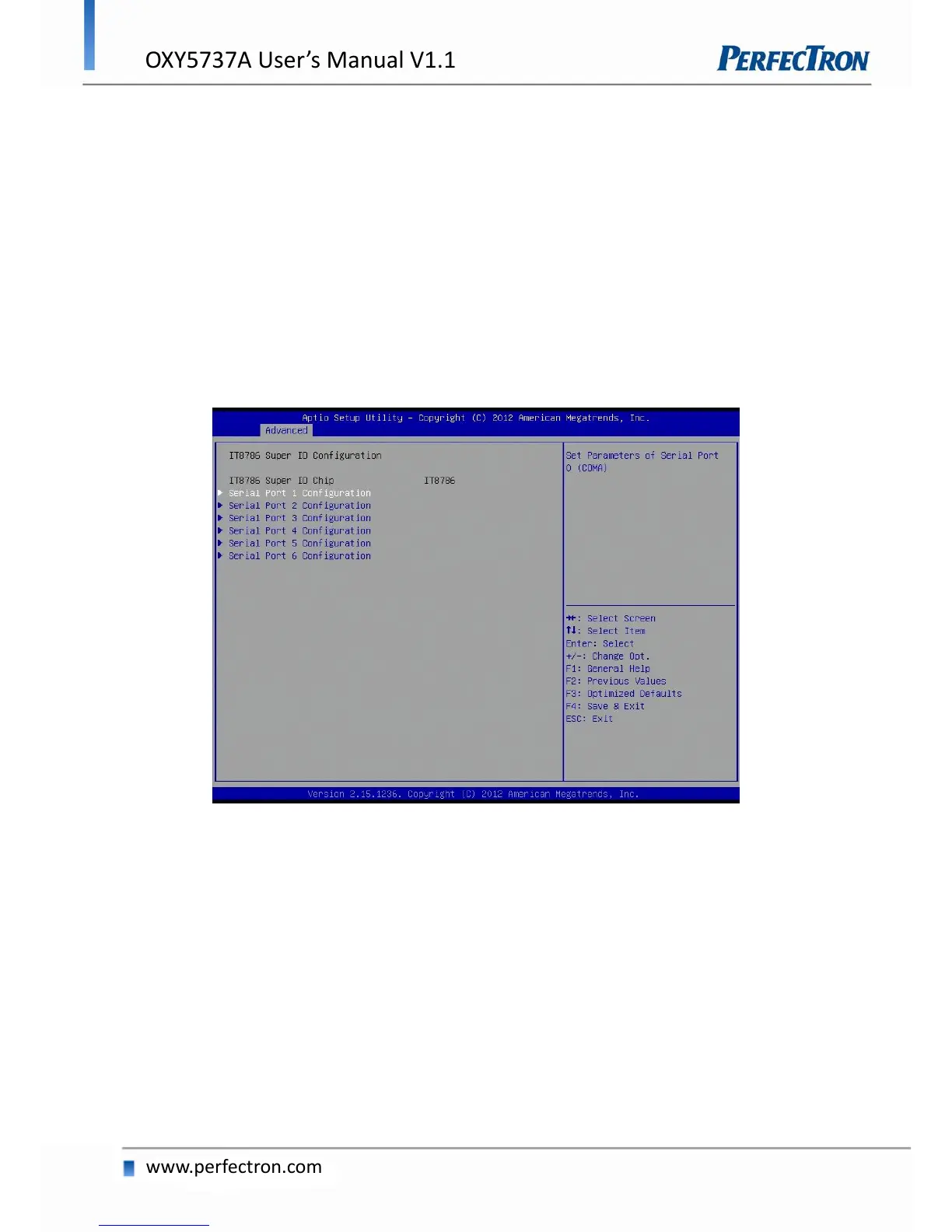
4.4.10 IT8786 Super IO Configuration
System Super IO Chip Parameters.
Serial Port 1 Configuration
Set Parameters of Serial Port 0 (COMA).
Serial Port: Enable or Disable Serial Port (COM).
Device Settings: IO=3F8h, IRQ=4
Change Settings: Select an optimal setting for Super IO device.


 To Next Page