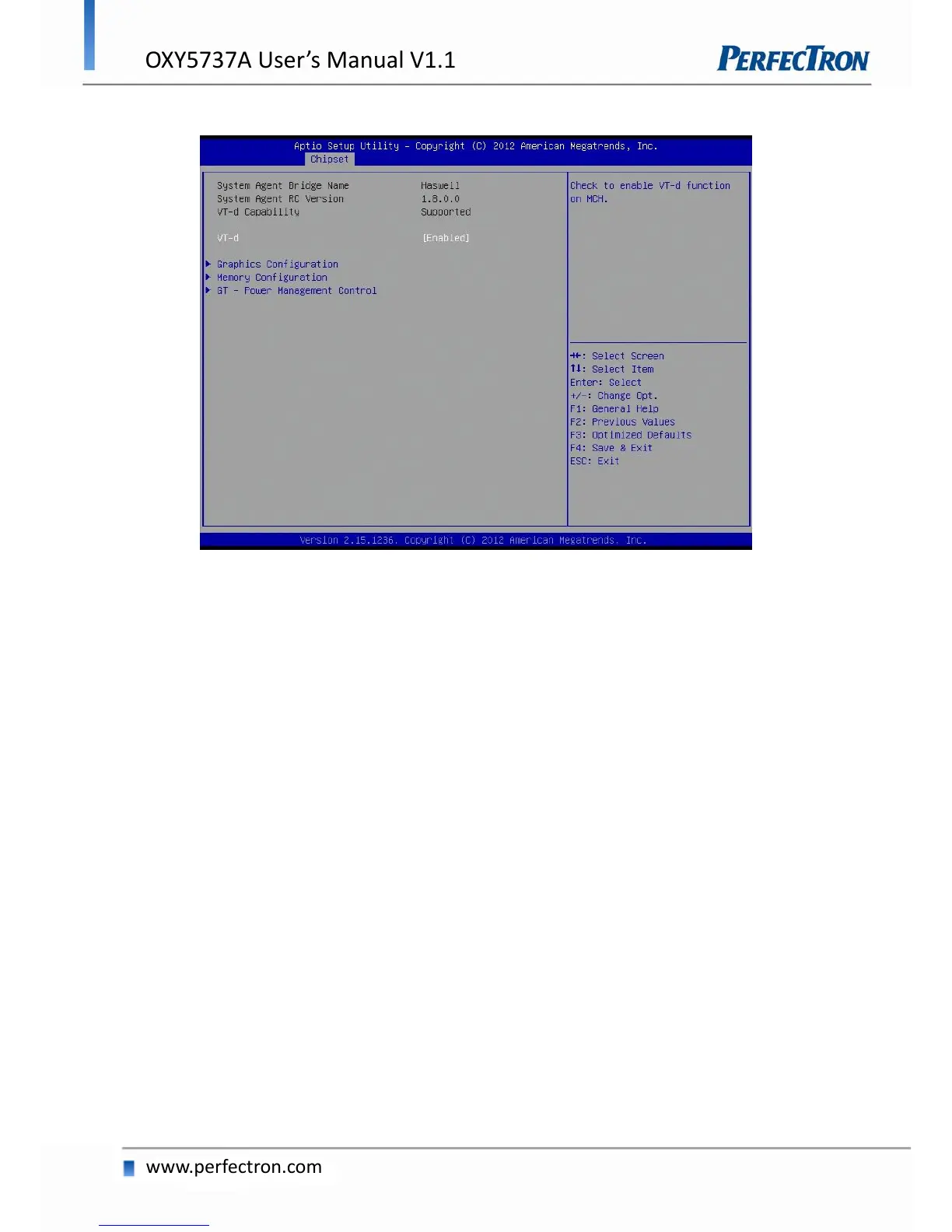
4.5.2 System AGENT SA
VT-d
Check to enable VT-d function on MCH.
Graphics Configuration
Graphics Turbo IMON Current: Graphics turbo IMON current values supported (14-31).
Primary Display: select which of AUTO/IGFX/PEG/SG graphics device should be primary display or
select SG for switchable GFX
Primary PEG: Select Auto/PEG1/PEG2 Graphics device should be Primary PEG.
Primary PCIE: Select Auto/PCIE1/PCIE2/PCIE3/PCIE4PCIE5/PCIE6/PCIE7 Graphics device should
be Primary PCIE.
Internal Graphics: Keep IGD enabled based on the setup options
Aperture Size: Select the Aperture Size.
DVMT Pre-Allocated: Select DVMT 5.0 Pre-Allocated (fixed) Graphics memory size used by the internal
graphics device.
DVMT Total Gfx Mem: Select DVMT5.0 total graphic memory size used by the internal graphics device.
Gfx Low Power Enable: this option is applicable for SFF only.
Panel Power Enable: Enable/Disable forcing of Panel Power in the BIOS.


 To Next Page