Adjustment
13.06 Parameter adjustments
13.06.01 Adjusting positions
● Turn the machine on and sew one stitch.
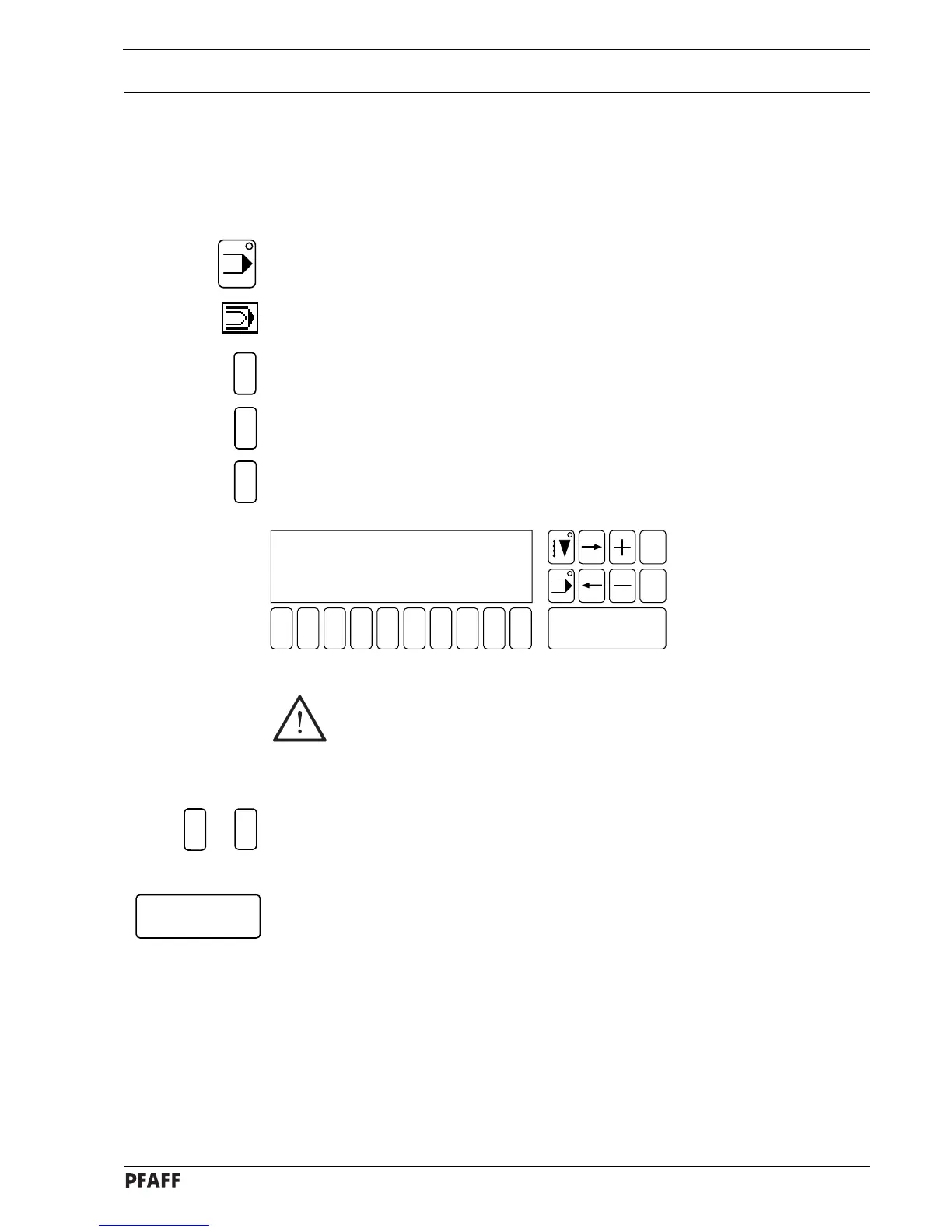
● Select INPUT mode.
● Select the input menu function (number key 0).
● Select the SERVICE function.
● Select the SEWING MOTOR function.
● Select the ADJUST POSITIONS function.
(the current parameter settings are shown in the display.)
1 2
3
4 5 6 7 9 0
Enter
8
Esc
Clear
5
3
2
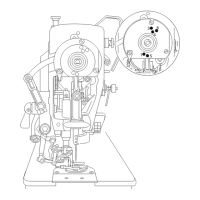
The positions shown in Fig. 13 - 31 comply with the standard settings. If these
parameter settings are altered, an optimum sewing result cannot be
guaranteed.
Adjusting the parameters:
● Select the parameter to be altered with the corresponding number key.
● Change the position by turning the handwheel.
● Confirm the alteration with the Enter key.
5
1
to
Fig. 13 - 31
1 - POSITION DOWN 36
2 - POSITION UP 227
3 - CUTTING MAGNET POSITION 36
4 - TENSION RELEASE POSITION 190
5 - TURN BACK POSITION 190
6 - PLACED-STITCH POSITION 5



 To Next Page