Preparation
9 - 6
9.07 Selecting a language
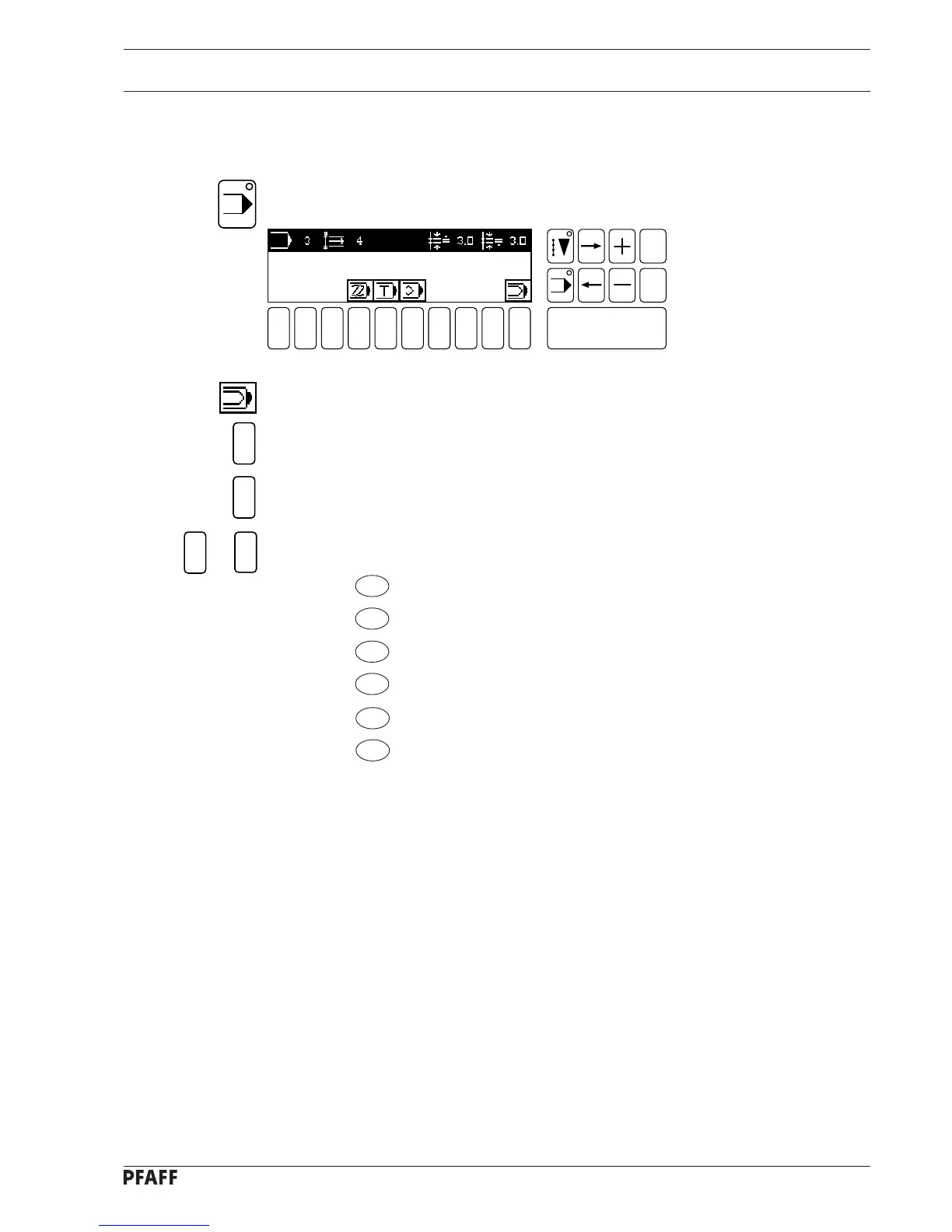
● Turn the machine on.
● Select INPUT mode.
Fig. 9 - 08
1
3
6
1
● Select the function input menu with number key 0.
● Select the function SWITCH FUNCTIONS with number key 1.
● Select the function LANGUAGES with number key 3.
● Select the desired language with the number keys:
1=D
2=GB
3= F
4= I
5= E
6= P
●The language is taken on immediately once the corresponding number has been entered.
1 2
3
4 5 6 7 9 0
Enter
8
Esc
Clear
to



 To Next Page