Programming
11 - 21
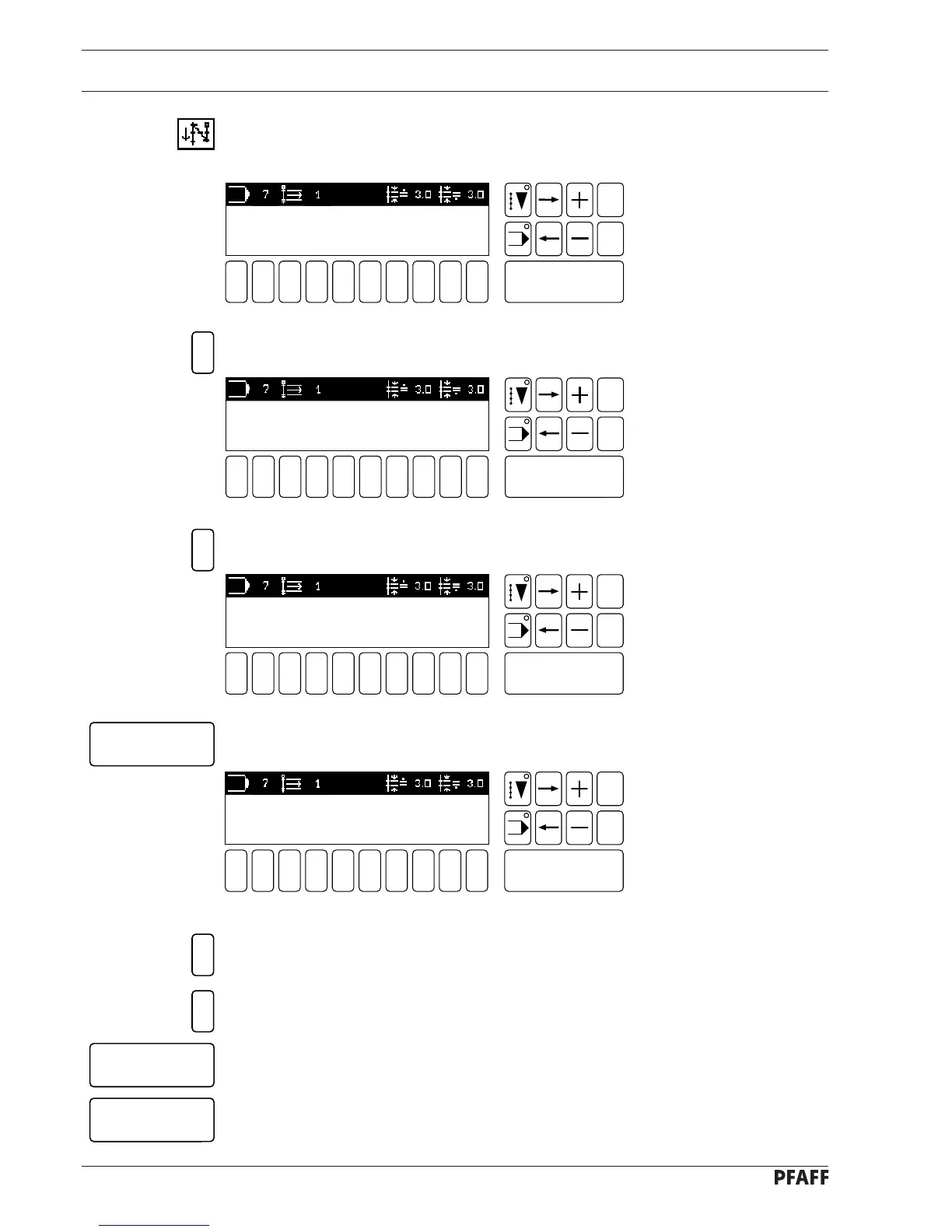
● Double click (press twice in rapid succession) on the function double start-bartack to
open the start bartack menu for double bartacks (number key 1).
1 2
3
4 5 6 7 9 0
Enter
8
Esc
Clear
Fig. 11 - 32
1 - START BARTACK PEDAL-DEPENDENT [ OFF ]
2 - SPEED 1500
3 - STITCHES FORWARDS 03
4 - STITCHES REVERSE 03
3
1 2
3
4 5 6 7 9 0
Enter
8
Esc
Clear
Fig. 11 - 33
STITCHES FORWARDS: 3 STITCHES
[ PERMISSIBLE: 1 - 15 ]
● Enter the number of stitches.
1 2
3
4 5 6 7 9 0
Enter
8
Esc
Clear
Fig. 11 - 34
STITCHES FORWARDS: 2 STITCHES
[ PERMISSIBLE: 1 - 15 ]
2
● Confirm this input with the Enter key.
Enter
1 2
3
4 5 6 7 9 0
Enter
8
Esc
Clear
Fig. 11 - 32
1 - START BARTACK PEDAL-DEPENDENT [ OFF ]
2 - SPEED 1500
3 - STITCHES FORWARDS 02
4 - STITCHES REVERSE 03
● Select the function STITCHES REVERSE.
● Enter the number of stitches.
● Confirm this input with the Enter key (Display Fig. 11 - 32 appears).
● Close the input in the bartack menu with the Enter key (Display Fig. 11 - 31 appears).
4
2
Enter
Enter
● Select the function STITCHES FORWARDS.



 To Next Page