5
Introduction
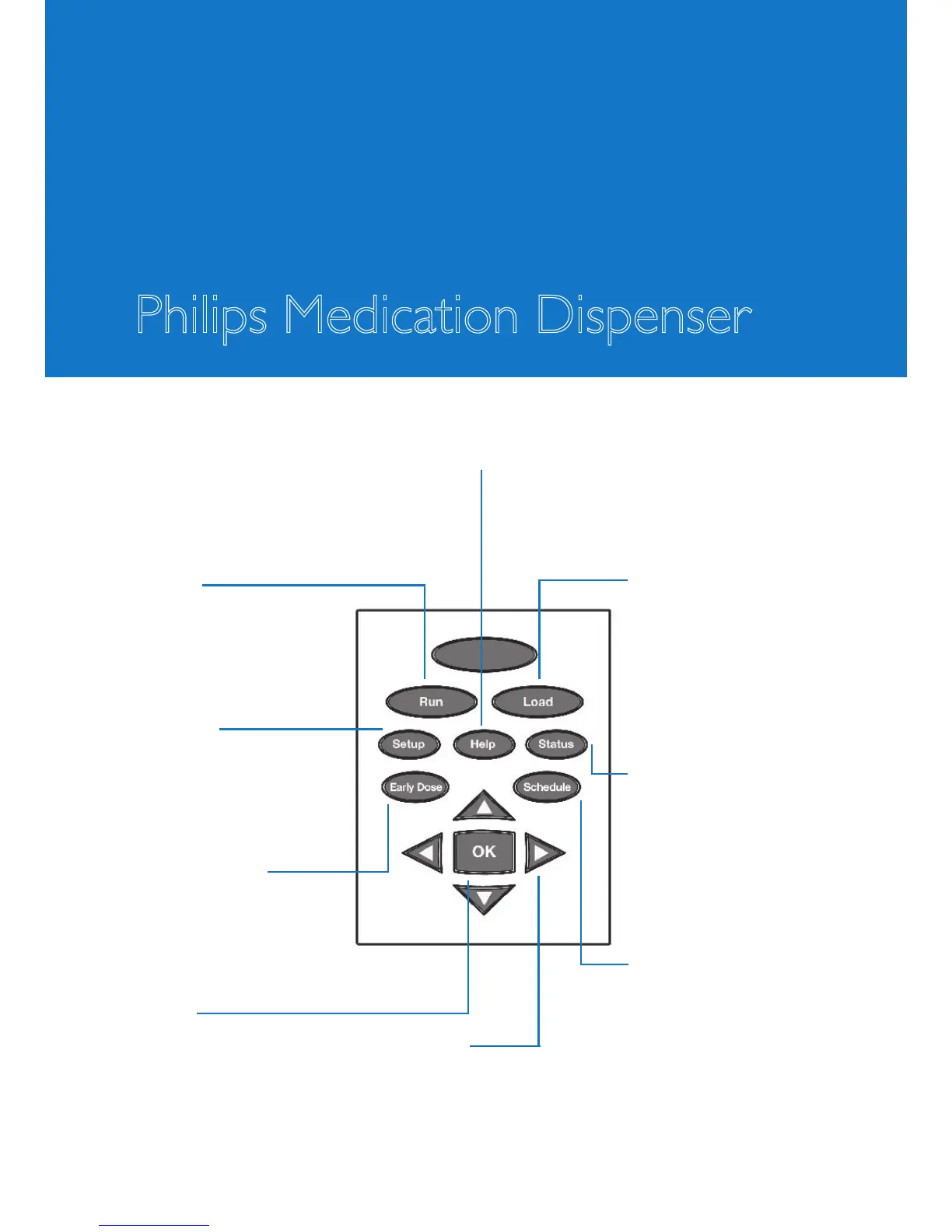
Keypad
Philips Medication Dispenser
Run
Press “Run” to resume
normal operation after
you have used other
keypad features.
Setup
Press “Setup” to
adjust the time, display
brightness or speaker
volume.
Early Dose
Press “Early Dose” to
take medicine out of
the dispenser ahead of
schedule.
OK
Press “OK” to accept
or to enter a current
selection.
Arrow keys
Use the arrow keys to select
options as presented on the
display. The selected option
will blink.
Help
Press “Help” to access information about
the dispenser or to unload medication cups.
Load
Press “Load” to load
medication. Also, press
“Load” to review or
change medication that
has already been loaded
into the dispenser.
Status
Press “Status” to get
information about missed
doses, the amount of
medication remaining
in the dispenser or the
battery status.
Schedule
Press “Schedule” to start
the automatic scheduling
procedure.



 To Next Page