46
For assistance, call the Support Center at 1-888-632-3261.
Resetting the Philips Medication Dispenser
The Philips Medication Dispenser may have to be reset in order to clear an error or other
problem. To reset the dispenser:
1. Slidethepowerswitchonthebackofthedispensertothe“Off”position.
2. Wait10seconds.
3. Slidethepowerswitchtothe“On”position.
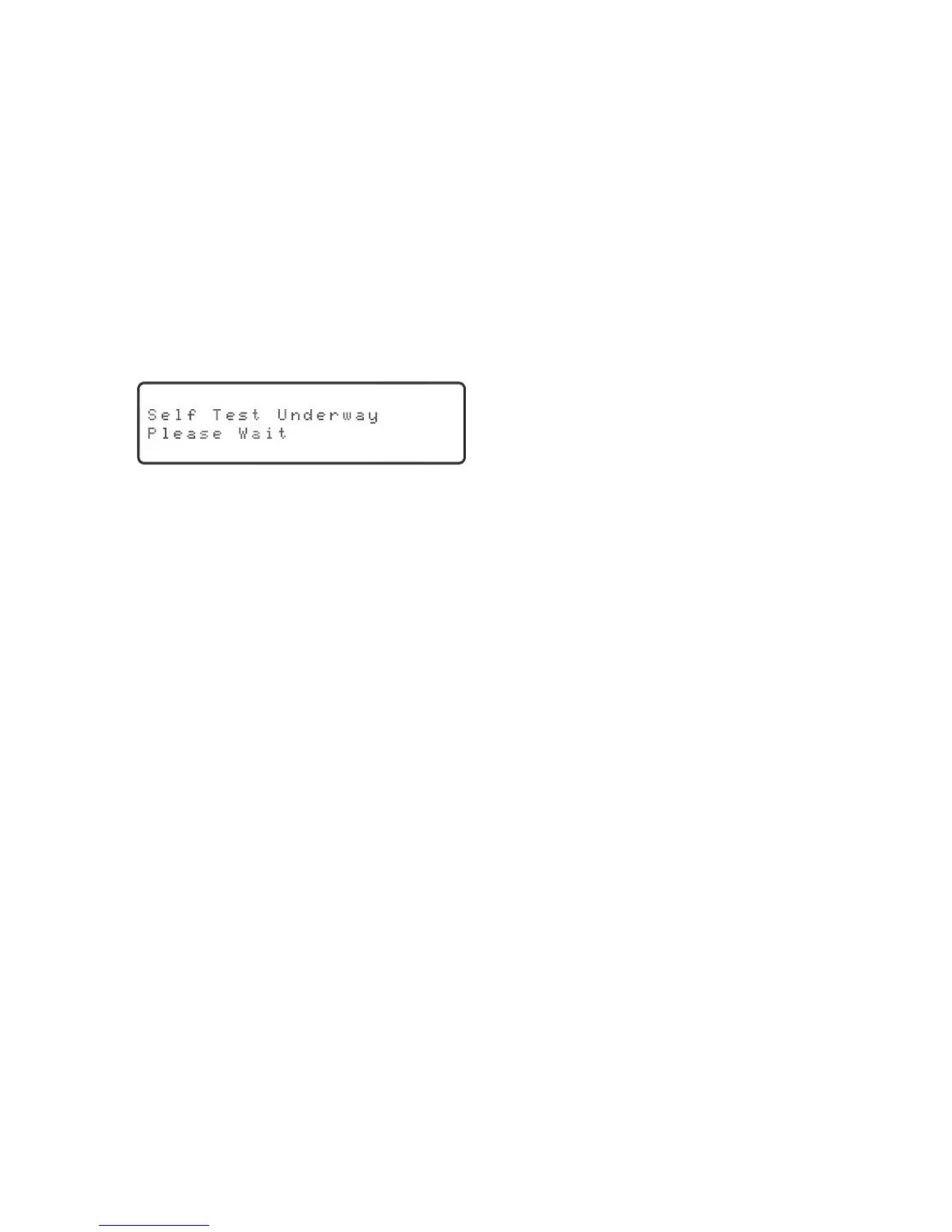
4. Thedispenserwillconductaself-test.Thedisplaywillshow:
After a few seconds, the red LED will light up and “System OK, ready for setup” will be
announced and displayed.
After the Philips Medication Dispenser is reset, the medication and message delivery
schedule must be reprogrammed, and the medication cups must be removed and
reloaded.
Please call the Support Center for assistance.



 To Next Page