20
For assistance, call the Support Center at 1-888-632-3261.
Press the right or left arrow key until “Review” is blinking and then press the “OK” key.
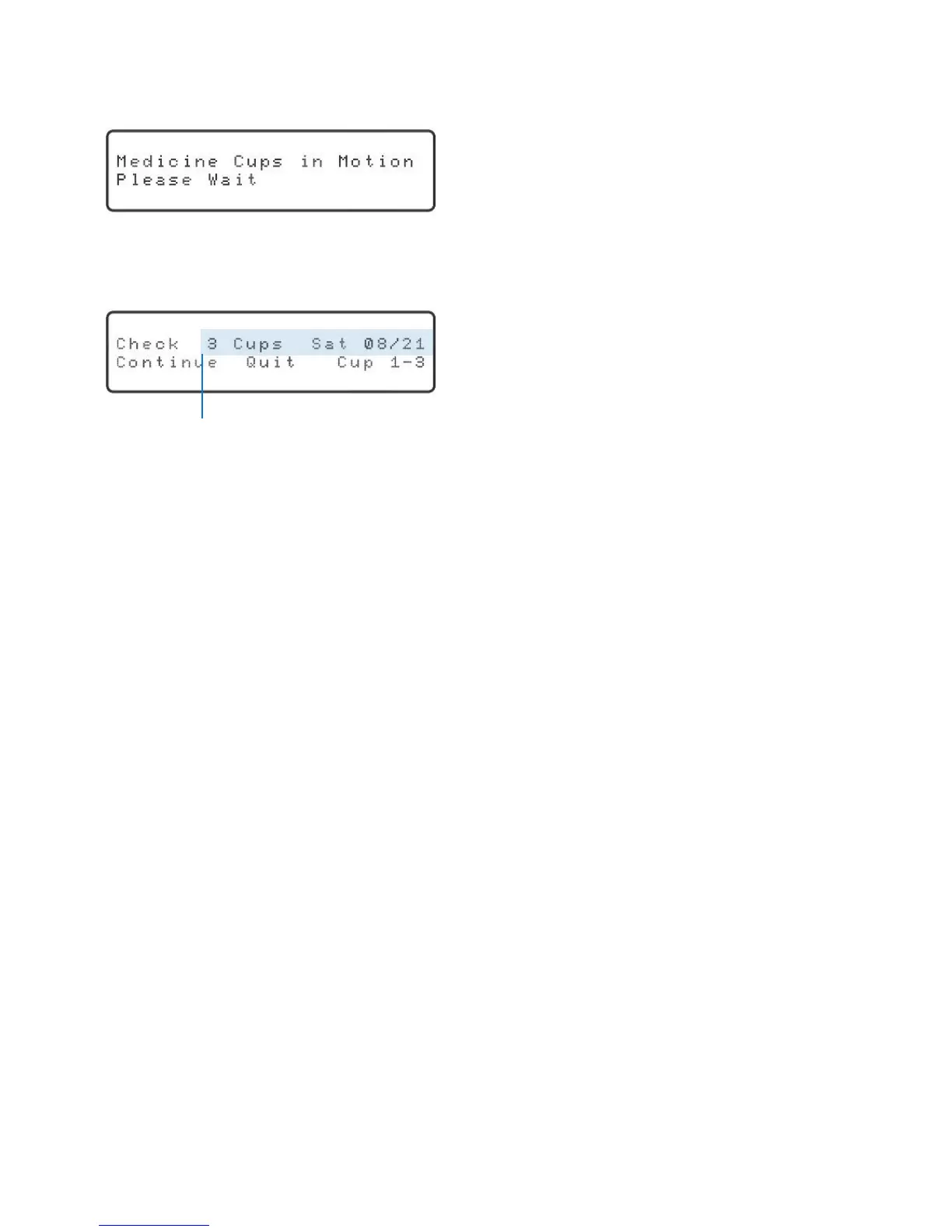
Youwillhearandseethecylindersbeingrotated,andthedisplaywillshow:
It can take up to two minutes for the dispenser to correctly position the cylinders.
Once complete, the display will show:
“Continue” will be blinking.
The cups will be visible in the cylinder. Remove the cups from the dispenser and place
them in the corresponding holes on the loading tray.
Adjust the medication accordingly, replace the lids and return the medication cups to
the dispenser. Make sure to load the cups upside down in the order that they are to
betaken.Inotherwords,the1stdoseofthedayisloadedrst,the2nddoseisloaded
second, etc.
To continue reviewing and adjusting medication for the next day, press the “OK” key.
The cylinders will move to show the medication cups for the next day.
When you are done, press the right or left arrow key until “Quit” is blinking and then
press the “OK” key.
Frequently Asked Questions
What do I do if only the schedule (dose times) has changed?
Call the Support Center to update the schedule. They will take care of downloading
the new schedule into the Philips Medication Dispenser.
What feature should I use if the schedule is the same but the medications have
changed?
Use the “Review” feature. See page 19 for instructions.
What feature should I use if both the schedule and a few medications have changed?
Call the Support Center for assistance.
Date and number of cups loaded for that date



 To Next Page