19
Changing Medication
Changing Medication and
Delivery Schedule
Guidelines
Occasionally, you may have to change the delivery schedule or the medication that has
been loaded into the dispenser. Follow the guidelines below to determine the best way
to make changes.
If you are unsure about how to change medications, please call our Support Team and
we will walk you through the process.
• Ifthedeliveryscheduleisthesamebutthemedicationhaschanged,usethe
“Review” feature to remove the medication cups manually, adjust the medication
and return the cups to dispenser.
• Ifthedeliveryschedulehaschanged,pleasecalltheSupportTeamforassistance.
• Ifboththemedicationanddeliveryschedulehavechanged,pleasecalltheSupport
Team for assistance.
Review Feature
Use this when the schedule is the same but the medication has changed.
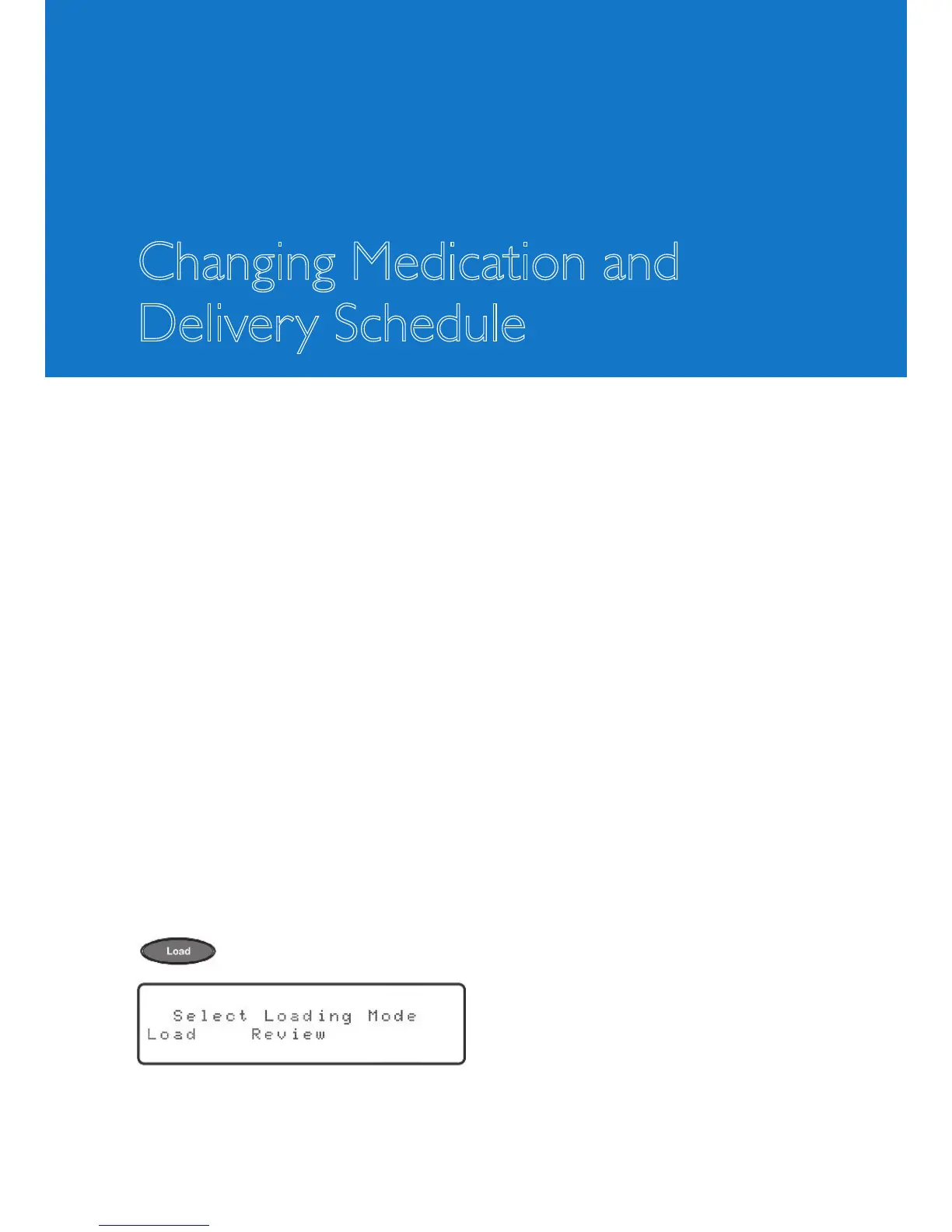
To review and adjust the medication that has been loaded into the dispenser, press the
key. The display will show:
“Load” will be blinking.



 To Next Page