16
For assistance, call the Support Center at 1-888-632-3261.
Normal Operation
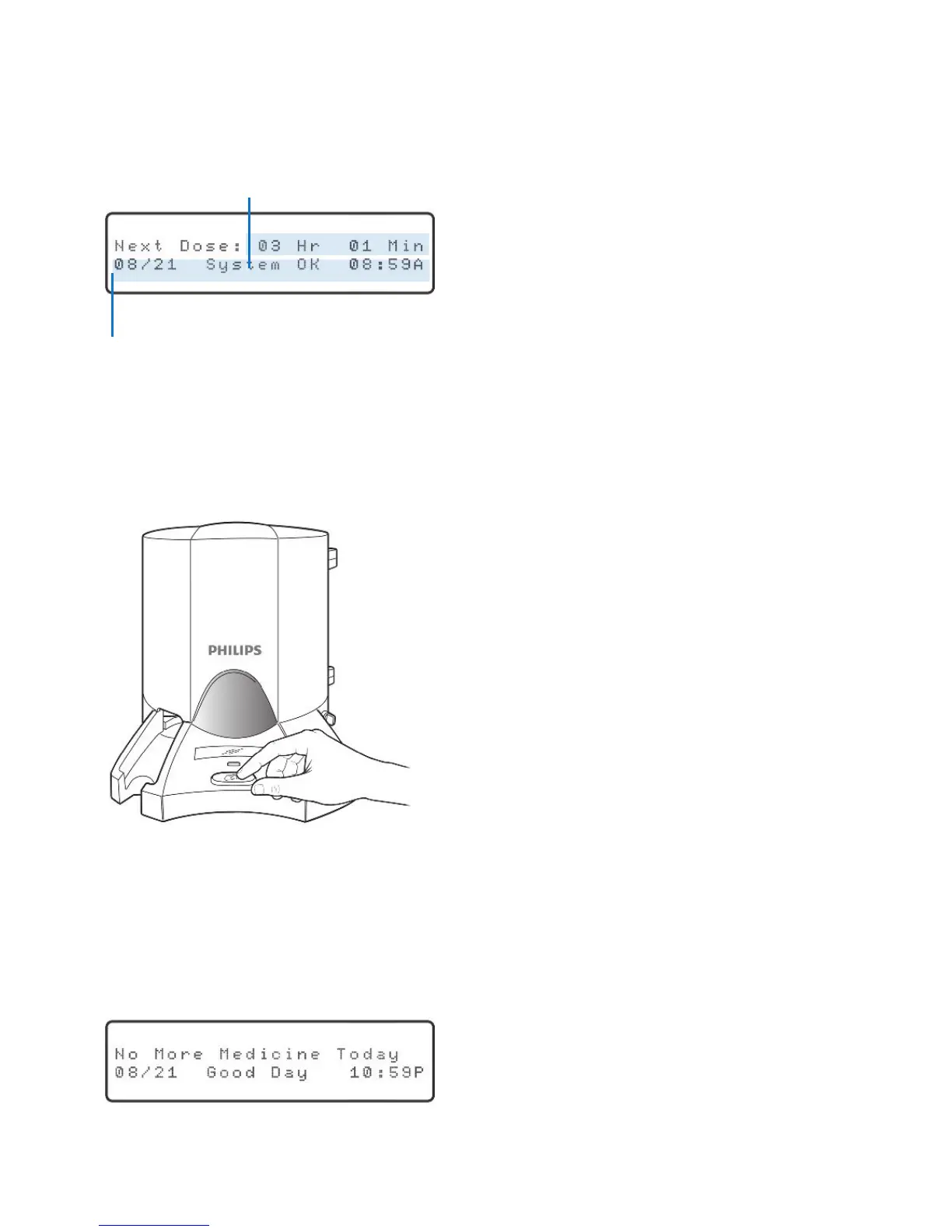
During normal operation, the Philips Medication Dispenser will provide information
about the next scheduled dose. The next dose can be either a cup of medicine or a
reminder message. The display will show:
NOTE: If you do not see a similar display in between dose times, press the “Run” key.
At the scheduled time, the dispenser will announce and display the appropriate
message, and the red light on the front of the dispenser will start to blink. Press the
large red button on the front of the dispenser to acknowledge the message.
If the message is “Time to take your medicine,” the medication cup will be dispensed.
If there is a message associated with this dose (e.g., “Take with food”), the message
will also be announced. Remove the cup of medicine. Take the medication as
instructed and discard the cup.
After the last dose of the day, the display will show:
Amount of time until the next dose
Current date and time
Press the red button to acknowledge
a reminder message or to dispense
medication.



 To Next Page