36
For assistance, call the Support Center at 1-888-632-3261.
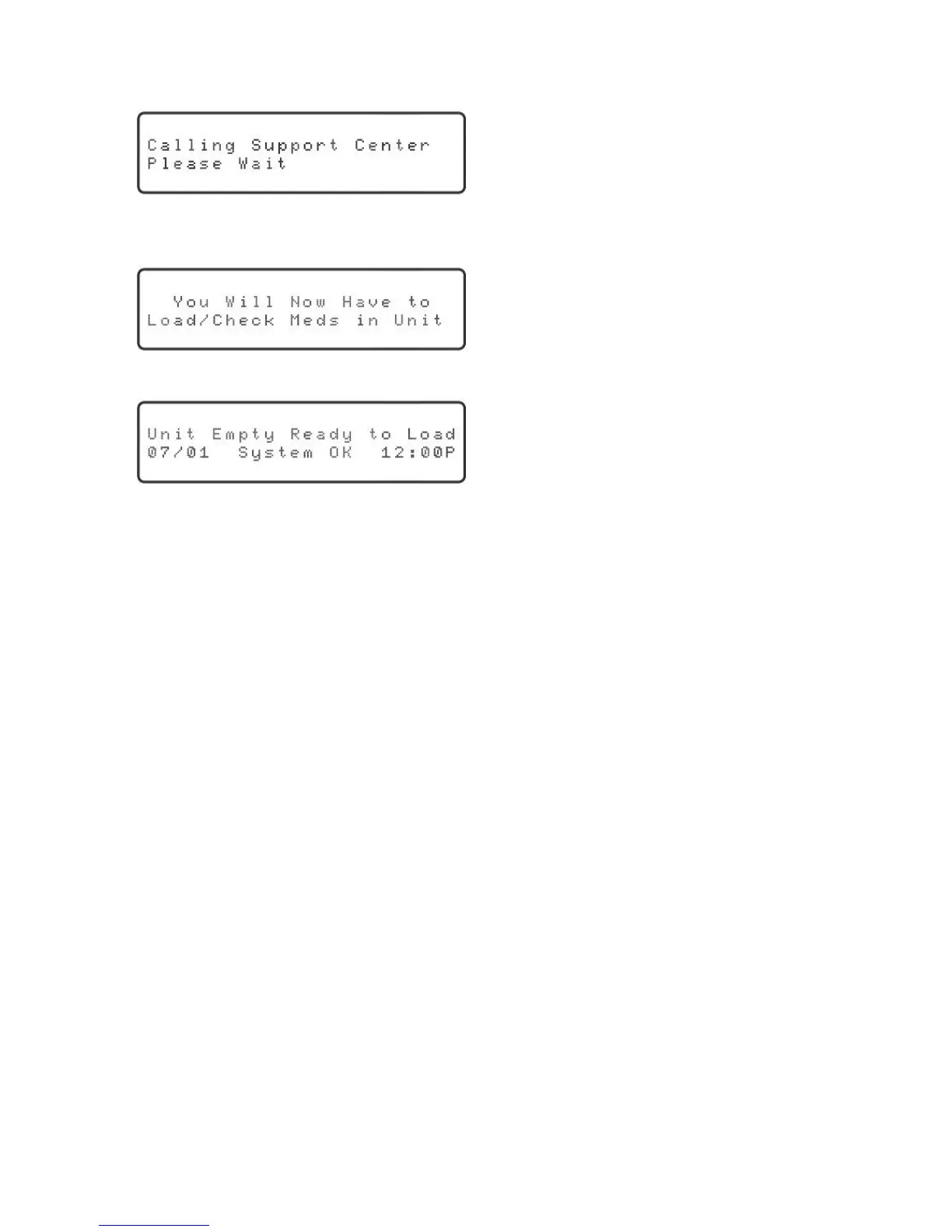
5. Pressthe“OK”keytocontinue.Youwillhearadialtone,followedbydialingtones
andthenamodemtone(justlikeafaxmachine).Thedisplaywillshow:
Ifthisisthersttimethatthedispenserisbeingprogrammed,thedisplaywillshowfor
approximately three seconds:
Then, the display will show:
NOTE: This is an example. The correct date and time should be displayed. If they are
not, please call the Support Center for assistance.
Congratulations! The setup and scheduling is complete. Medications should now be
prepared and loaded into the Philips Medication Dispenser. Please refer to page 9 for
further instructions.
Frequently Asked Questions
Will the dispenser work with voicemail?
Yes.However,themonitoringservicemaybeinterruptediftherearemessagesinthe
mailbox. Voicemail messages should be cleared daily.
Will the dispenser work if I have an 800# block on my phone?
The Philips Medication Dispenser will not be able to dial into the Support Center if
thereisan800#blockonthephoneline.Youwillhavetodisabletheblockorallow
access to the Support Center’s toll-free number.
Does the dispenser have separate jacks for “phone in” and “phone out”?
No.Youcanplugyourtelephoneintoeitherphonejackonthebackofthedispenser.
What do I do if my phone connection doesn’t work and I can’t download the schedule?
Call the Support Center. A Support Specialist will help you manually load the schedule.
Please refer to page 40 for further instructions.



 To Next Page