12
For assistance, call the Support Center at 1-888-632-3261.
Helpful Hint: Use a permanent marker to write the day and
time for each dose on the lid of the cup. This is helpful if cups
are unloaded to make medication changes or if you dispense
doses early.
The medication cups can now be loaded into the dispenser. After a week’s worth of
medication has been loaded, repeat the process above to prepare medication cups for
the remaining days or weeks.
Loading Medication
• Accuracyinloadingthedispenseriscritical.Double-checkeachcuppriortoloading,
and follow the loading instructions announced and displayed on the dispenser.
• Alwaysloadacompleteday’sworthofmedicationEXCEPTwhenloadingthe
dispenserforthersttime.Whenloadingforthersttime,youwillbeinstructed
to load only the medications remaining for the day.
• Loadcupsupsidedownintheorderthattheyaretobetaken.Inotherwords,the
1stdoseofthedayisloadedrst,the2nddoseisloadedsecond,etc.
1. Turnthekeyclockwisetoopenthedoor.
2. Pressthe
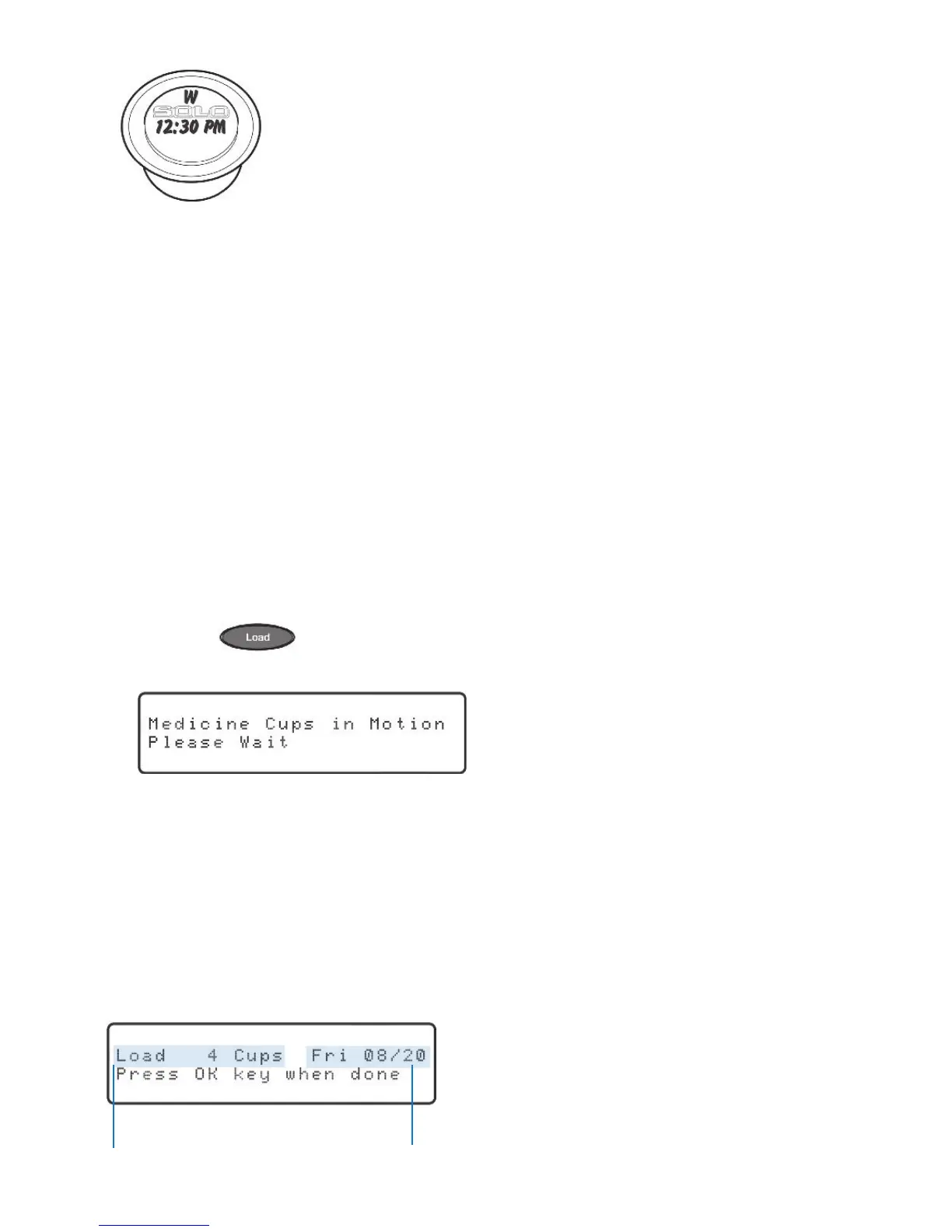
key. Youwillhearandseethecylindersbeingrotated,and
thedisplaywillshow:
3. Itcantakeuptotwominutesforthedispensertocorrectlypositionthe
cylinders.Oncecomplete,“Pleaseload‘x’medicinecups”willbeannounced.
NOTE: If you do not have medication to load, do not press the “OK” key. Instead,
press the “Run” key to exit.
Youwillbeaskedtoloadtheappropriatenumberofcupsforthedatedisplayed.
Remember,ifthisisyourrsttimeloading,youwillbeaskedtoloadonlytheremaining
medicationfortherstday.
The day for which you
are loading medication
Number of medication
cups to load
“OK” will be blinking.



 To Next Page