27
Additional Features
Adjusting Settings
The following settings can be adjusted to suit individual needs:
• Time
• Volume
• Brightnessofthedisplay(LCD)
Time
If the dispenser is connected to a phone line, call the Support Center to adjust the date
and time of the dispenser. If the dispenser is NOT connected to a phone line, refer to
the instructions on page 39 to set the date and time.
Volume
If the dispenser is connected to a phone line, call the Support Center to adjust the
volume of the dispenser. If the dispenser is NOT connected to a phone line, refer to
the instructions on page 39 to adjust the volume.
Brightness (LCD)
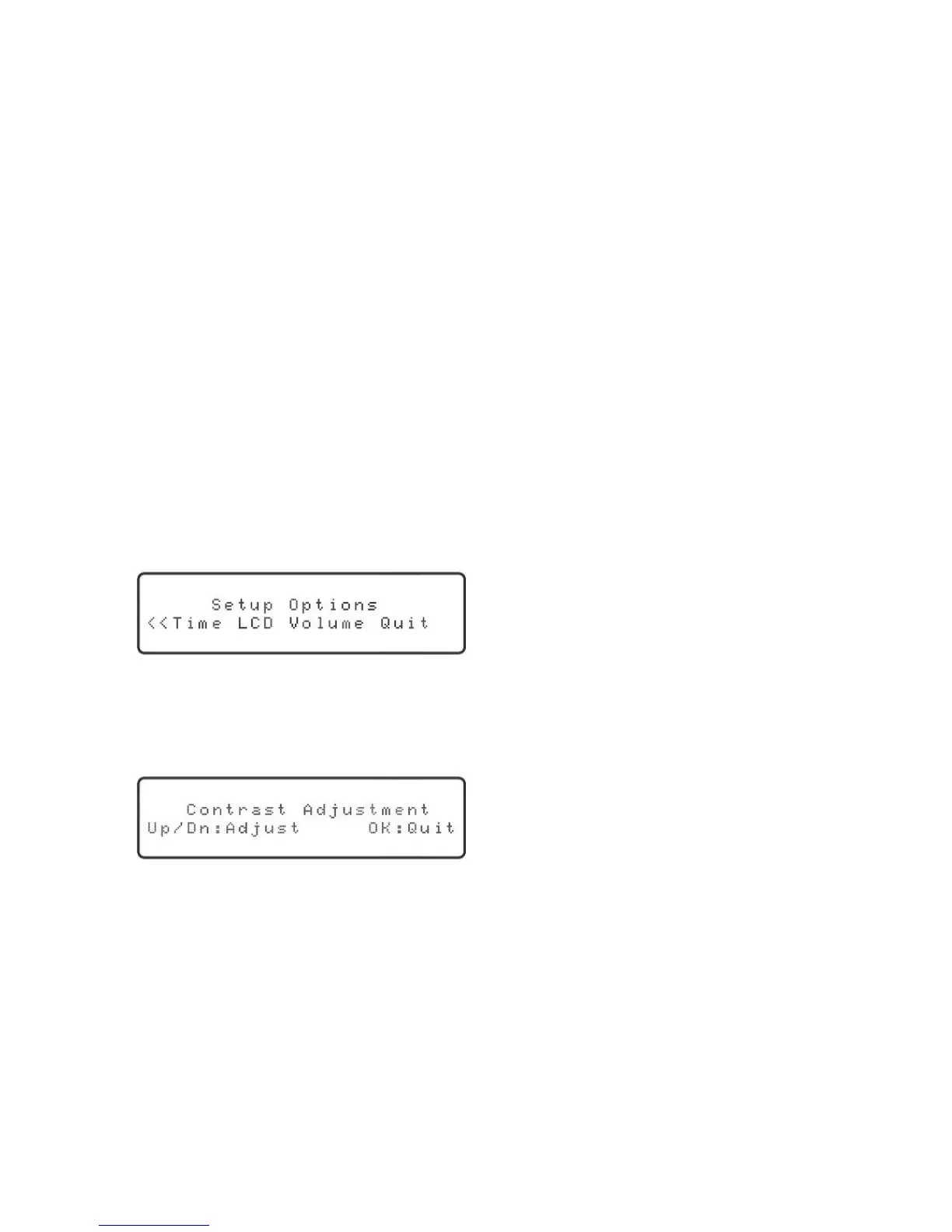
Press the “Setup” key. The display will show:
Press the right or left arrow key until “LCD” is blinking and then press the “OK” key.
The display will show:
Press the up or down arrow key to increase or decrease the brightness. When you are
done, press the “OK” key.
Use the right or left arrow key to select “Quit” and then press the “OK” key.



 To Next Page